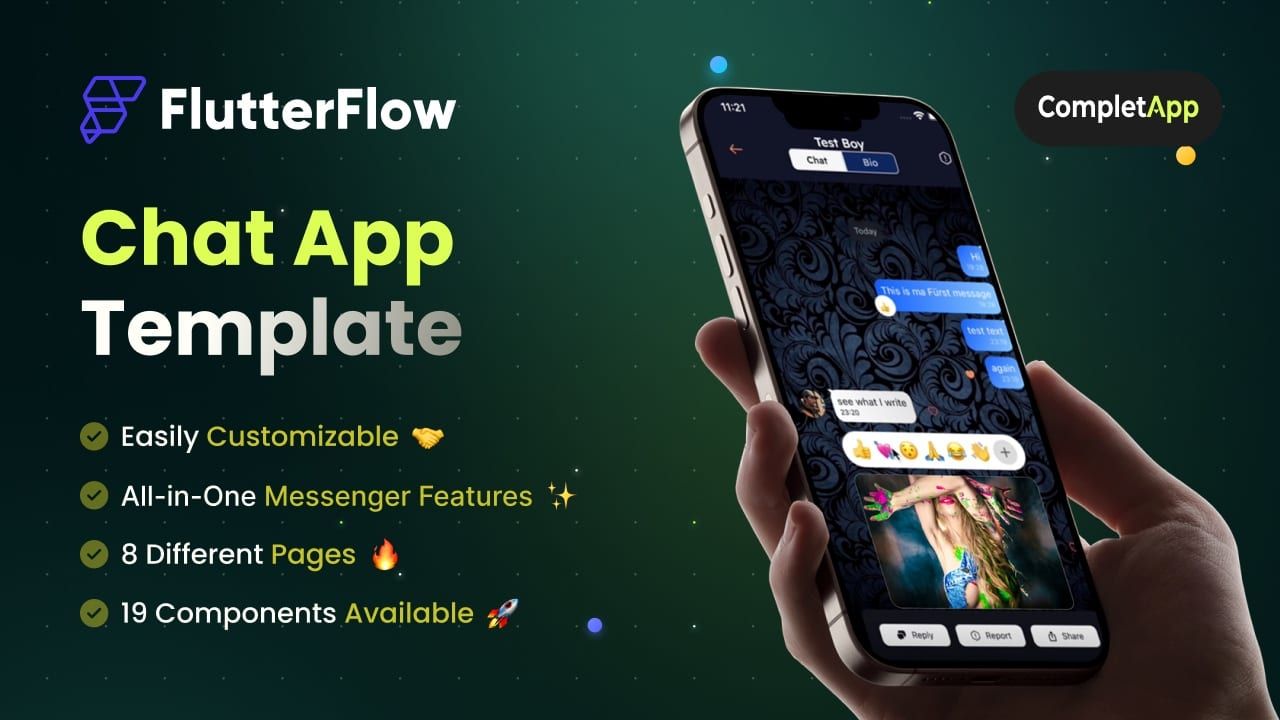
$99
Custom Chat App Template
A complete, ready-to-use realtime chat for FlutterFlow: one-to-one messaging, media, and a clean, customizable UI.
Chat Realtime Firebase
Get template Ready-to-use templates, widgets, and custom code to fast-track your FlutterFlow build.
These are existing FlutterFlow resources from our no-code chapter. Our core studio work is now full-code.
A complete, ready-to-use realtime chat for FlutterFlow: one-to-one messaging, media, and a clean, customizable UI.
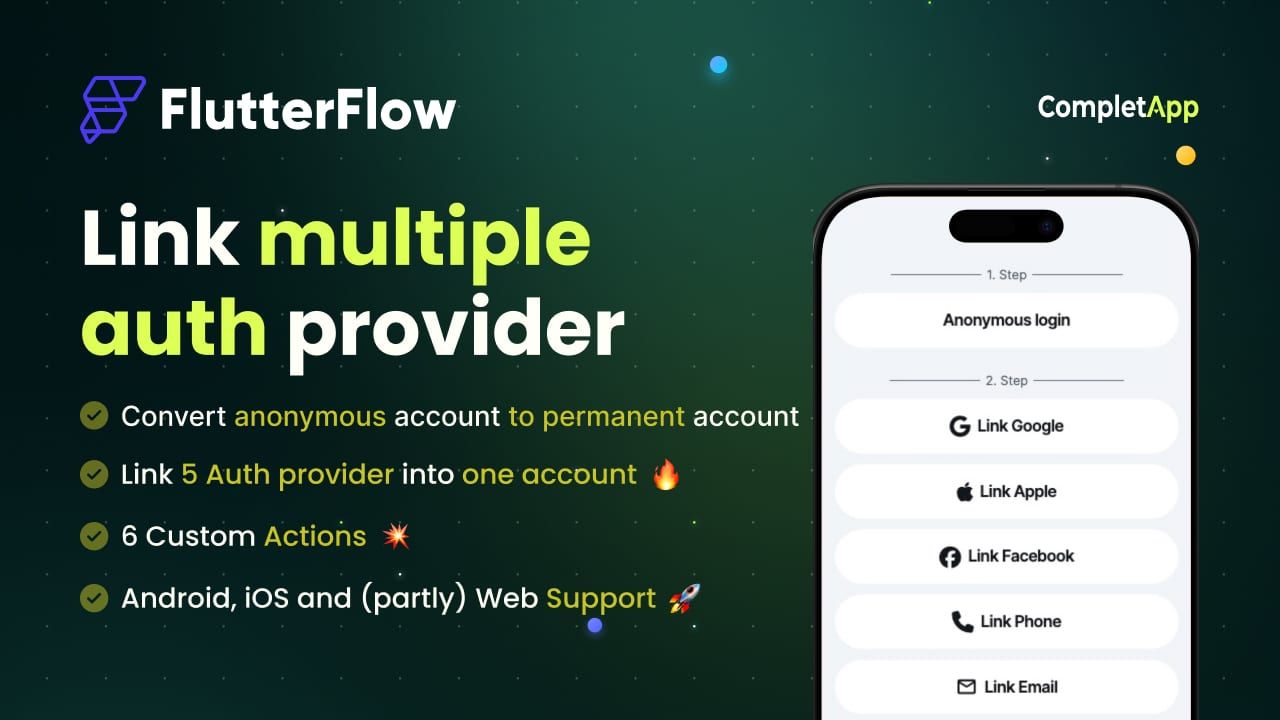
Let users link Google, Apple, and email to a single account, with a clean flow and the edge cases handled.
A simple, reliable way to play looping background audio across your FlutterFlow app. Free to grab.
Add a polished, animated typewriter text effect to any screen, fully configurable in FlutterFlow.
Track user activity and presence so you can show online status, last seen, and drive engagement features.
Each one is a working FlutterFlow project or custom code block that we built for a real product and then cleaned up for reuse. Not a starter skeleton and not a UI kit: the screens are wired to a backend, the states are handled, and the parts that usually take a weekend to debug are already done.
They exist because we kept rebuilding the same things. A chat that handles media and read states. Auth that lets someone sign in with Google today and add Apple later without orphaning the account. Background audio that survives a locked screen. Every one of these is a day or three of work the first time you meet it, and about ten minutes with a template.
FlutterFlow builders who want to skip a solved problem and get back to the part of the product that is actually theirs. If you are validating an idea, shipping a client build on a deadline, or learning by reading working code, these will save you time. If you need something custom instead, we build full-code products too.
Importable into FlutterFlow, or drop-in custom code where that is the right shape. No stripped demo version.
What to configure, which Firebase rules matter, and the settings that are easy to miss on the first run.
Use it in client work and commercial products. Restyle it, extend it, or pull out only the piece you needed.