Turning an App Idea Into Reality
Most failed apps were not badly coded.
They were badly decided.
The founders who struggle with custom mobile app development rarely lose because their developer picked the wrong state management library. They lose because they never defined what “done” meant, never validated whether anyone wanted the thing, or discovered three weeks before launch that Apple would reject their subscription flow.
Which means the most valuable knowledge for a nontechnical decision-maker is not technical. It is decision-making: what to build first, what to deliberately leave out, how architecture choices lock in your costs for years, and what you should own when the engagement ends.
This guide walks the full mobile app lifecycle from that angle. You will get a build-to-launch framework covering validation and product discovery, requirements and feature prioritization, MVP development scoping, the native versus cross-platform framework decision, mobile app architecture and backend fundamentals, testing layers, security, accessibility, store compliance, and post-launch ownership.
Cost and timeline ranges appear too, but tied to the specific variables that move them.
A flat “apps cost $50,000 to $150,000” tells you nothing.
What drives a project from the bottom of that range to the top is knowable, and understanding it is how you negotiate scope intelligently instead of guessing.
The goal is not to make you technical. It is to make you hard to mislead.
What Makes an App Truly Custom
Two apps can look identical on the App Store and be completely different products underneath. One has a bespoke data model and business logic written for a specific operation.
The other is a template with a new logo and color palette.
Custom mobile app development means the codebase, data model, and user experience are designed around your specific business logic rather than assembled from prefabricated components. The distinction matters most twelve months after launch, when you need to change something the template never anticipated.
Custom Apps vs Builders
No-code and low-code platforms have improved dramatically. FlutterFlow, Bubble, Adalo, and Glide can produce working apps in days, and for a narrow class of products they are the correct choice.
The problem is “shallow custom”: a rebranded template sold as a bespoke build.
It looks fine in a demo.
Then you ask for a second user role, or offline sync, or a report that joins three data sources, and the whole thing has to be rewritten.
Signals you are looking at shallow custom rather than a real product build:
- No visible data model. If nobody can show you an entity diagram or explain how records relate to each other, there probably is not a considered database design behind the screens.
- The backend is a black box. Real builds have documented endpoints, an authentication and authorization model, and a defined cloud backend. Template builds often have “the platform handles it.”
- No source code delivery. If the app cannot exist outside the vendor’s platform account, you are renting, not owning.
- Cosmetic customization only. Colors, fonts, and logo swapped; navigation structure and flows identical to the platform’s demo app.
- Vague answers about scale. Ask what happens at 50,000 users or 2 million records. Genuine builds have an answer, even if the answer is “we would migrate this piece.”
Builders trade long-term flexibility for short-term speed.
That is a legitimate trade, just not a free one.
Vendor lock-in, per-seat platform fees that scale with your success, performance ceilings on data-heavy screens, and occasional friction with App Store reviewers over apps that feel like repackaged web content are all real costs.
When to Build Custom
Go custom when at least two of these describe your product:
- Complex user roles and permissions. Admin, manager, field worker, and customer each seeing different data with different write privileges is where template permission systems break first.
- Offline-first requirements. If users work in warehouses, on job sites, on aircraft, or in rural areas, offline-first functionality with conflict resolution is architecture, not a feature toggle.
- Unusual integrations. Legacy ERP systems, hardware over Bluetooth, medical devices, proprietary APIs, or anything without an off-the-shelf connector.
- Custom monetization. Usage-based billing, marketplace splits, tiered entitlements across web and mobile, or hybrid subscription models rarely fit builder templates.
- Regulated or sensitive data. Health, financial, or biometric data brings compliance obligations that require control over storage, encryption, and audit logging.
- You have outgrown a prototype. A no-code version that found traction is the best possible reason to build custom. You now know exactly what to build.
The reverse is also true.
A simple content app, an internal form-collection tool, or an event companion app with 400 users may never justify a custom codebase.
Choosing the cheaper path when it genuinely fits is not a compromise, it is good judgment.
From Idea to a Real MVP
The most expensive line item in app development is not engineering hours.
It is building the wrong thing well.
Validate Before You Build
Validation should cost hundreds, not tens of thousands. Four methods do most of the work, and none of them require production code.
Landing page tests put a description of your product in front of the intended audience and measure whether they act.
A page, a clear value proposition, an email capture, and $300 of targeted ads gives you a signup rate.
Below 3 percent from a well-targeted audience, your positioning or the problem itself needs rethinking.
Clickable prototypes built in Figma let people tap through real screens.
Watch where they hesitate.
Watch what they tap that is not tappable.
A prototype test with eight users surfaces roughly 80 percent of major usability problems, which is the classic finding from usability research and holds up remarkably well in practice.
Structured customer interviews beat casual conversations.
Ask what people did last time they faced the problem, not what they would do with your app.
Past behavior is evidence.
Predicted behavior is politeness.
Concierge MVPs deliver the outcome manually before automating it.
If your app matches tutors to students, match ten pairs by hand over WhatsApp.
You will learn the actual matching logic, which becomes your specification.
Writing the Requirements Document
A requirements document is not bureaucracy.
It is the artifact that makes fixed-price quoting possible and prevents the slow scope drift that turns a three-month project into eight.
It should contain:
- Problem statement. Two paragraphs on who suffers what, how often, and what they currently do instead.
- Target users and roles. Each distinct role with its permissions, because every additional role multiplies screens, tests, and edge cases.
- Prioritized feature list using must / should / could. Anything not in “must” is not in version one.
- User stories with acceptance criteria. “As a driver, I can mark a delivery complete offline” plus explicit acceptance criteria: what happens with no signal, what the user sees, when sync occurs.
- Non-functional requirements. Target devices, minimum OS versions, expected concurrent users, cold start time, data residency, uptime expectations.
- Success metrics. What number tells you this worked, measured how, by when.
Vague requirements do not save time. They move the cost of thinking from planning into rework, where it multiplies.
Defining a True MVP
The common mistake: treating an MVP as the full app with fewer features. That produces something that does everything a bit worse, teaches you nothing specific, and still takes four months.
A real MVP is the smallest testable version of one core value loop. Identify the single sequence where a user gets the thing they came for, build that sequence properly, and cut everything adjacent to it.
For a fitness app, the loop might be: open app, see today’s workout, complete it, see progress update.
That is it.
No social feed, no nutrition tracking, no wearable sync.
Features worth deliberately excluding from version one, and why:
- Social login. Email and password takes hours. Apple, Google, and Facebook sign-in each add SDKs, review requirements, and edge cases for a marginal conversion gain at low volume.
- Admin dashboards. With 200 users, you can administer through a database console or a simple internal tool. A polished admin panel is often 20 to 30 percent of a build.
- Advanced analytics screens. Instrument analytics event tracking from day one, but do not build in-app charts for users until someone asks twice.
- Multi-language support. Localization touches every string, every layout, and every test. Add it once you know which market responds.
- Elaborate onboarding. Five-screen tutorials often mask unclear interfaces. Fix the interface.
Disciplined scoping is what makes short timelines possible.
CompletApp, for example, builds production-ready MVPs on a fixed-scope, fixed-price basis in roughly four weeks, with weekly clickable previews.
That cadence only works because the exclusions are agreed in writing before anyone opens an editor.
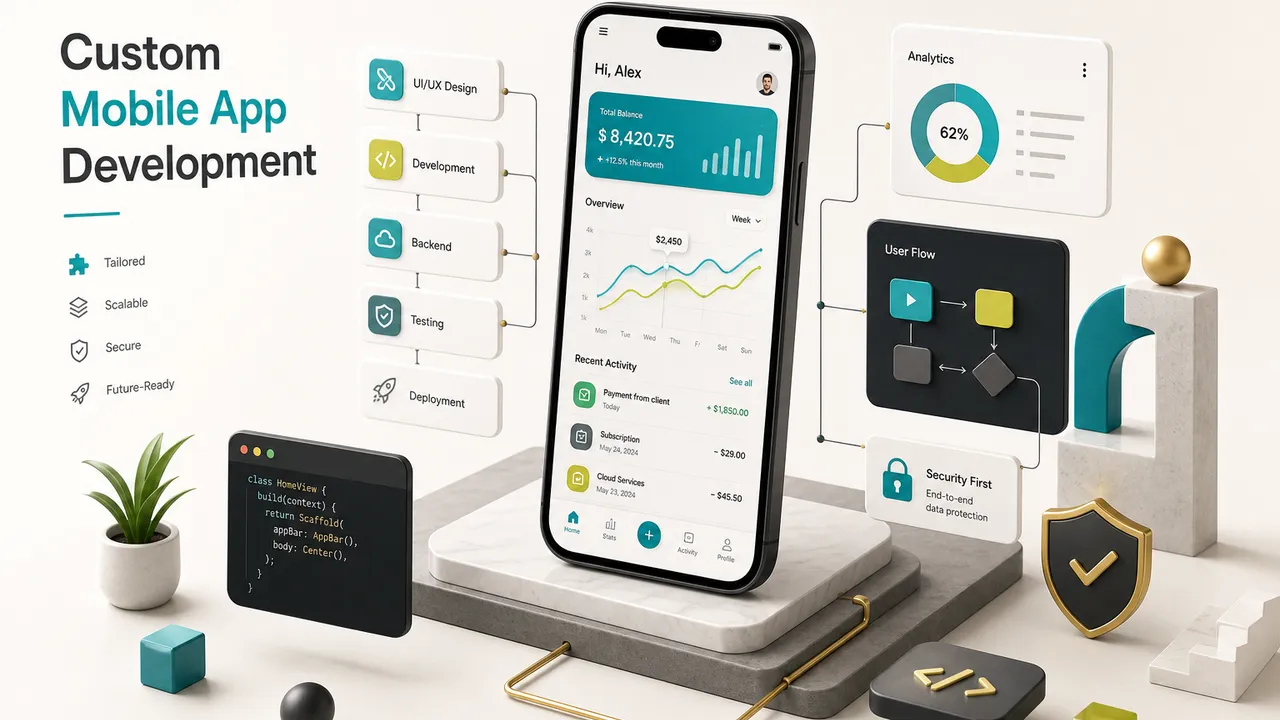
How Custom Apps Get Built
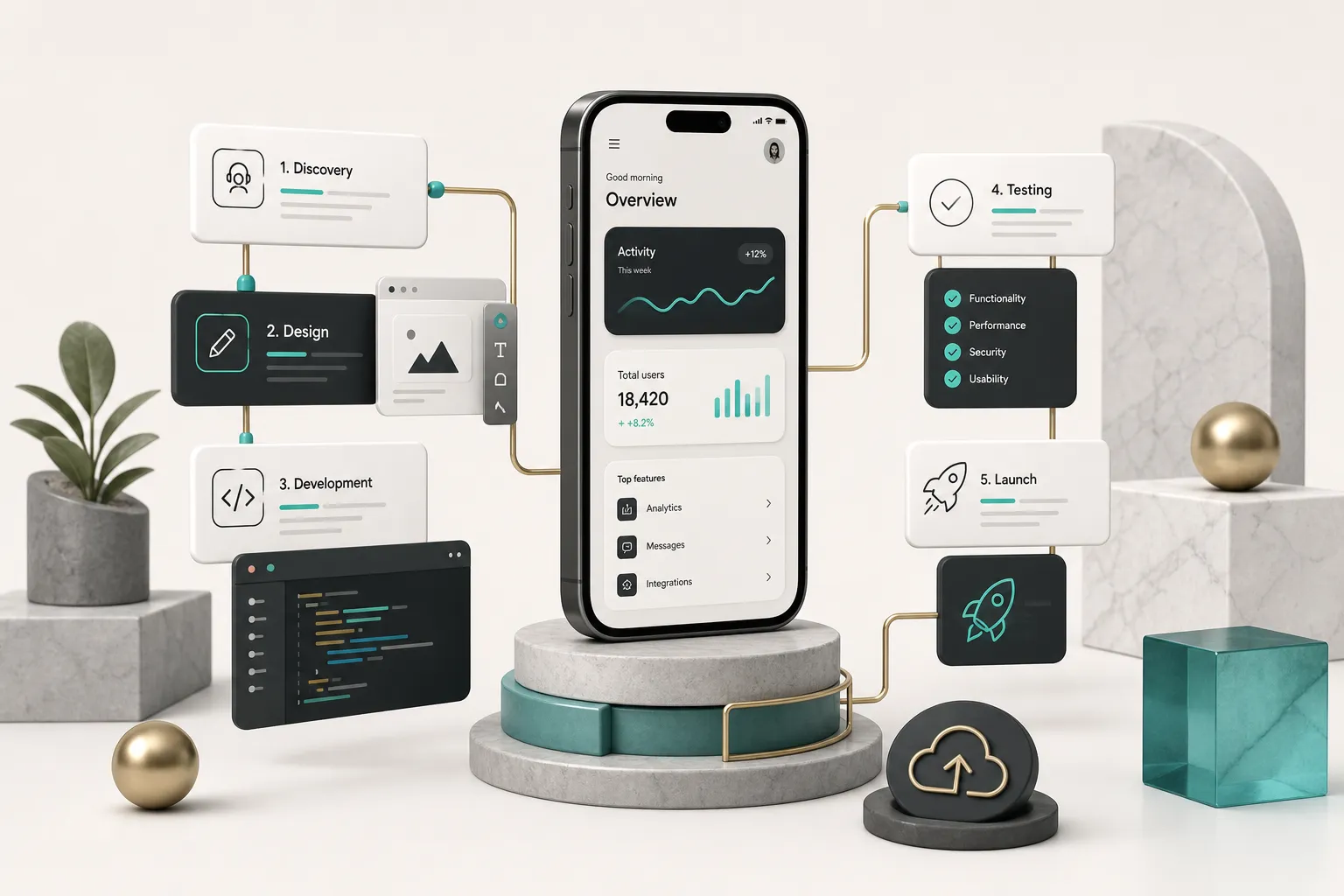
Ask three agencies for their process and you will hear the same five words: discovery, design, development, testing, launch.
The words are useless.
What matters is what physically lands in your inbox at the end of each phase.
Phases and Key Deliverables
Below is what a well-run build produces, with realistic durations for a lean MVP versus a mid-complexity product with multiple roles and integrations.
| Phase | Concrete Deliverables | MVP Duration | Mid-Complexity Duration | What Goes Wrong Without It |
|---|---|---|---|---|
| Product discovery | Product brief, user roles matrix, user flows, prioritized backlog with user stories and acceptance criteria, initial threat model, success metrics | 3 to 5 days | 2 to 4 weeks | Scope expands mid-build; nobody can say whether a request is in or out |
| UI/UX design | Wireframes, design system (colors, type scale, components, states), high-fidelity screens, clickable prototype, motion specs, accessibility annotations | 4 to 7 days | 3 to 5 weeks | Engineers invent interfaces; visual inconsistency; rework after first demo |
| Architecture and setup | Technical architecture document, data model / database design, REST API contract, auth model, environment setup, CI pipeline, repository structure | 2 to 4 days | 1 to 3 weeks | Refactors at 60 percent completion; API changes break the client repeatedly |
| Development | Working builds each week or sprint, code in your repository, backend endpoints, integrations, instrumented analytics events, internal release notes | 2 to 3 weeks | 8 to 16 weeks | No visibility until the end; late discovery of misunderstood requirements |
| QA and testing | Test plan, device/OS coverage matrix, functional test results, performance benchmarks, security review notes, beta testing feedback log | 3 to 5 days (parallel) | 2 to 4 weeks | Crashes in production; one-star reviews in week one that never wash out |
| Launch | Release checklist, store metadata and screenshots, privacy labels, reviewer demo account, signing credentials, monitoring dashboards, handover documentation | 3 to 7 days | 1 to 3 weeks | Rejection loops adding 1 to 3 weeks; no way to diagnose live issues |
Two things about this table.
First, the MVP column assumes ruthless scope discipline and a single decision-maker on the client side, which is the real constraint.
Second, QA is listed as parallel because testing that starts after development finishes is not testing, it is damage assessment.
Native vs Cross-Platform Choices
This debate generates more heat than insight.
The honest answer in 2026: cross-platform is the default for most business apps, and native is the right call for a specific, identifiable minority.
When Cross-Platform Fits Best
A cross-platform framework like Flutter or React Native lets one codebase produce both iOS and Android apps. For teams building CRUD-heavy products, content apps, marketplaces, booking systems, dashboards, and the overwhelming majority of MVPs, this cuts build time and ongoing maintenance by roughly 30 to 40 percent compared to two separate native codebases.
Choose cross-platform when:
- Your app is mostly screens, forms, lists, and API calls. That is 80 percent of business software, and both frameworks handle it at native-quality performance.
- You need feature parity across platforms. One codebase means iOS and Android ship the same features on the same day, permanently.
- Your team is small. Maintaining two codebases with one or two developers guarantees one platform falls behind.
- Budget matters more than the last 5 percent of polish. Flutter renders its own UI, giving pixel-consistent results; React Native maps to platform components and pairs well with existing JavaScript teams.
- You expect rapid iteration. Shipping a change once instead of twice compounds over dozens of releases.
When Native Code Is Justified
Native means native iOS development in Swift and native Android development in Kotlin, written separately. It is the right choice when the app’s core value lives in platform-specific capability.
- Heavy AR or 3D graphics. ARKit, RealityKit, and ARCore work best natively; bridging layers add latency exactly where you cannot afford it.
- Sustained high-performance processing. Real-time video effects, audio DSP, on-device computer vision, or continuous sensor fusion.
- Bleeding-edge OS APIs. New widgets, watch complications, Live Activities, or a freshly announced system framework you need in the first months after release.
- Deep system integration. Advanced background execution, custom keyboards, VPN or network extensions, CarPlay and Android Auto.
- Existing native teams and codebases. If you already employ Swift and Kotlin engineers, adopting Flutter creates an organizational cost that no benchmark captures.
A hybrid path is common and underrated: cross-platform for the app shell and standard screens, with a native module for the one demanding capability. You get single-codebase economics everywhere it matters and native performance where it counts.
Backend, Integrations, and AI
Founders obsess over screens.
The screens are usually 40 percent of the work.
The rest lives on servers you never see.
A typical production app needs the following backend pieces, and each is a real line item:
- API layer. A REST API or GraphQL interface with versioning, pagination, error contracts, and rate limiting. The API contract should be written before the client and server are built, so both sides can work in parallel.
- Authentication and authorization. Managed services like Firebase Auth or Supabase Auth handle sign-up, sessions, token refresh, and password reset. Authorization, meaning who can read and write what, is your business logic and cannot be outsourced to a checkbox.
- Database design. Relational (Postgres via Supabase) suits structured, relational data with reporting needs. Document stores (Firestore) suit flexible schemas and real-time sync. Choosing wrong is survivable; choosing without thinking is expensive.
- Admin tooling. Someone has to moderate content, refund a customer, or fix a bad record. Decide early whether that is a built dashboard, a managed admin tool, or direct database access.
- Push notifications. Services such as OneSignal or Firebase Cloud Messaging plus the logic that decides who gets what and when. Notification strategy is product work, not plumbing.
- Payment gateway integration. Stripe for web and card payments, RevenueCat for in-app subscriptions across App Store and Google Play. Apple and Google take their cut on digital goods and enforce their billing rules strictly, which affects your unit economics and your product design.
- Transactional email. Receipts, password resets, and account notices through a provider like Resend, with templates and deliverability configuration.
Then there is AI, which appears in roughly every pitch deck written since 2023. The useful question is not whether to add AI but which parts of your product should be probabilistic.
AI earns its place in unstructured work: summarizing long text, extracting fields from a photographed document, drafting a first version of something a human edits, semantic search, and natural-language interfaces over structured data. Models like GPT and Claude are genuinely strong here.
Keep deterministic: pricing, billing, permissions, compliance decisions, data mutations, and anything a user cannot verify at a glance.
An LLM that occasionally invents a discount is not a feature.
Four constraints decide feasibility.
Latency, because a two-second model call inside a tap-response flow feels broken.
Cost, since per-token pricing scales with usage in a way flat infrastructure does not.
Privacy, because sending user data to a third-party model requires disclosure and sometimes a data processing agreement.
Evaluation and fallback, meaning you need a test set of real inputs with expected outputs, and a defined behavior when the model fails, times out, or returns nonsense.
If your app breaks when the AI provider has an outage, AI is not a feature of your product. It is a single point of failure.
Testing, Security, and Launch Readiness
Here is a number worth remembering: a meaningful share of users who experience a crash in their first session never open the app again.
Your acquisition budget funds that first session.
Quality is not a nice-to-have, it is the thing protecting every marketing dollar you will ever spend.
Testing Types That Matter
“We tested it” means nothing.
There are six distinct activities, and skipping any one produces a predictable category of failure.
Functional testing verifies each user story against its acceptance criteria.
Does the offline delivery actually sync when signal returns? Does the refund path handle a partially used subscription?
Automated tests cover the critical paths; manual exploration covers the paths nobody predicted.
Usability testing puts the build in front of people who have never seen it and asks them to complete a task, silently.
You measure completion rate and time to first success.
Five to eight participants per round is enough to find the majority of blocking issues.
Device and OS coverage is where cross-platform builds still need real hardware.
At minimum: the two most recent iOS versions on a small-screen and large-screen iPhone, plus three Android manufacturers across a range of screen densities.
Android fragmentation is not a myth; it is a Samsung-specific keyboard bug you find on a Tuesday.
Performance testing measures cold start time, scroll frame rates on the heaviest list, memory under sustained use, API response times at expected concurrency, and battery drain.
Targets worth holding: cold start under two seconds, consistent 60fps scrolling, and no frame drops during navigation transitions.
App performance optimization is far cheaper before launch than after.
Security testing checks authentication and session handling, authorization on every endpoint (not just the UI), transport encryption, local storage of secrets, and known vulnerabilities in dependencies. The OWASP MASVS standard gives you a structured checklist that is far better than improvising.
Beta testing through TestFlight and Google Play internal or closed testing gets the build to 20 to 100 real users on their own devices and networks.
Budget one to two weeks.
Real usage finds what labs do not.
After launch, testing becomes monitoring.
Crash reporting through Firebase Crashlytics or Sentry gives you stack traces with device context.
Analytics event tracking tells you where users abandon flows.
Together they answer the two questions that matter: what is broken, and what is being ignored.
Security, Privacy, and Accessibility
Security appended as a pre-launch checklist is theater.
A secure software development lifecycle means the decisions get made when they are still cheap.
In discovery, that means threat modeling: listing what data you hold, who wants it, and what the worst realistic outcome is. An app storing workout logs and one storing therapy notes require different answers, and the difference should shape architecture, not the launch checklist.
Practical measures across the build:
- Least-privilege permissions. Request camera, location, or contacts access only at the moment it is needed, with a clear reason. Every permission you request is a conversion drop and a store review question.
- Encrypted storage. Tokens and credentials in iOS Keychain and Android Keystore, never in shared preferences or plain files. Sensitive local caches encrypted at rest.
- Server-side authorization. Every endpoint validates who is calling and what they may touch. Hiding a button is not a security control.
- Dependency scanning. Automated checks for vulnerable packages in CI, with a policy for how quickly critical issues get patched.
- Data minimization. Collect what the product needs. Data you never stored cannot leak.
- Incident response plan. Who is called, how you revoke sessions, how you notify users, and what your regulatory deadlines are. Write it before you need it.
Mobile accessibility gets similar treatment, and it goes far past contrast ratios. Roughly one in six people worldwide lives with a significant disability, and in many jurisdictions accessibility carries legal weight.
The elements that actually matter: semantic labels on every interactive element so VoiceOver and TalkBack announce something meaningful rather than “button”; touch targets of at least 44x44 points on iOS and 48x48 density-independent pixels on Android; support for dynamic text so the layout survives a user at 200 percent font scale; logical focus order for keyboard and switch control users; captions on video content; and respect for reduced-motion settings.
Test it properly.
Turn on VoiceOver and complete your core flow with the screen off.
It takes twenty minutes and it is humbling.
Store Review and Life After Launch
App Store submission and Google Play submission are not upload steps.
They are compliance gates whose requirements should have shaped your product two months earlier.
What reviewers actually check, and what it means for your build:
- Privacy labels and data disclosures. Apple’s nutrition labels and Google’s Data Safety form require you to declare every data type collected, why, and whether it is linked to identity. You cannot fill these in accurately unless someone tracked what each SDK collects.
- Permission justifications. Every permission needs a clear in-context explanation. Vague or excessive requests draw rejections.
- Reviewer demo accounts. If your app requires login, you must supply working credentials with populated data. Empty accounts get rejected. Backends must be live and stable during review.
- Billing rules. Digital goods and subscriptions generally must use in-app purchase, with platform commission attached. Restore purchases, subscription terms, and cancellation info are all checked.
- Account deletion. Apps offering account creation must offer in-app account deletion. This is a backend feature, not a settings link.
- Metadata accuracy. Screenshots must show the actual app. Descriptions must not mention other platforms or unreleased features.
Plan for review to take one to three days on the App Store and often under 24 hours on Google Play for established accounts, with new developer accounts on Google facing extra verification and testing requirements.
Budget a rejection into your schedule.
Most first submissions get one.
Then the real work starts.
Ongoing costs typically run 15 to 25 percent of the original build cost per year, and here is where it goes: annual iOS and Android releases that deprecate APIs and change behavior; framework and dependency upgrades; security patches; crash triage from Crashlytics; analytics review to find where activation is leaking; feature iteration based on what users actually do; store listing optimization; and infrastructure scaling as data grows.
Which brings up ownership, the thing founders discover too late. On completion, you should receive and control all of the following:
- Source code in a repository you own, with full commit history, not a zip file.
- Cloud accounts (Firebase, Supabase, AWS) registered to your organization with the developer added as a collaborator, not the reverse.
- Apple Developer and Google Play accounts in your company’s name, with you as account holder.
- Design files including the full Figma project and design system.
- Signing credentials and certificates, plus the deployment workflow and any CI configuration.
- Third-party accounts for Stripe, RevenueCat, analytics, push notifications, and email, all under your billing.
- Documentation: architecture overview, environment setup, API reference, and a runbook for common operations.
Studios that offer full code ownership on final payment, as CompletApp does, remove this negotiation entirely. If a vendor hesitates on any item in that list, treat it as a pricing signal about your future leverage.
Your Next Step Forward
The decision in front of you is simpler than it looks.
If your idea is unvalidated, spend nothing on development yet.
Build a clickable prototype, run eight customer interviews about what people did last time they faced the problem, and put a landing page in front of real traffic.
Two weeks and a few hundred dollars will tell you more than a three-month build.
If your idea is validated, meaning people have paid, pre-registered, or asked repeatedly, move to a requirements document and MVP scope immediately. Every week you spend refining the concept without shipping is a week competitors use to learn from real users.
Either way, do one thing before you contact a single development partner. Write down, on one page, the smallest testable version of your idea: the single value loop, the roles involved, the success metric, and a numbered list of features you are deliberately excluding from version one.
That page is your leverage.
It turns vague quotes into comparable ones, protects your budget from scope drift, and tells you instantly which vendors read carefully and which ones sell templates.