Turning an Idea Into a Real App
You can build an app without writing a single line of code. What you cannot skip is the thinking underneath it: what data your app stores, who is allowed to see it, and what happens when a user taps the wrong button at the wrong time.
No-code development removes syntax, not product decisions.
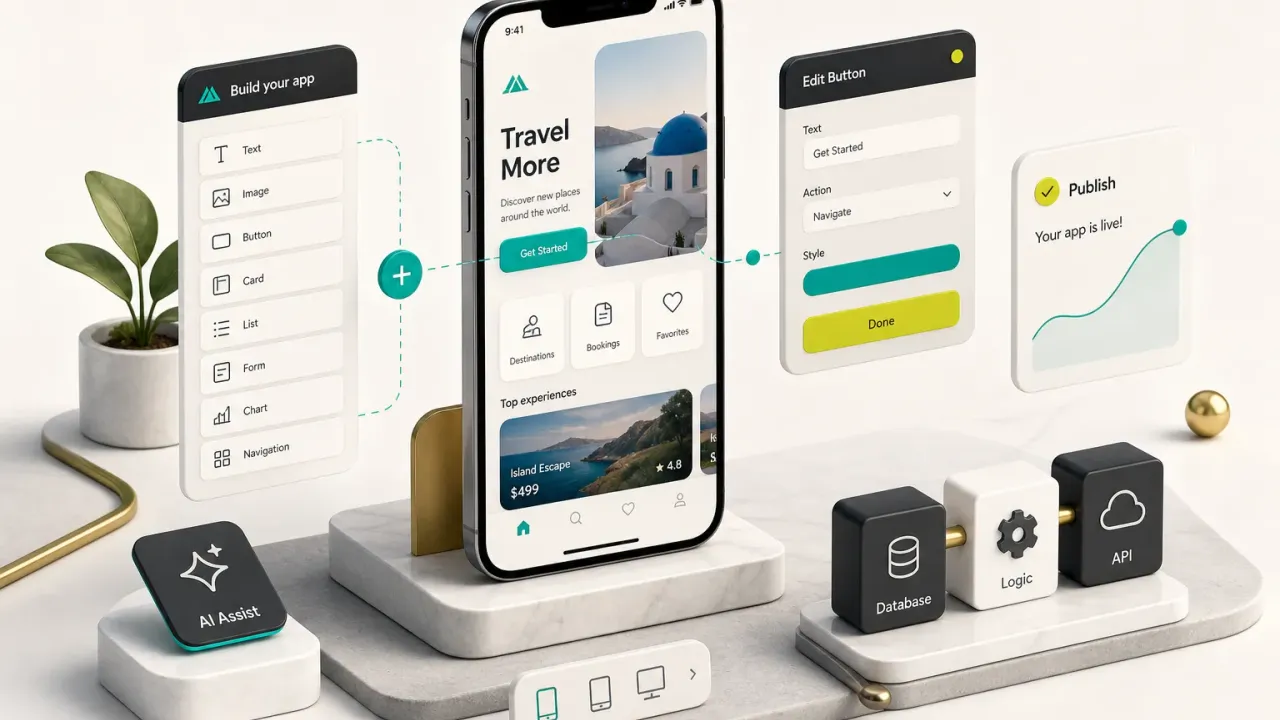
The drag-and-drop editor handles the typing. You still handle the database schema, the permissions, the edge cases, and the moment Apple’s reviewer asks why your app requests location access.
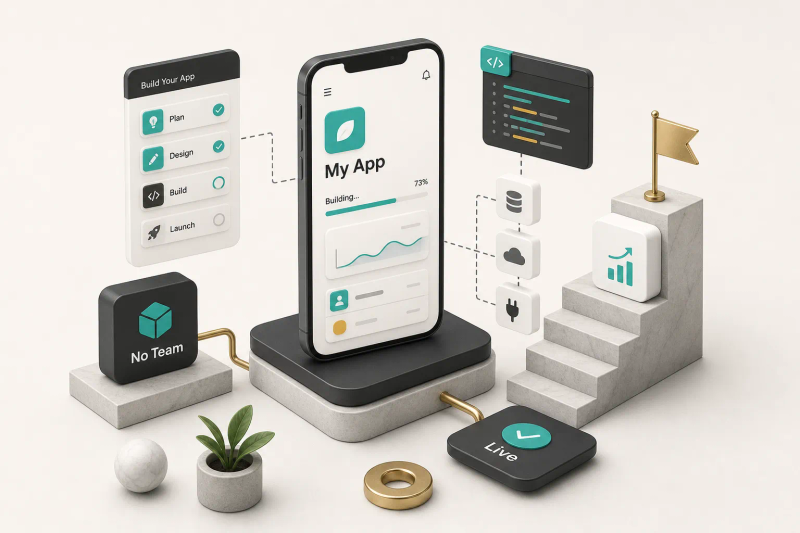
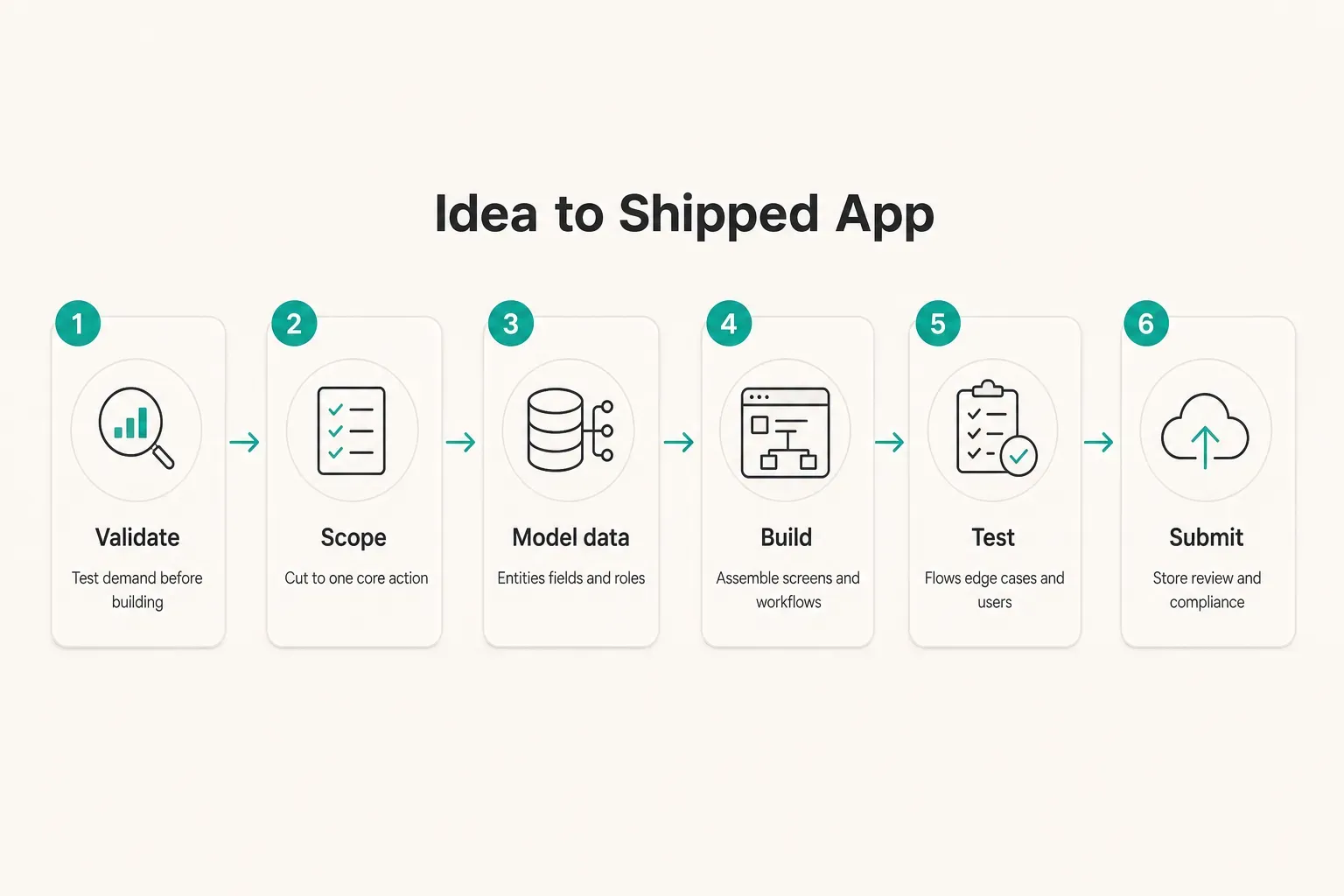
The honest path from idea to shipped product has six stages: validate the idea, scope a minimum viable product, build it, test it properly, get through app store submission, then maintain it. Most people skip stages two and four.
That’s why most no-code projects stall.
AI app builders have made the first 20% almost free. Describe a screen, get a screen. Describe a login flow, get something that looks like one.
That demo is genuinely useful, and it is also nowhere near launch-ready.
The gap between a clickable prototype and a secure, maintainable product is where the real work sits.
This guide covers that gap.
The goal is not a pretty screen flow. It’s an app real people can use without losing their data.
What No-Code Really Means
The phrase “no-code” oversells one thing and undersells another. It oversells how little effort is involved.
It undersells how much genuinely capable software you can ship without a developer.
Can You Really Skip the Code?
Yes, you can skip the code.
You cannot skip the logic.
Every app is three things stacked together: a data layer, a rules layer, and an interface. A visual workflow builder lets you assemble the rules by connecting blocks instead of typing functions.
But someone still has to decide that a customer can cancel a booking up to 24 hours before it starts, and that an admin can cancel any time, and that a cancelled booking should trigger a refund but not delete the record.
That’s product thinking.
No tool does it for you.
Then there’s the newer confusion: vibe coding, the practice of prompting an AI until something appears on screen. It produces impressive demos in minutes.
It also produces code and configurations nobody has reviewed, with authentication that may or may not check permissions on the server side.
A generated app is a first draft. Validated, tested, deployable software is a different artifact entirely, and the distance between them is measured in weeks, not prompts.
Low-code development sits in between: visual building with escape hatches for custom scripts. Many serious no-code projects end up here, because the last 10% of any product tends to need something the builder didn’t anticipate.
Native App, Web App, or PWA?
This choice shapes everything after it: cost, timeline, distribution, and which builders are even available to you.
A native mobile app lives in the App Store and Google Play. It gets push notifications, camera access, GPS, biometrics, and background processing.
It also gets store review, annual developer fees, and a separate submission process per platform.
A responsive web app runs in the browser. No install friction, no store gatekeepers, and it can rank in Google, which matters enormously if discovery is your growth channel.
It cannot send reliable push notifications on iOS and it has limited device access.
A progressive web app splits the difference.
Users can install it to their home screen, it works offline in a basic way, and you maintain one codebase.
Device access stays shallow compared to native.

The decision rule is short.
Choose native if you need store presence or deep device features. Choose web if search discoverability drives your growth.
Choose a PWA if budget and speed matter more than either.
Scoping Your MVP Before You Build
The single biggest cost driver in any app project is not the technology.
It’s the feature list you wrote before you understood the problem.
Cutting scope is not compromise.
It’s the skill.
Here are the features that quietly triple a build timeline and almost never belong in version one:
- Live chat between users. Real-time messaging means presence indicators, read receipts, moderation, notification handling, and abuse reporting. It is a product on its own, not a feature.
- Real-time sync across devices. Conflict resolution when two devices edit the same record is a genuinely hard engineering problem. Most MVPs are fine with a refresh button.
- Two-sided marketplaces. You need supply and demand simultaneously, plus payouts, disputes, and identity checks. Start by serving one side manually.
- Advanced payment logic. Simple one-off payments are manageable. Split payments, multi-currency, escrow, and proration are not.
- Offline sync. Storing data locally and reconciling it later doubles your data model complexity. Ask whether users actually lose connection.
- Location-based matching. Geo queries, radius search, and map performance at scale are expensive to get right and expensive to run.
The Must-Have vs Nice-to-Have Test
Write one sentence: “A user opens this app to ______.”
One verb.
One outcome.
For a booking app: “A user opens this app to reserve a time slot with a provider.” Everything that does not directly enable that sentence goes to a version two list.
Not deleted.
Deferred.
Apply the test ruthlessly and you will typically cut a 30-screen concept down to 6 or 7.
That’s not a smaller product.
That’s a shippable one.
A useful sanity check: if you removed the feature, would a user still complete the core action? If yes, it’s a nice-to-have.
Referral programs, dark mode, in-app onboarding tours, and profile customization all fail this test on day one.
Database, Roles, and Logic Without Code
Your database schema is the skeleton.
Get it wrong and every screen you build afterwards inherits the mistake.
In plain terms, you need four things defined before you open a builder:
- Entities. The nouns in your app. Users, bookings, providers, messages, invoices. Each becomes a table or collection.
- Fields. What each entity stores, and in what format. A booking has a start time, a duration, a status, and a price. Decide the data type now, because changing a text field to a date field after 500 records exist is painful.
- Relationships. How entities connect. One provider has many time slots. One booking belongs to one client and one provider. Write these as sentences before you draw them.
- Roles and permissions. Who can read, create, edit, and delete each entity. Authentication and authorization are different things: the first proves who someone is, the second decides what they can touch. Most no-code security failures are authorization failures.
Then map the workflows.
A workflow is a trigger plus conditions plus actions: “when a booking is created, if the slot is still available, mark it reserved, charge the card, and email both parties.” API integrations handle the parts your builder cannot do natively, like payments or transactional email.
Validate Before You Build
Product validation costs a weekend.
Building the wrong app costs three months.
- Landing page test. Describe the product, add a signup form, spend a small ad budget. If nobody enters an email address, nobody will download an app.
- User interviews. Talk to 8 to 12 people in your target group. Ask what they do today to solve the problem, not whether they like your idea. People are polite about ideas and honest about their habits.
- Clickable prototypes. Build wireframes in a design tool and hand them to a real user. Watching someone hesitate on a screen teaches you more than any survey.
- Concierge MVP. Deliver the service manually first. Take bookings by text message, run the matching in a spreadsheet, send confirmations yourself. You will discover the real rules of your business before you encode them.
Building and Testing the App
Now the fun part, with one warning attached: the building phase is usually 40% of the effort.
Testing and store compliance take the rest.
Choosing a No-Code or AI Builder
- Match the builder to the app type you already chose. Native-style builders that export to Flutter or React Native suit store-distributed apps. Web app builders suit SEO-driven products. Internal-tool builders suit dashboards and admin panels where users log in through a link.
- Check the data layer before the design tools. Every builder looks good in a demo video. Ask instead how it handles relational data, row-level permissions, and record limits on your plan. That’s where projects hit walls.
- Test the export and ownership terms. Can you take your data out as a structured file? Can you take the code? Platforms that lock both are a bet on their long-term survival.
- Use prebuilt patterns as accelerators, not shortcuts. Template libraries such as CompletApp’s FlutterFlow templates cover common ground like authentication, chat, and activity tracking. They save real weeks, but templates still need assembly, configuration, and testing against your actual data model.
- Run a one-day spike before committing. Build your single hardest screen in the tool. If it fights you on day one, it will fight you for six months.
Adding Login, Payments, and Real Features
Some integrations are genuinely plug-and-play. Others look plug-and-play and consume two weeks.
Knowing which is which saves your timeline.
- Authentication: mostly plug-and-play. Email, Google, and Apple sign-in are usually a few clicks. The configuration-heavy part is authorization rules, making sure user A can never load user B’s records, including through a direct API call.
- Payments: moderate. A single Stripe checkout is straightforward. Subscriptions with trials, upgrades, and cancellations need webhook handling. In-app purchases on iOS require a store-compliant setup, which is why tools like RevenueCat exist.
- Push notifications: configuration-heavy. You need certificates, permission prompts at the right moment, deep links that open the correct screen, and a plan for users who decline. Budget several days, not several hours.
- Maps and location: moderate to heavy. Displaying a map is easy. Radius search, clustering, and API usage costs are not. Map API bills scale with users, so model the cost early.
- Chat: heavy. Even with a chat SDK, you own moderation, notifications, blocking, and data retention.
- AI features: deceptively heavy. Calling a model API takes an afternoon. Handling rate limits, bad outputs, prompt injection, latency, and per-request cost takes considerably longer.
Every integration adds a maintenance surface and a security surface. Five third-party services means five sets of breaking changes, five privacy disclosures, and five potential outages.
A Sample Project: A Booking App
- Define the problem precisely. “Independent physiotherapists lose bookings because clients call outside working hours.” That sentence tells you the core action and the success metric.
- Model the data. Four entities: clients, providers, time slots, and bookings. A provider has many time slots. A time slot has a start time, duration, and availability status. A booking links one client to one slot.
- Define the roles. Customers can view available slots, create bookings, and cancel their own. Admins can view all bookings, edit availability, and cancel anything. Two roles, clearly separated, enforced at the database level rather than by hiding buttons.
- Write the booking logic. On booking creation, re-check slot availability, mark it reserved, capture payment, then send confirmation to both parties. The re-check matters, because two users can tap “book” on the same slot within the same second.
- Build the user flow in wireframes first. Browse providers, pick a date, pick a slot, confirm, pay, receive confirmation. Six screens. Build those before anything else.
- Test functional flows. Book, cancel, rebook, and refund. Do each one as a customer and verify it as an admin.
- Test edge cases and empty states. What shows when a provider has no availability? What happens when a payment declines mid-flow? What if a user cancels 10 minutes before the appointment?
- Check errors, accessibility, and responsive design. Error messages should say what went wrong and what to do next. Test with screen text at 200%, check contrast, and confirm tap targets work on a small phone.
- Run usability testing with five real users. Give them a task, say nothing, and watch. Five sessions typically surface the majority of serious interface problems, and they cost nothing but an afternoon.
Launch Rules, Limits, and Getting Help
Here is where a surprising number of no-code projects die: not in the builder, but in the submission queue.
Privacy, Security, and Store Rules
Every app that collects any user data needs a privacy policy, including a simple one.
Both stores require a working policy URL before review, and it must accurately describe what you collect and why.
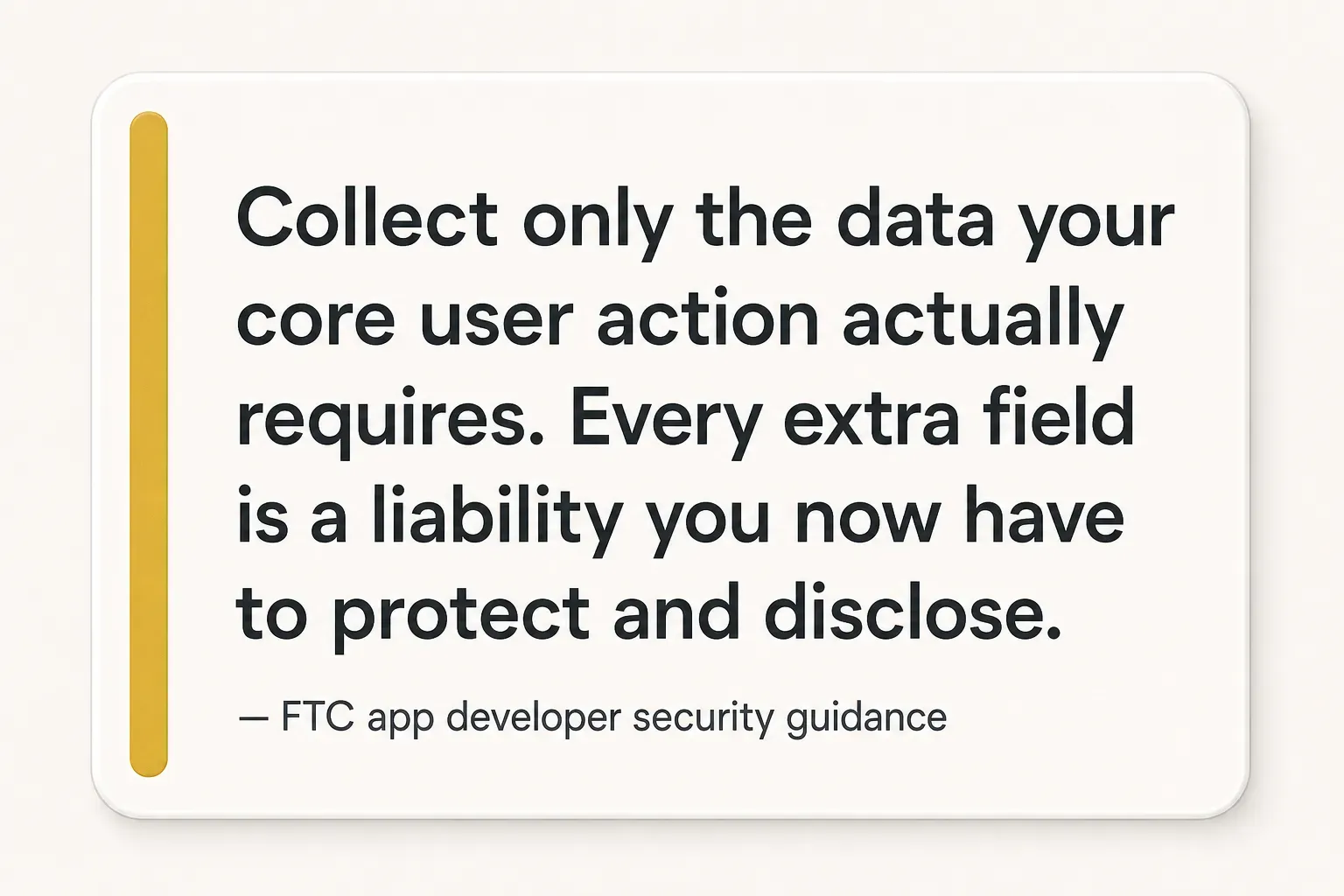
Beyond the policy, the FTC’s security guidance for app developers points to a handful of non-negotiables.
Practice data minimization: collect only what the core action requires. Store credentials securely and never roll your own authentication.
Encrypt data in transit. Enforce access controls on the server, not just in the interface.
Review the third-party libraries and services you depend on, because their vulnerabilities become yours.
For app store submission, both platforms want the same core things. Apple requires privacy nutrition labels; Google requires a data safety disclosure in Play Console.
Both must match your actual behaviour, because mismatches trigger rejection and, later, removal.
You also need working reviewer access. If your app has a login, provide a test account with populated data.
An empty account is one of the most common rejection causes, along with incomplete metadata, broken links, crashes on launch, and requesting permissions the app never uses.
Justify every permission in-app, at the moment you ask for it.
Plan for one to three review rounds on a first submission.
Rejections are routine, not fatal.
What No-Code Can’t Do Well
No-code has real ceilings, and knowing them early beats discovering them at month five.
Complex custom logic is the first.
Multi-step algorithms, sophisticated pricing engines, and heavy data transformations become unreadable spaghetti in visual editors long before they become impossible.
Technical scalability is the second.
Many platforms perform well up to a few thousand users, then queries slow and usage-based pricing accelerates.
A backend that costs $50 a month at launch can cost $2,000 at scale, with limited ability to optimize.
Deep native integrations, background processing, Bluetooth hardware, and advanced camera work often sit outside what visual builders expose.
And platform lock-in is real: if your builder changes pricing or shuts down, can you leave?
Ask three questions before committing: Can I export my data in a structured, usable format? Do I own any generated code? Is there a documented migration path?
Data ownership and portability should be settled in writing, not assumed.
When to Bring in a Developer
Three signals suggest it’s time to bring in professional help rather than push the tool further.
First, you need a single codebase serving both iOS and Android with genuine cross-platform development, not two diverging versions you maintain separately.
Second, you need investor-ready polish, meaning performance, animation quality, and reliability that survive a demo under pressure.
Third, your logic has outgrown what the builder can express cleanly.
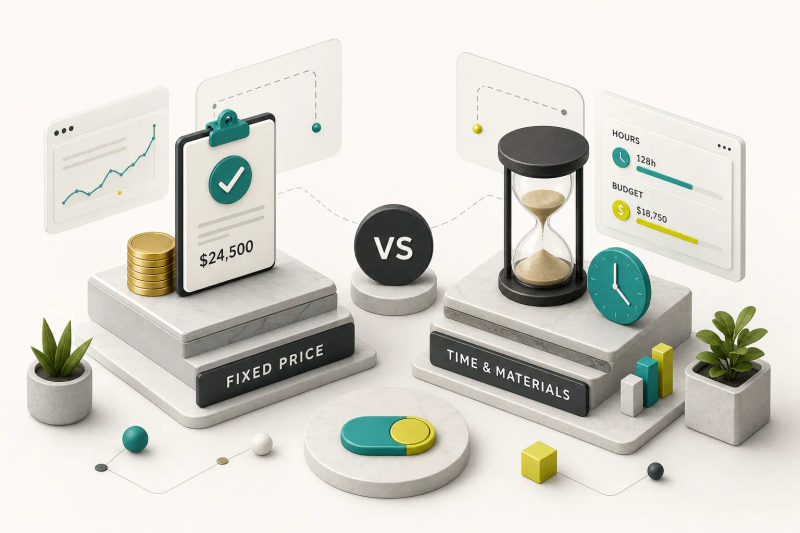
A fixed-scope engagement suits this moment well.
CompletApp works on a defined-scope model with a walk-away guarantee, which keeps the risk on the build side rather than the founder’s side. Products like Copywise and GoalJournal followed that route from idea to shipped app.
Whichever path you choose, launch is a checkpoint, not a finish line.
Instrument analytics events for your core action so you know whether people actually complete it. Add crash reporting from day one.
Budget for app maintenance, because OS updates, SDK deprecations, and store policy changes arrive whether you plan for them or not. A realistic figure is 15 to 20% of the original build cost per year.
Your Next Move
The decision comes down to one question: how much custom logic does your app really need?
If you’re building an internal tool, a directory, a simple booking system, or a content app, no-code alone will carry you to launch and beyond.
If you need complex logic, serious scale, deep device integration, or investor-grade polish, pair your no-code learning with professional build support rather than fighting the tool’s ceiling for months.
Either way, do one thing this week before opening any builder: scope your MVP on paper.
Write the one-sentence core action. List your entities, fields, and roles. Sketch six screens.
It takes an afternoon and it will save you weeks.
Shipping an app is a process to manage, not a prompt to run.
The founders who launch aren’t the ones with the best tools. They’re the ones who scoped honestly, tested properly, and kept going after the first rejection email.