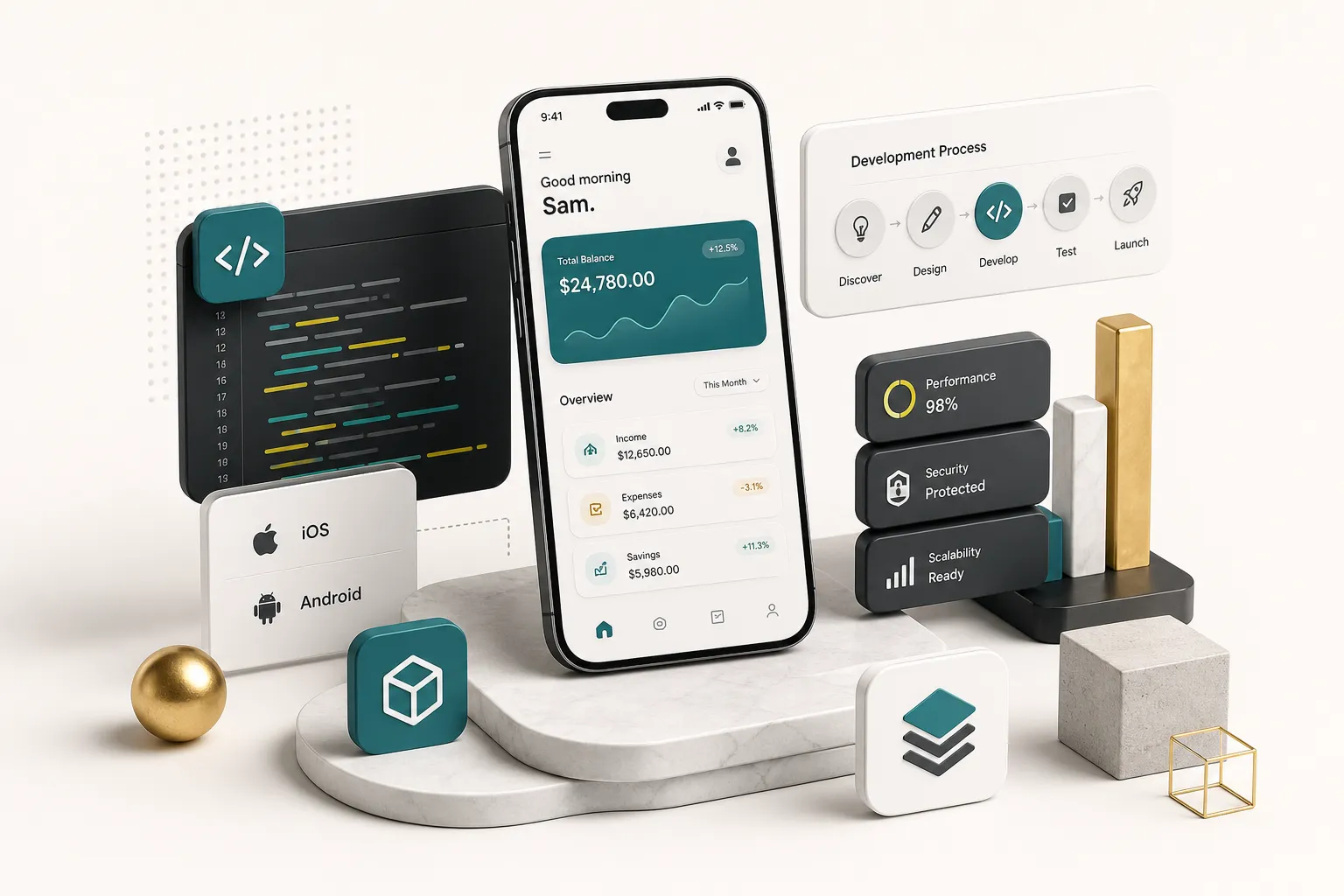
What Mobile App Development Services Actually Deliver
What Mobile App Development Services Actually Deliver
Why Most App Projects Go Sideways
Roughly 80% of mobile apps fail to reach meaningful adoption.
Almost none of those failures come from bad code.
They come from building the wrong thing, discovering it too late, and running out of budget before the pivot.
Founders tend to picture “building an app” as a coding exercise, a period of months where developers type and something appears in the App Store. The reality is a chain of decisions: who the user is, what problem gets solved, which platform, which architecture, how data is stored, how quality is verified, who owns the repository when it’s over.
Get any link in that chain wrong and the code quality stops mattering.
This guide walks the full product journey without selling you anything.
Idea validation, MVP scoping, architecture choices, security and privacy engineering, testing, store submission, ownership terms, and long-term maintenance. Each stage explained in the terms a nontechnical decision-maker actually needs.
One structural shift worth understanding upfront: the rise of cross-platform product studios.
A well-run cross-platform development team can eliminate genuinely duplicated work between iOS and Android, cutting engineering and QA effort substantially. What it cannot do is replace user research, quality assurance, or accessibility work.
Speed that comes from removing duplication is real.
Speed that comes from skipping discovery is debt.
The question isn’t “who can build my app cheapest?” It’s “who will tell me which parts of my app shouldn’t exist?”
By the end you’ll be able to judge agencies, freelancers, in-house hires, and no-code tools against the same criteria rather than against their own sales pitches.
What Mobile App Development Services Actually Include
When a proposal lists “development: $60,000” as a single line item, you have no way to tell whether design, testing, and deployment are included or quietly excluded.
Good providers itemize.
Vague providers don’t, because vagueness is where the margin hides.
The Disciplines Behind a Real Product
A shipped mobile product touches seven distinct disciplines. Most agencies blur them into “development.”
Here’s what each actually covers:
- Mobile product strategy. Defining the target user, the problem, the business model, and the success metrics. This includes competitive positioning and deciding what not to build. Typically 5-10% of project effort but disproportionately determines outcomes.
- Product design. Information architecture, user journey mapping, wireframes, UI/UX prototyping, and a reusable design system of components, typography, spacing, and colour tokens. A design system means screen 40 costs a fraction of screen 4.
- Engineering. Client-side app code plus backend work: REST API design or GraphQL, database architecture, authentication and authorization, and third-party integrations. Frontend without backend is a demo, not a product.
- Quality assurance. Automated unit and integration tests, manual exploratory testing, regression suites, and device-lab testing across OS versions and screen sizes. QA is a parallel track, not a phase.
- Deployment and DevOps. Build pipelines, code signing, environment management (dev, staging, production), release automation, and store submission mechanics.
- Analytics and instrumentation. Mobile analytics event schemas, funnel tracking, and crash monitoring. If you can’t see where users drop off, your roadmap is guesswork.
- Maintenance. OS updates, dependency patches, security fixes, and iterative feature work. iOS and Android each ship a major version annually; both routinely break something.
Discovery Before Any Code Is Written
An app discovery workshop is where the expensive mistakes get caught while they’re still cheap. A serious discovery phase runs one to three weeks and produces concrete artifacts, not a mood board.
- User personas grounded in interviews, not assumptions. Six to ten conversations with people who match your target user, asking about their current workaround rather than pitching your idea.
- Problem validation. Evidence that the pain is frequent, expensive, or urgent enough that someone will change behaviour to solve it. “People said it sounds cool” is not validation.
- Success metrics defined numerically. Not “user engagement” but “40% of registered users complete a booking within 7 days.”
- Technical feasibility checks. Does the API you’re depending on actually expose the data you need? Does the payment provider operate in your market? Are there platform restrictions on the feature you consider central?
- A written assumptions log. Every belief the plan rests on, ranked by how badly the project breaks if it’s wrong.
- A prioritized feature backlog with rough effort estimates, split into MVP, phase two, and someday.
The difference between a development company, a freelancer, and an internal hire is mostly about which of these disciplines are covered and who’s accountable when they aren’t.
A freelancer typically covers engineering brilliantly and everything else opportunistically.
An internal hire gives you long-term context but takes three months to recruit and can’t cover design, QA, and DevOps alone.
A studio or agency covers the full chain but you pay for coordination overhead unless the team is small.
Skipping discovery is the single strongest predictor of scope creep.
Without a written scope and prioritized backlog, every stakeholder conversation adds features, and no one has the authority to say no.
Budget overruns of 50-100% on undefined-scope projects are routine.
From Idea to MVP: What to Build First
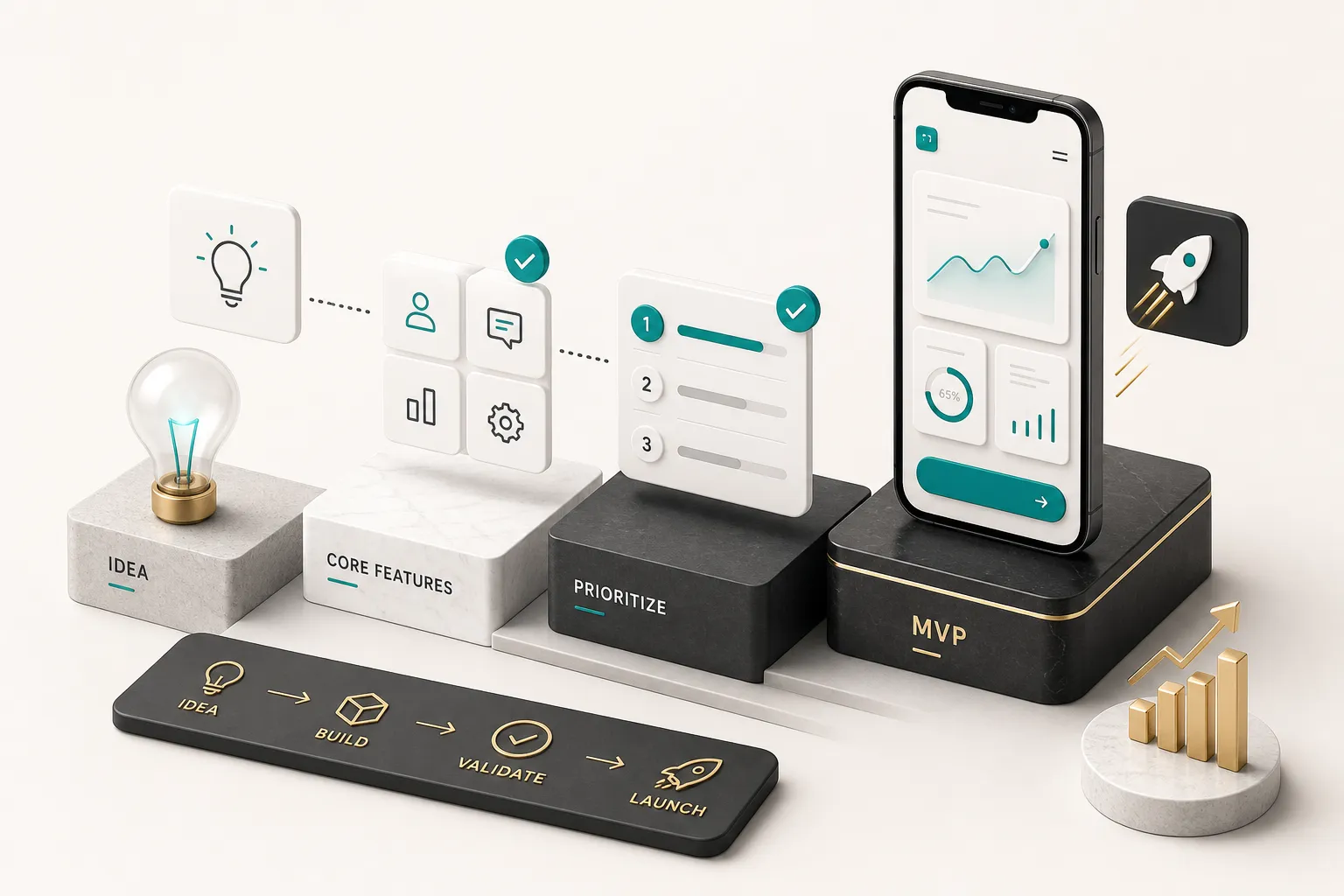
The word “MVP” has been diluted into meaning “a cheap version.”
That’s not it.
An MVP scope is the smallest product that lets a real user complete the one action that delivers your core value, so you can measure whether they actually do it.
Separating Core Value From Nice-to-Haves
Start by naming your core value loop: the single sequence a user must complete to get the thing they came for.
Everything else is negotiable.
Take a booking app for local fitness studios.
The core loop is: find a class, pick a time, pay, get confirmation.
That’s it.
Four steps.
Now look at what typically appears in a first-draft feature list: user reviews, loyalty points, social sharing, multi-language support, an instructor messaging system, a referral programme, waitlists, calendar sync, dark mode, and a web version. Every one of those is a reasonable idea.
None of them are needed to learn whether people will book and pay through your app.
The practical test: if you removed this feature, could a user still complete the core loop and get value?
If yes, it’s phase two.
Four categories always get confused with MVP features:
- Secondary features that improve the experience but aren’t required to complete the loop (reviews, favourites, filters beyond the basics).
- Admin tools. You need some way to manage content and users, but in month one that can be a database dashboard or a spreadsheet sync, not a custom-built admin portal.
- Integrations that feel essential but can be manual at low volume. Automated accounting sync when you have 40 users is engineering for an imaginary future.
- Roadmap items that exist because a competitor has them. Competitors built those features after finding product-market fit, not before.
Feature prioritization works best when it’s forced.
Give every feature a value score and an effort estimate, sort by ratio, and draw a hard line at your budget.
Everything below the line goes in a document titled “Phase Two,” which is where it stops being an argument.
Native vs Cross-Platform: The Real Trade-offs
The honest answer in 2026: for the large majority of business apps, cross-platform is the correct default, and native app development is the specialist choice for specific technical requirements.
| Factor | Native (Swift / Kotlin) | Cross-Platform (Flutter) | Cross-Platform (React Native) |
|---|---|---|---|
| Runtime performance | Baseline best. Essential for AR, 3D, real-time video processing, heavy on-device ML. | Compiles to native ARM code; renders its own UI at 60-120fps. Indistinguishable for typical business apps. | JS bridge adds overhead on animation-heavy screens; the New Architecture narrows the gap considerably. |
| Code sharing across iOS and Android | 0%. Two codebases, two teams, two bug backlogs. | Typically 90-95% shared, including UI. | Typically 85-90% shared; more platform-specific styling work. |
| Platform-specific features | Day-one access to every new iOS or Android API. | Plugin ecosystem covers most needs; bleeding-edge APIs may need custom platform channels. | Large ecosystem plus native module escape hatch; plugin quality varies. |
| Team expertise required | Two specialist skill sets. Hardest and most expensive to staff. | One Dart team. Small hiring pool but growing fast. | One JS/TypeScript team. Largest hiring pool of the three. |
| QA and testing effort | Two full regression cycles per release. | One logic test suite plus platform smoke testing. Roughly 40-50% less QA time. | One suite plus more UI verification, since components render via native views. |
| Long-term maintenance cost | Highest. Every fix implemented and shipped twice. | Lowest per feature; you depend on Flutter’s release cadence. | Low; dependency churn in the JS ecosystem requires attention. |
| Best fit | AR/VR, games, deep OS integration, apps where 5ms latency matters. | Marketplaces, booking, SaaS clients, fintech dashboards, subscription and content apps. | Teams with existing React web talent wanting shared skills. |
Is Flutter production-ready?
It has been for years.
Google Pay, BMW’s My BMW app, eBay Motors, Alibaba’s Xianyu, and Nubank’s banking app all run Flutter at large scale, in regulated and high-traffic contexts. Nubank moved to Flutter specifically to stop maintaining two divergent codebases across tens of millions of users.
Native still wins in narrow cases.
Heavy augmented reality using ARKit or ARCore, apps built around widgets and deep OS extensions, watchOS-first products, and anything where you must adopt new platform APIs the week they ship.
As a practical example of how this plays out commercially: CompletApp, a Budapest-based product studio, builds iOS and Android from a single Flutter codebase and ships demo-ready MVPs in roughly four weeks under a fixed scope and fixed price.
The compression comes from eliminating duplicated engineering and QA, not from cutting discovery or testing.
That’s the distinction to probe with any provider promising speed.
Engineering the Product: Backend, Security, and Real-World Usability
Ask a founder to describe their app and you’ll hear about screens. Ask an engineer what took the time and you’ll hear about everything behind the screens.
Backend Services You Actually Need
The mobile client is the visible 40% of a product.
The rest is infrastructure that users never see but immediately notice when it fails.
Every real product needs authentication and authorization, and these are two different things. Authentication proves who a user is (email, Apple Sign In, Google, magic link).
Authorization decides what that verified user is allowed to touch, and it must be enforced server-side.
Client-side permission checks are a suggestion, not a control.
You need a database architecture designed around your actual query patterns. Getting this wrong is one of the few mistakes that’s genuinely expensive to fix later, because data migrations on a live app with real users are slow and risky.
Then the API layer.
A well-designed REST API (or GraphQL, depending on data shape) defines the contract between app and server. Versioning matters here: users on old app versions will keep hitting your API for months after a release, because not everyone updates.
Beyond that, a working product usually needs an admin dashboard for support and content operations, push notifications for retention, in-app payments, analytics instrumentation, and some form of content management so non-engineers can change copy without a release.
Backend as a service platforms like Firebase and Supabase cover authentication, database, storage, and functions out of the box, which is why they dominate MVP builds.
Firebase gives you real-time sync and Google’s infrastructure. Supabase gives you Postgres with row-level security and no proprietary lock-in.
Both let a small team ship in weeks instead of months. Both have cost curves worth modelling before you scale.
Security and Privacy by Design
Security checklists get copy-pasted into proposals.
Actual security engineering starts with threat modelling: listing what an attacker would want from your system, then working backwards.
The practices that matter for mobile products in 2026:
Encryption in transit via TLS 1.3 everywhere, with certificate pinning for high-value apps.
Secure storage on device using iOS Keychain and Android Keystore, never plain SharedPreferences or UserDefaults for tokens.
Encryption at rest for sensitive database fields.
Secrets management is where teams get lazy.
API keys hardcoded into the app binary are extractable in minutes with standard tooling.
Anything genuinely secret belongs on the server, proxied through your backend.
Dependency review deserves a scheduled slot, not an emergency response. A typical Flutter or React Native app pulls in 40-80 transitive packages, each a potential supply-chain risk.
Logging needs discipline too: logging a user’s auth token or full payload for debugging is a common breach vector.
The OWASP MASVS (Mobile Application Security Verification Standard) is the reference framework worth naming in your contract. Ask a prospective partner which MASVS level they build to. The quality of the answer tells you a great deal.
Privacy is not a legal appendix; it’s a set of product decisions.
Data minimization means collecting only what the current feature requires, which is also the cheapest way to reduce breach exposure.
Permission timing matters: requesting location access on first launch, before context, tanks acceptance rates by a wide margin compared to requesting it at the moment of use.
You also need explicit retention and deletion policies, because both Apple and Google now require an in-app account deletion path.
Every third-party SDK you add inherits your users’ trust, so vet what each one transmits.
Your App Store privacy nutrition label and Google Play Data Safety form must match what your code actually does, and mismatches trigger rejections and enforcement.
Accessibility, Localization, and Device Fragmentation
Around 16% of the world’s population lives with a significant disability.
App accessibility is not a compliance box, it’s addressable market.
The baseline: semantic labels for screen readers (VoiceOver, TalkBack), 4.5:1 contrast ratios, touch targets of at least 44x44 points, support for dynamic type so text scales with system settings, and no interaction that depends solely on colour or hearing.
Device fragmentation is the other silent killer.
Android spans thousands of device models, and your layout needs to survive small phones, large phones, tablets, and foldables that change dimensions mid-session.
Test on real hardware, not just simulators.
Then there’s the network.
Design explicit offline states, cache aggressively, queue writes for retry, and never show an infinite spinner.
A user on 3G in a basement is a real user, and an app that appears frozen gets deleted.
Battery drain is retention risk in disguise.
Aggressive background location, unthrottled polling, and chatty analytics all show up in iOS Battery settings with your app’s name next to a percentage.
Testing, Store Submission, and Ownership After Launch
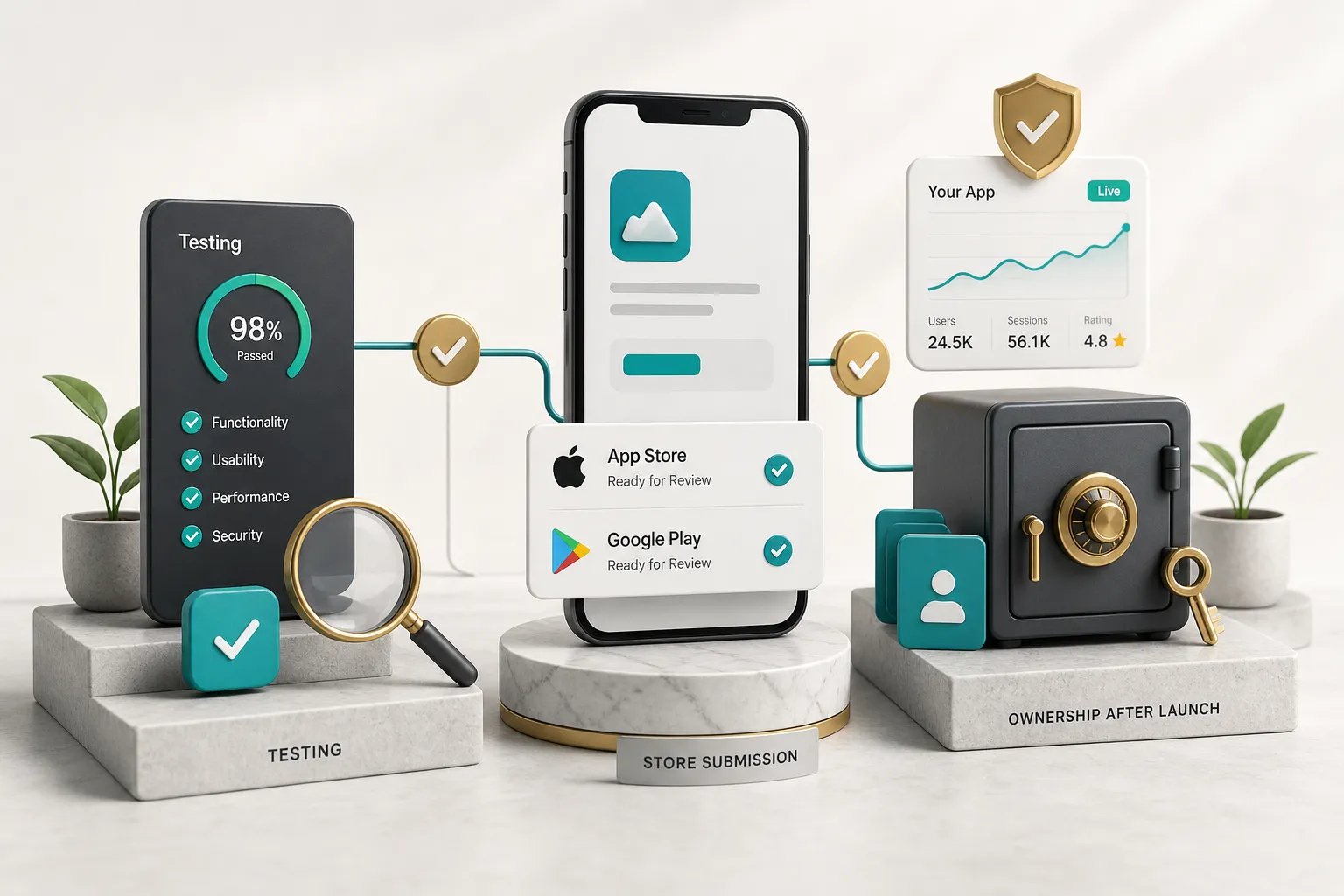
Continuous QA, Not a Final Step
Treating QA as a phase at the end guarantees you’ll discover architectural problems at the worst possible moment. Bugs found in production cost roughly 15-30 times more to fix than bugs found during development, and that ratio has been stable across decades of software research.
A functioning QA practice runs in parallel from week one and layers several types of testing.
Unit tests cover business logic in isolation: pricing calculations, validation rules, state transitions.
Integration tests verify that the app, API, and database behave correctly together, catching contract mismatches that unit tests structurally cannot see.
Usability testing means watching five to eight real users attempt your core loop without guidance. It reliably surfaces problems no engineer would predict, and five users typically expose the majority of major usability issues.
Regression testing protects features that already worked.
Without an automated suite, every release becomes a gamble on which old feature you broke this time.
Performance testing measures cold start time, scroll smoothness, memory under load, and API response times on slow networks.
Then device testing across a representative matrix: the current and previous two iOS versions, a range of Android versions weighted by your actual user base, plus small screens, tablets, and at least one foldable.
Crash monitoring via Crashlytics or Sentry closes the loop after release. A crash-free session rate below 99.5% is a problem worth stopping the roadmap for.
Getting Into the App Store and Play Store
Submission is not an upload.
It’s a compliance exercise with a queue attached.
App Store review typically resolves within 24-48 hours in 2026, though first submissions and apps with unusual permissions take longer.
Google Play release review is often faster, but new developer accounts face additional verification and staged rollout requirements.
What you need ready before submission: app name and subtitle, keyword field, description, screenshots for every required device size, an app icon at full resolution, age rating questionnaire responses, a privacy policy URL, the completed privacy nutrition label or Data Safety form, and written justification for each sensitive permission you request.
Code signing trips up more first-time submissions than anything else.
Apple requires distribution certificates and provisioning profiles; Android requires a signing key that, if lost, permanently prevents you from updating your own app.
Play App Signing exists to prevent exactly that disaster.
Common rejection reasons cluster predictably: broken links or placeholder content, missing account deletion, sign-in walls that block content unnecessarily, privacy disclosures that don’t match observed behaviour, insufficient functionality (“this is a website in a wrapper”), and payments routed outside the platform where the rules require in-app purchase.
Beta test first.
TestFlight supports up to 10,000 external testers, and Play internal and closed tracks do the equivalent.
A week of beta with 20 real users catches things no internal QA cycle will.
Who Owns What, and What Happens Next
Here’s the question almost no one asks before signing: if this relationship ends tomorrow, what do I actually walk away with?
The assets that must be in your name, on your accounts, from day one:
- Source code repository under your organization, with the provider granted access rather than owning it.
- Apple Developer and Google Play accounts registered to your legal entity. Migrating an app between developer accounts is possible but painful.
- Cloud infrastructure (Firebase, Supabase, AWS) billed to your card, not theirs.
- Design files in Figma with full edit access, including the design system, not exported PNGs.
- Analytics properties, crash reporting, and any monitoring dashboards.
- Third-party subscriptions (Stripe, RevenueCat, OneSignal, Resend) under your accounts.
- Documentation and credentials: architecture notes, environment setup, API docs, and a secrets inventory stored in a password manager you control.
Use this checklist when evaluating a partner: What’s the communication cadence and who is your named point of contact?
What are the milestone deliverables and their written acceptance criteria? Who is responsible for QA, and is it billed separately?
What are the exit terms if you stop the project midway?
Two structural protections are worth asking about explicitly, because they shift risk in your favour.
A milestone walk-away guarantee lets you exit after the first milestone owing nothing if the work doesn’t meet expectations. 100% code ownership on full payment means no vendor lock-in and no licensing games later.
CompletApp, for instance, offers both alongside its fixed-scope model, and it’s a reasonable benchmark to hold other providers to whether or not you work with them.
Post-launch, budget 15-20% of the original build cost annually for maintenance. That covers iOS and Android major releases each autumn, dependency and SDK updates, security patches, crash fixes, and the analytics reviews that tell you which features to build next.
Scaling decisions should be evidence-driven.
When retention holds, funnels are healthy, and infrastructure costs start climbing with usage, that’s the signal to invest in optimization and new features.
Before that, you’re optimizing a hypothesis.
Your Next Move
Before you contact a single provider, write a one-page brief.
Not a spec, not a wireframe deck.
One page.
It needs three things.
Who your core user is, described specifically enough that you could name three real people who fit.
The one action they must complete for your product to have worked.
And your top three success metrics, expressed as numbers with deadlines attached.
That document will do more to prevent scope creep and mismatched proposals than any vendor comparison spreadsheet you could build. It forces you to make the hard decisions internally, where they’re free, instead of during a build, where they’re expensive.
It also becomes an instant filter.
Send it to five providers and watch what comes back.
The ones who respond with questions about your assumptions and metrics are thinking about your product.
The ones who respond with a feature list and a price are thinking about their invoice.
The fastest route to a good app was never the fastest build.
It’s the clearest problem definition going in.