What Native App Development Really Means
Ask ten agencies whether you should build native, and eight will say yes. Ask them why, and most will recite the same three benefits without ever looking at your feature list.
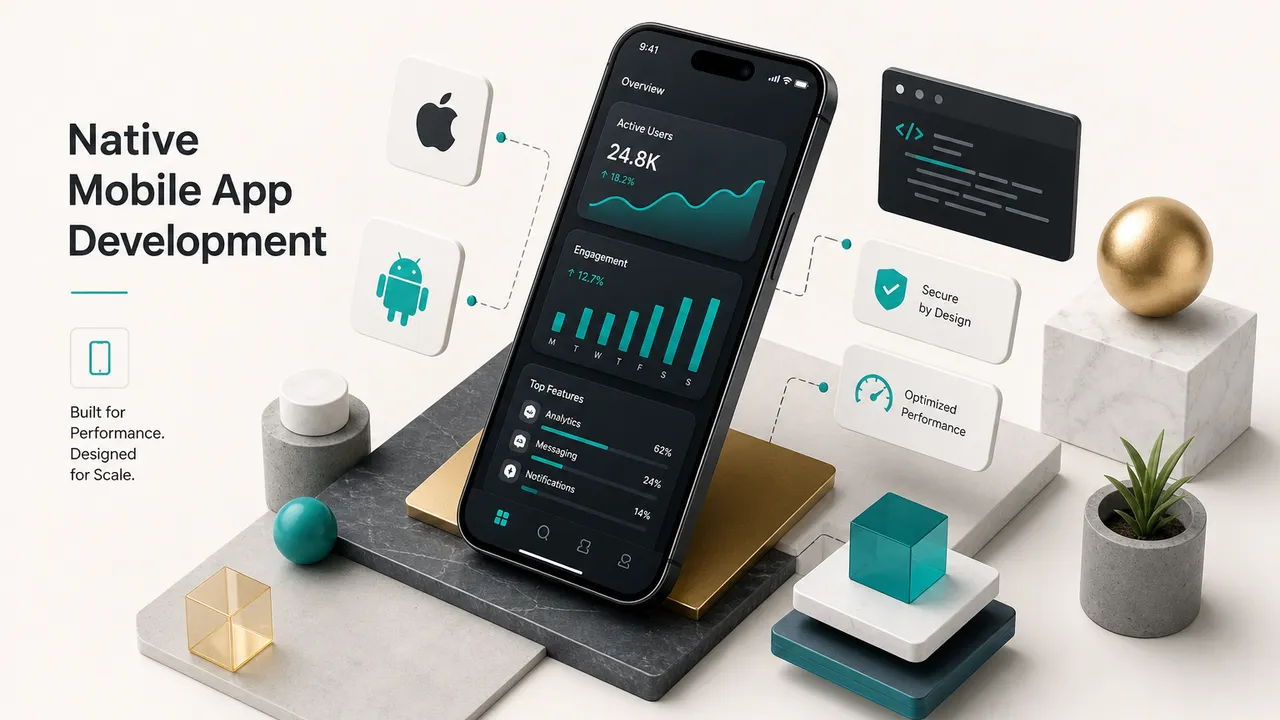
Native mobile app development means building separate applications for each platform using that platform’s official tools: Swift (or legacy Objective-C) with the iOS SDK for Apple devices, and Kotlin (or legacy Java) with the Android SDK for Google’s ecosystem.
Two codebases.
Two toolchains.
Two release pipelines.
That’s the technical definition.
The more useful framing is this: choosing native is an architecture and product decision that commits you to a specific cost structure, hiring profile, and release cadence for years.
It’s not a preference you pick because native sounds more professional.
It’s a trade you make when your requirements demand it.
The honest position in 2026: native is the right answer for a meaningful minority of mobile products, and an expensive answer for the rest. The only way to know which group you’re in is to write down what your app actually has to do.
Modern cross-platform frameworks have closed most of the gap that existed a decade ago.
Flutter renders through its own GPU-accelerated engine. React Native calls into native user interface components directly.
Users generally cannot tell the difference in a well-built app, and A/B tests of retention rarely show a platform-technology effect.
Where native still wins is specific and measurable: deep device hardware APIs, same-day access to new OS features, heavy real-time rendering, and platform-exclusive frameworks like ARKit or Core ML at their full depth.
This guide is written for founders, product managers, and technical decision-makers who need to make that call with evidence rather than vibes. You’ll get the vocabulary, the build process, a requirements-based decision matrix, real cost drivers, and an honest account of what happens after launch, which is where most budgets actually go.
Native vs Cross-Platform vs Hybrid
Most confusion in this debate comes from three different things sharing one word. “Native” can describe the code, the UI, or the API access, and a single app can be native in one sense and not another.
Native Code, UI, and APIs
Native code is source written in a platform’s first-class language and compiled to machine code the device runs directly.
Swift compiles to ARM binaries through the LLVM toolchain in Xcode. Kotlin compiles to bytecode that runs on the Android Runtime, ahead-of-time compiled to native instructions on install.
Native UI components are the widgets the operating system ships.
On iOS that means UIKit views or SwiftUI declarations; on Android, the classic View system or Jetpack Compose.
When you use them, you inherit platform behaviour for free: correct scroll physics, system-level text selection, Dynamic Type scaling, VoiceOver and TalkBack semantics.
Native APIs are direct calls into OS frameworks with no intermediate translation layer.
Core Bluetooth, ARKit, HealthKit, CameraX, the Neural Networks API. Full access, current-generation feature set, zero bridge latency.
A concrete example: the Apple Wallet-adjacent parts of most banking apps, Instagram’s camera stack, and Apple’s own Fitness app are native in all three senses.
Hybrid and Cross-Platform Layers
Hybrid apps put a web application inside a native shell.
HTML, CSS, and JavaScript run in a WebView, with a plugin bridge exposing a subset of device functions. Cordova, Ionic, and Capacitor built this category.
The tell is usually scroll behaviour and input handling that feel almost right but not quite.
Cross-platform rendering layers are a different animal.
Flutter ships its own rendering engine (Impeller as of recent releases) and draws every pixel on the GPU at 60 or 120 frames per second, bypassing platform widgets entirely.
React Native takes the opposite route: it maps its component tree onto real native views and communicates through JSI, a synchronous C++ interface that replaced the old asynchronous bridge. Kotlin Multiplatform shares business logic as compiled native code while leaving the UI fully native on each platform.
Real-world mapping helps here:
- Native: Apple Maps, Google Photos, most high-end mobile games with custom engines.
- Cross-platform rendering (Flutter): Google Pay in India, BMW’s My BMW app, Nubank’s client apps.
- Cross-platform native views (React Native): Shopify’s merchant apps, Discord on iOS, Microsoft Office mobile components.
- Hybrid WebView: Many enterprise internal tools and older retail loyalty apps.
The practical takeaway: hybrid WebView apps carry a genuine experience penalty.
Modern cross-platform rendering layers usually do not, and treating the two as equivalent is the single most common error in these comparisons.
How Native Apps Get Built
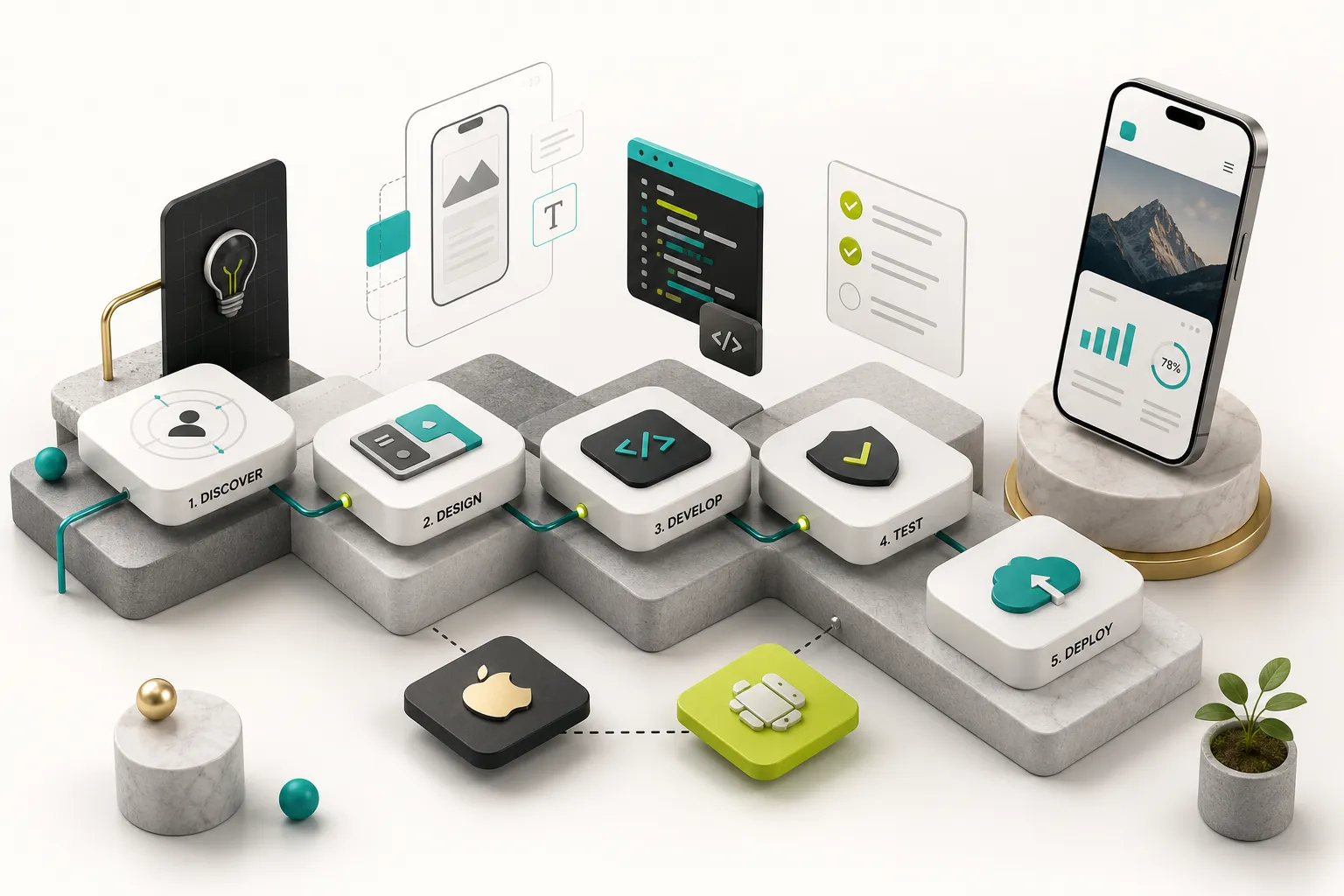
The build pipeline for a native app looks deceptively similar to any software project until you notice that steps four through six happen twice, in parallel, with different constraints on each side.
Languages and Toolchains
For iOS in 2026, the standard is Swift 6 with SwiftUI for new interfaces and UIKit for anything requiring fine-grained control or legacy compatibility, all built in Xcode on macOS hardware.
Objective-C still exists in older codebases but nobody starts there.
For Android, it’s Kotlin with Jetpack Compose, built in Android Studio, with Gradle handling builds and Google’s recommended architecture components (ViewModel, Room, WorkManager, DataStore) filling in the standard layers.
Java remains supported and remains legacy.
Note the hardware constraint founders often miss: iOS builds legally require macOS. That’s a real line item if your team runs Windows or Linux.
Architecture That Scales
Two codebases multiply the cost of bad architecture.
Here’s the sequence a disciplined native build follows.
- Discovery and requirements definition. Write the feature list with measurable constraints: which sensors, what latency budget, what happens offline, which regulations apply. This document decides your stack, so it comes before the stack conversation, not after.
- API contract and backend design. Define your REST and GraphQL APIs, auth model, and data schema before client work starts. Both platform teams consume the same contract, and a stable contract is what stops iOS and Android from drifting into two different products.
- UI/UX design per platform. Design once as a system, then adapt to Human Interface Guidelines and Material 3. Navigation differs structurally: iOS leans on tab bars and edge-swipe back gestures, Android on the system back stack and navigation drawers. Sharing one pixel-identical design across both is a decision, and usually the wrong one.
- Environment and CI setup. Provision Xcode and Android Studio projects, signing certificates, provisioning profiles, keystores, and continuous integration and continuous delivery pipelines that build, test, and distribute to TestFlight and Google Play internal testing on every merge. Doing this in week one costs days; doing it in month four costs weeks.
- Feature development with layered architecture. Separate presentation, domain, and data layers so business rules never live inside a view. Apply separation of concerns rigorously, use dependency injection (Hilt on Android, a container or protocol-based approach on iOS) so components stay testable, and keep a single source of truth for every piece of state.
- Unidirectional data flow and state preservation. Both SwiftUI and Jetpack Compose are declarative: UI is a function of state, and state changes flow one direction. Combine this with correct app lifecycle management, because iOS suspends and terminates apps under memory pressure while Android recreates Activities on configuration change, and users expect to return exactly where they left off.
- Offline-first data handling. Implement a local store (Core Data or SwiftData on iOS, Room on Android) as the primary read source, with background sync and conflict resolution to the server. An offline-first architecture is significantly cheaper to build in from the start than to retrofit, and it makes the app feel instant on poor networks.
- Platform-specific testing. Build automated testing at unit, integration, and UI levels (XCTest and Swift Testing on iOS, JUnit plus Espresso or Compose testing on Android), then run against a real device matrix. Android fragmentation means testing across OEM skins, screen densities, and API levels; iOS means fewer devices but stricter behavioural expectations.
- Performance and security hardening. Run app performance profiling with Instruments and Android Studio Profiler to hunt frame drops, memory leaks, and cold-start regressions. Audit mobile application security against the OWASP Mobile Top 10 before submission, not after a pentest finding.
- Store submission and staged release. Prepare privacy disclosures, permission rationale strings, screenshots, and review credentials, then ship through phased rollout on Google Play and staged release on the App Store while crash monitoring watches for regressions.
The reason this needs separate engineering thinking per platform, not just separate code, is that permissions, background execution limits, and lifecycle semantics genuinely differ. Android’s Doze mode and background task restrictions behave nothing like iOS background modes, and a design that ignores this ships a broken feature on one platform.
Is Native the Right Choice?
Here’s the matrix most competitors won’t give you, because it recommends against native more often than a native-focused agency would like.
| Requirement | Recommendation | Why | Practical Notes |
|---|---|---|---|
| Camera capture, photo picker, basic scanning | Either | Mature plugins expose the full capture pipeline on both frameworks | QR/barcode, document scan, and profile photos work well cross-platform |
| Real-time video filters, custom camera pipeline | Native or native module | Needs frame-level access to AVFoundation or CameraX with GPU shaders | Cross-platform shells can host a native camera module for this screen only |
| GPS, geofencing, background location | Either | Well-supported cross-platform, but background limits are OS-level regardless | Battery behaviour depends on OS policy, not framework choice |
| Bluetooth Low Energy, single known device | Either | BLE plugins are stable for standard GATT profiles | Test on real hardware early; OEM Bluetooth stacks vary widely |
| Complex BLE, multi-device, firmware OTA updates | Native | Requires precise control over connection state and reconnection edge cases | Common in medical devices and industrial IoT |
| Augmented reality (ARKit / ARCore) | Native or native module | Plane detection, occlusion, and scene understanding are platform-exclusive | Cross-platform AR wrappers lag current SDK features by months |
| On-device ML inference (Core ML, LiteRT) | Native module | Hardware acceleration via Neural Engine or NPU needs platform APIs | Server-side inference removes this constraint entirely if latency allows |
| Background sync, uploads, scheduled tasks | Either | WorkManager and BGTaskScheduler are reachable from both approaches | Design for OS-imposed delays; guaranteed timing does not exist on mobile |
| Real-time chat, presence, live data | Either | WebSockets and Firebase realtime clients are framework-agnostic | Perceived speed here is a backend and network problem |
| Push notifications, deep links | Either | Push notifications via APNs and FCM are fully supported cross-platform | Rich notification UI extensions may need small native additions |
| Biometric login, secure token storage | Either | Biometric authentication maps cleanly to Face ID and BiometricPrompt | Keychain and Keystore access is exposed by mature packages |
| Heavy custom animation, 120fps interaction | Native or Flutter | Both control rendering directly; WebView hybrids cannot keep up | Flutter’s own engine handles this class of work well |
| 3D games, physics engines | Game engine (Unity/Unreal) or native | App frameworks are the wrong tool for a render loop | Neither native UI toolkits nor Flutter are game engines |
| Day-one support for brand-new OS features | Native | Platform SDKs ship first; wrappers follow | Matters for widgets, watch apps, Live Activities, system integrations |
| Standard CRUD, SaaS dashboard, marketplace, booking | Cross-platform | No requirement pushes past what a shared codebase handles | This describes the large majority of MVPs |
Why Performance Isn’t Simple
“Native is faster” is true in benchmarks nobody’s users experience.
Perceived performance is dominated by five variables, and the technology label is the weakest of them.
- Workload type. A list of API-fetched records is bound by network and serialisation, not rendering. A custom particle animation is bound by the GPU pipeline. These are different problems with different answers.
- Rendering approach. Direct GPU rendering (native or Flutter) and native view mapping (React Native) both hit smooth frame rates. WebView hybrids fight the browser layout engine and lose.
- Network behaviour. Users blame the app for a 900ms API response. Caching, pagination, optimistic UI, and offline-first reads improve felt speed far more than switching languages.
- Device class. A flagship masks inefficiency. A three-year-old mid-range Android phone with 4GB of RAM exposes it. Test on the hardware your users actually own.
- Engineering quality. A poorly built native app with blocking main-thread work, unbounded image caches, and N+1 API calls will lose to a carefully built cross-platform app every time. This factor swamps the others.
Cold start is the one place native holds a consistent structural edge, since cross-platform runtimes add engine initialisation. In practice the difference is typically a few hundred milliseconds and can be reduced with deferred initialisation and splash optimisation.
Security and Accessibility as Requirements
Native apps are not inherently secure.
The claim survives because it’s rarely examined, so break security into the layers where decisions are actually made.
- Secure coding practices. Input validation, no secrets in source, no sensitive data in logs, safe deserialisation. Language-agnostic and entirely dependent on discipline.
- Client-side protection. Certificate pinning, jailbreak and root detection, code obfuscation, anti-tampering checks. These raise the cost of attack; they never prevent it, because the attacker owns the device.
- Backend security. Where the actual risk lives. Authorisation on every endpoint, rate limiting, tenant isolation, audit logging. A perfectly hardened client in front of an unauthenticated API is a breach waiting for a slow news day.
- Data storage. Keychain on iOS, Keystore-backed EncryptedSharedPreferences or DataStore on Android, encrypted local databases. Never plaintext tokens on disk.
- Authentication. OAuth 2.0 with PKCE, short-lived access tokens, refresh rotation, biometric re-authentication for sensitive actions.
- Transport security. TLS 1.3 enforced, App Transport Security and Network Security Config configured to block cleartext, pinning for high-value endpoints.
- Threat modelling. Enumerate assets, attackers, and entry points before writing code. One structured session catches more than a month of ad-hoc hardening.
Accessibility deserves the same upfront treatment, and it’s a legal requirement in more markets every year, including under the European Accessibility Act now in force.
- Dynamic Type and font scaling. Layouts must survive users at 200% text size without clipping or overlap. Fixed-height containers break here first.
- Screen reader support. Every interactive element needs a meaningful VoiceOver or TalkBack label, correct traits, and a logical focus order.
- Contrast ratios. 4.5:1 for body text, 3:1 for large text and UI elements, per WCAG 2.2 AA.
- Touch targets. 44Ã-44 points on iOS, 48Ã-48dp on Android, minimum, with adequate spacing.
- Semantics and structure. Headings, grouping, and state announcements so assistive tech can convey hierarchy rather than a flat list of words.
- Keyboard and adaptive layouts. External keyboard navigation, plus layouts that hold up on tablets, foldables, and landscape orientation.
Retrofitting accessibility compliance after a UI is finished routinely costs more than building it in, because it forces layout rewrites rather than attribute additions.
Middle-Ground Approaches
The native-versus-cross-platform framing is a false binary.
Three hybrids of the hybrid work well in production.
Shared business logic with native UI. Kotlin Multiplatform compiles your domain layer, networking, and local persistence once, then each platform builds its interface in SwiftUI and Compose.
You share the 40 to 60% of code that carries the most bug risk and keep pixel-perfect platform UX.
Native modules inside a cross-platform shell. Build 95% of the app in Flutter or React Native, then drop to Swift and Kotlin for the one screen that needs ARKit, a custom camera pipeline, or a proprietary BLE protocol.
This is the highest-leverage pattern available, and it’s what most mature cross-platform apps actually do.
Phased single-platform rollout. Ship native on one platform first, chosen by where your users are, validate demand, then expand.
Sound if you genuinely need native depth; expensive if you don’t, since you’ll pay the full second-platform build later.
This is where our own position at CompletApp is straightforward.
We build with Flutter because it delivers native-quality UI and performance for the overwhelming majority of MVP and SaaS products, and we add platform-specific code as native modules for the genuine edge cases: advanced AR, deep hardware integration, hardware-accelerated on-device inference.
That combination usually gets a founder to market in about four weeks rather than four months, without conceding anything users can perceive.
Cost, Timelines, and Life After Launch
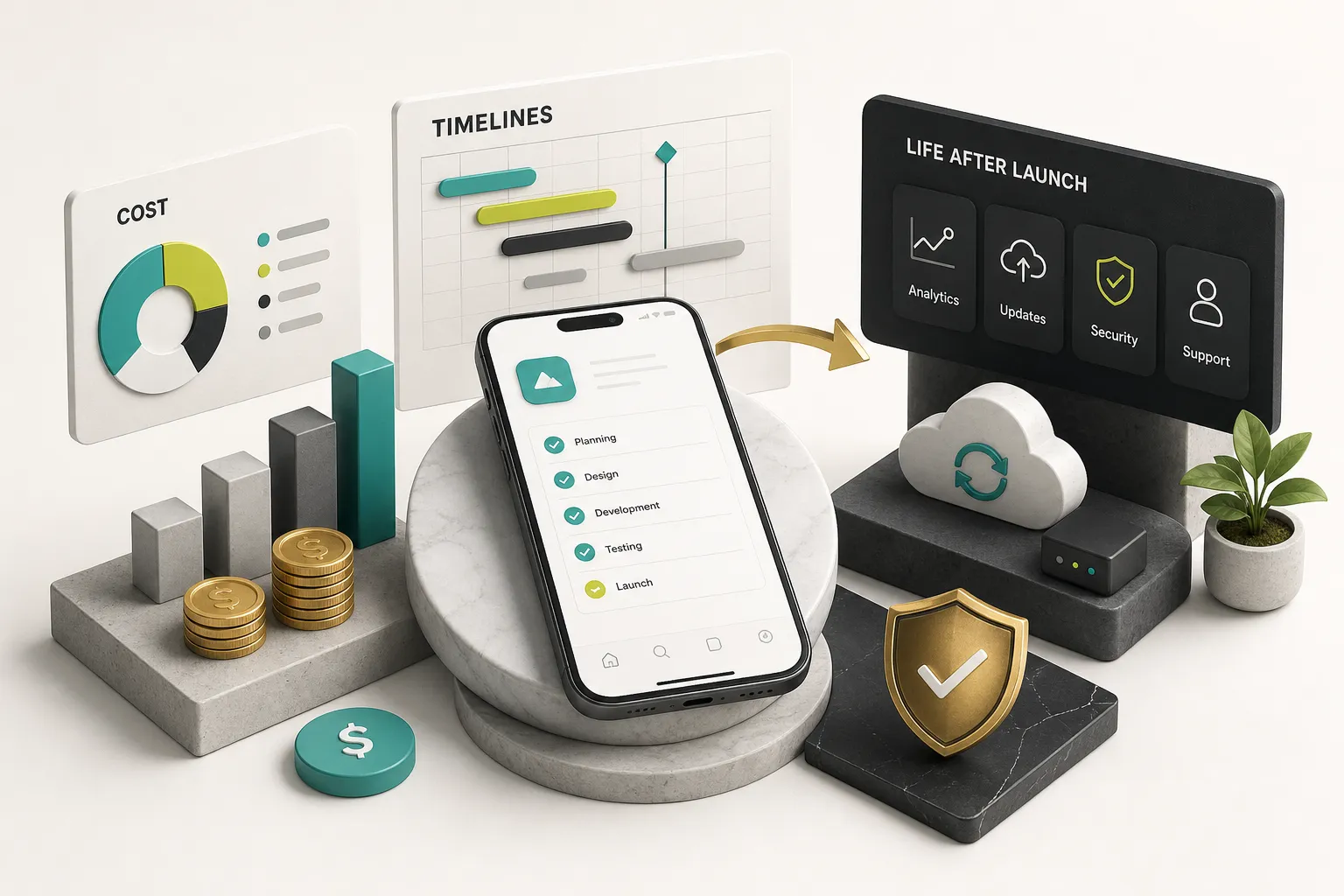
Most cost articles give you a number.
Numbers without drivers are useless, because the same feature list can vary fourfold depending on decisions you haven’t made yet.
What Drives Cost and Timeline
Number of platforms is the biggest multiplier in native development.
Two native codebases typically land at 1.6 to 1.9 times the cost of one, not 2.0, because design, backend, and product work is shared.
That shared portion is exactly what a cross-platform approach expands.
Feature complexity compounds non-linearly.
Ten simple screens are cheap.
One real-time collaborative editor with conflict resolution can outcost all ten.
Third-party integrations each carry hidden cost: sandbox accounts, webhook handling, failure states, and platform review implications. Payments, KYC, mapping, and telehealth integrations are notorious for this.
QA coverage scales with your device matrix. Android’s fragmentation means OEM-specific bugs that no simulator reveals, and every additional supported API level widens the test surface.
Backend work is frequently 30 to 50% of total effort and gets omitted from mobile quotes entirely. Auth, data modelling, business logic, admin tooling, and observability all live here.
Design differentiation per platform is a choice with a price tag. Faithful platform UX on both means two design passes; a unified brand-forward design means one.
Post-launch support scope is the line item founders under-budget most.
Plan for 15 to 25% of build cost annually just to keep the app functioning.
A realistic native MVP is a reduced feature set on an architecture that doesn’t block expansion.
Cut features, not layers.
Ship three core flows with clean separation of concerns, a documented API contract, and a real data layer, and version four is a sprint away.
Ship twelve half-features with logic wired into view controllers, and you’ve bought technical debt at retail.
Reusable assets survive the native-versus-cross-platform decision entirely: your backend, design system, API contract, analytics plan, and product requirements. Even with fully separate iOS and Android clients, these are built once.
Publishing to App Stores
Publishing is not a button.
It’s a compliance workflow with a rejection rate, and first submissions get rejected often enough that you should schedule for it.
Privacy disclosures come first.
Apple’s App Privacy details and Google Play’s Data Safety form require you to declare every data type collected, why, whether it’s linked to identity, and whether it’s shared with third parties.
Your SDKs collect data you may not know about, so audit them.
Permission rationale must be specific.
Apple rejects generic usage description strings; “We use your camera to scan receipts for expense reports” passes where “This app needs camera access” does not.
Code signing means provisioning profiles and distribution certificates on iOS, and an upload key with Play App Signing on Android. Losing a signing key on Android without Play App Signing enrolment used to mean you could never update the app again.
Metadata and review testing matter more than teams expect. Screenshots for every required device size, accurate descriptions, age ratings, and working demo credentials, since a reviewer who cannot log in rejects the build.
Compliance checks catch people out: export encryption declarations, account deletion (mandatory on both stores), external payment rules, subscription disclosure requirements, and children’s-privacy rules if your audience skews young.
Staged deployment is your safety net.
Google Play’s phased rollout starts at 1 to 5% of users; Apple’s phased release ramps over seven days.
Both let you halt a release when crash-free sessions dip.
Maintaining an App Post-Launch
Launch is when the recurring bill starts.
Every year brings iOS and Android major releases, and every release breaks something.
OS updates arrive on a predictable cadence: new APIs, deprecated behaviours, tightened permissions. Google Play also enforces a rolling target API level requirement, meaning apps that aren’t updated eventually stop being discoverable to new users.
SDK deprecations and dependency maintenance demand steady attention. Firebase, analytics, payment, and auth SDKs push breaking changes; a codebase left alone for eighteen months becomes an archaeology project before it becomes an update.
Crash monitoring should be live from day one.
Crashlytics or Sentry, watched against a crash-free-sessions target above 99.5%, with alerting on regressions rather than weekly manual checks.
Performance regression testing catches the slow decline nobody notices in review. Track cold start, frame rendering, ANR rate, and memory in CI so a bad merge shows up as a number, not a review complaint.
Store-policy compliance keeps shifting.
Privacy rules, subscription requirements, and regional regulations like the EU’s Digital Markets Act change the goalposts, and non-compliance can get an app pulled.
One decision worth flagging: on-device AI features.
If your product needs real-time camera inference, offline speech recognition, or hardware-accelerated model execution on the Neural Engine or an Android NPU, that’s a strong argument for native or a native module.
If your AI features are LLM calls to a server, framework choice is irrelevant, and shipping cross-platform is simply faster.
Making the Call
The test is short enough to run in one meeting.
Does your product depend on deep hardware access, frame-level rendering control, or platform-exclusive APIs you need on day one? Lean native, or native modules inside a cross-platform shell.
Does speed to market, budget efficiency, and a single team maintaining one codebase matter more? Cross-platform will almost certainly deliver quality your users cannot distinguish.
Write the requirements list first.
Every bad stack decision we’ve seen started with a technology choice looking for a justification, and the correction cost more than the original build.
What you should walk away with is a habit, not a verdict: turn every “we need it to feel native” into a measurable requirement.
Which sensor.
What frame rate.
What happens offline.
Which OS feature, by when.
If you want that assessment done objectively against your actual feature list, CompletApp offers a free 30-minute discovery call, followed by a written proposal with fixed scope and fixed price if the project’s a fit.
We’ll tell you when Flutter is the efficient answer, and we’ll tell you when your requirements genuinely need native modules.
Defaulting to native by assumption is how six-figure budgets get spent on a difference nobody can see.