Roughly 80% of dating apps never reach 1,000 active users. Not because the code broke, but because the founder solved the wrong problem first.
Why Most Dating App Projects Fail Before They Launch
Search for a dating app development company and you’ll get two kinds of results: feature checklists that read like a shopping list, and vendor pages selling you a build before anyone has asked what you’re building. Neither helps you make a decision.
What’s missing is the planning layer. The work that happens before a single screen gets designed, where scope, launch market, and safety model get decided.
Skip it and you pay for the lesson later.
The typical failure pattern looks like this. A founder signs with a team, spends six to twelve months and somewhere between $30,000 and $150,000, then launches into a city with 40 users and no way to moderate them.
The app works. The marketplace doesn’t.
The most expensive mistake in dating app development isn’t bad code. It’s building a full-featured product for a market that hasn’t been proven to have enough users to generate a single good match.
This guide gives you the framework instead. How to scope a dating app MVP that tests your hypothesis, how to solve the cold-start problem before you spend on features, how to design trust and safety in from the beginning rather than bolting it on after a rejection from Apple, and how to evaluate a development partner using criteria that predict delivery rather than sales polish.
By the end you’ll know what to ask for, what to refuse to pay for yet, and who actually owns your code when the project ends.
What a Dating App Development Company Actually Builds
There’s a gap between what founders think they’re buying and what gets shipped. Understanding that gap is the difference between a $40,000 build and a $200,000 one.
MVP vs a Production-Ready Marketplace
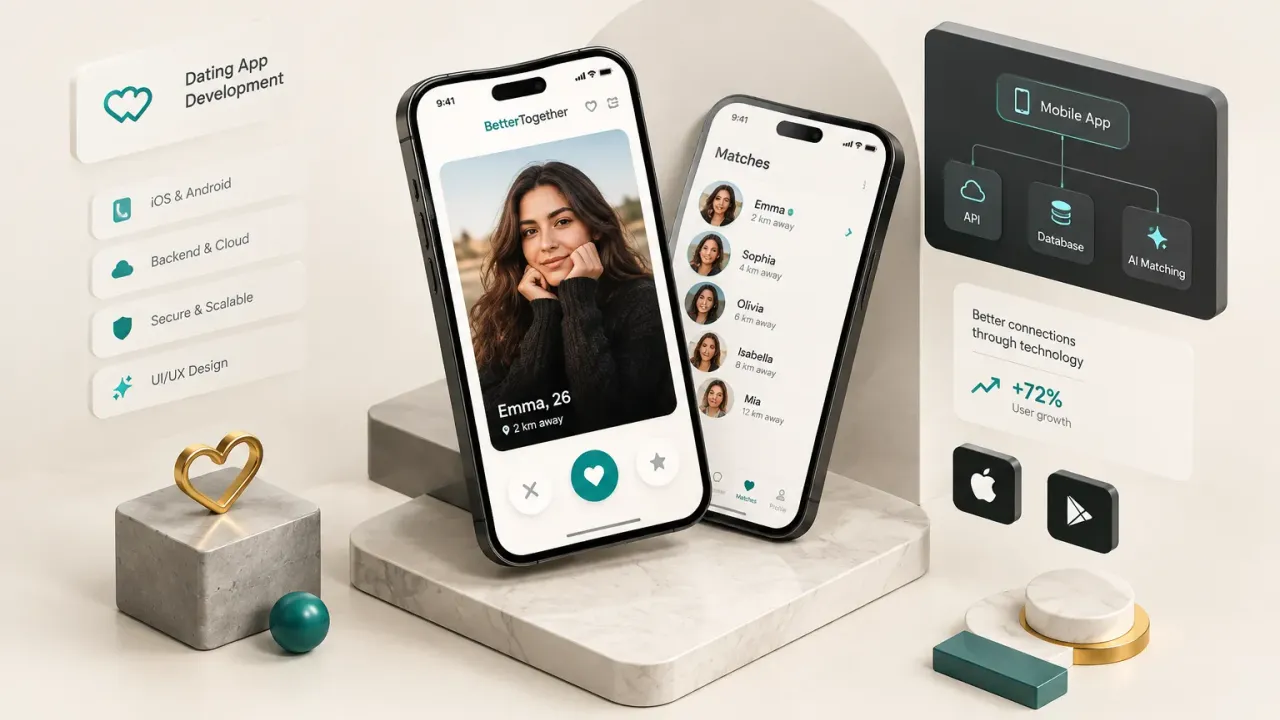
A genuine dating app MVP contains one thing: the core value loop. A user creates a profile, discovers other people, matches with someone, and starts a conversation. Profile, discovery, match, chat.
That’s it.
Everything else is infrastructure for scale you don’t have yet. Video dating, personality quizzes, event features, icebreaker games, astrology compatibility. All of it can wait until you know people will match and talk at all.
But a production marketplace, the thing you need once real users arrive, carries a second layer that founders rarely budget for. An admin moderation dashboard with a review queue. Fraud and bot detection. Analytics instrumentation that tells you where funnels break. Support tooling so someone can actually respond to a harassment report at 11pm on a Saturday.
That second layer is invisible to users and non-negotiable for survival. Apple will reject you without functioning report and block functionality. Your users will leave after one bad interaction that nobody handled.
So the honest scoping question isn’t “what features do I want?” It’s “what is the smallest product that tests my hypothesis, plus the smallest safety and operations layer that keeps it legal and habitable?”
The Cold-Start Problem and Niche Liquidity
Dating apps are two-sided marketplaces, and two-sided marketplaces have a brutal property: the product is worthless until both sides are present in the same place at the same time.
Liquidity means enough users on both sides, within the same location or interest group, that a typical user opens the app and finds someone plausible. Not eventually. Today.
Here’s the trap. A founder launches nationally, acquires 5,000 users, and feels successful. But those users are spread across 200 cities. In any given city there are 25 people, of whom maybe eight match the user’s preferences, of whom two have opened the app this week.
The app feels empty because it is empty, locally.
With geolocation matching as the default discovery mechanism, density beats headcount every time. One thousand users in a single metro area outperforms fifty thousand scattered nationally.
This is why the successful apps started narrow. Bumble seeded on college campuses where social graphs were already dense. Hinge launched city by city, leaning on mutual friend connections through Facebook to make small user bases feel meaningful. Both delayed geographic expansion until local network effects were self-sustaining.
Your launch market should be one city, one campus, one professional community, or one clearly defined niche. Pick the smallest market where you can plausibly reach saturation, then dominate it.
Tell your development team which market that is. It changes the product. A campus app needs email domain verification and class-year filters. A city app needs neighborhood-level radius controls. A niche interest app needs different onboarding questions entirely.
These aren’t cosmetic differences.
Scoping Your App Before You Contact a Developer
The single highest-leverage week in your entire project happens before you talk to anyone. Write down what you’re building, and every subsequent conversation gets cheaper and faster.
The Pre-Discovery Checklist
Work through these six items and write the answers down. A vendor who receives this document will quote you accurately. A vendor who receives “I want to build a dating app” will quote you a guess.
- Target audience and relationship intent. Who exactly is this for, and what are they looking for? Long-term partnership, casual dating, friendship, activity partners? Intent shapes the entire matchmaking algorithm and the onboarding flow.
- Geographic launch area. Name the city, campus, or community. Define the radius. This determines your seeding strategy, your marketing budget, and whether your app feels alive on day one.
- Monetization hypothesis. How does this make money, and when do you turn it on? Subscription monetization requires billing infrastructure and paywall logic that adds real engineering scope. Decide now whether it’s in the MVP or phase two.
- Safety model. What happens when a user reports someone? Who reviews it, within what timeframe, using what tool? Write the process out as a flow, not an intention.
- Success metrics. What number tells you this is working? Day-7 retention, match-to-message conversion, weekly active users per thousand registered. Pick two or three and commit before launch, not after.
- Must-have user journeys. Walk through the three paths a user must be able to complete flawlessly. Sign up and build a profile. Find and match with someone. Report and block a bad actor. Everything else is secondary.
Must-Have MVP Features
This is the baseline. Not the wish list, the baseline. Anything a development partner tries to remove from here is cutting into the product’s ability to function or comply.
- Onboarding and verification. Secure authentication via phone or social login, age gating at signup, and profile verification through a selfie or liveness check. Identity verification is now the baseline expectation in dating, not a premium feature.
- Profile creation. Photo upload with moderation on ingest, prompts or bio fields, and preference settings that actually filter results.
- Discovery and matching. Whether it’s swipe, grid, or curated daily selections, this is where your recommendation engine lives. Start simple and instrumented.
- Real-time messaging. Persistent chat with delivery states, typing indicators, and message moderation hooks. Real-time messaging infrastructure is one of the largest hidden cost drivers in any dating build.
- Report and block. Accessible from the profile, the chat, and the match screen. One tap to block, two taps to report with a reason code.
- Push notifications. New match, new message, and re-engagement triggers. Push notifications drive the majority of session starts in early-stage dating apps, so reliability here directly affects retention.
- A basic admin panel. User lookup, account suspension, report queue, and content review.
Two things get left off almost every feature list a founder brings to a vendor, and both hurt later.
The first is the moderation queue. Not the report button, the actual back-end tool where a human reads reports, views the reported content, and takes action. Without it, your reports go into a database that nobody reads.
The second is analytics instrumentation from day one. Event tracking on signup completion, first swipe, first match, first message sent, first reply received. Retrofitting analytics after launch means your first three months of user behavior data are simply gone.
Cross-Platform vs Native: What Actually Matters
This decision gets made on developer preference far too often. Make it on product requirements instead.
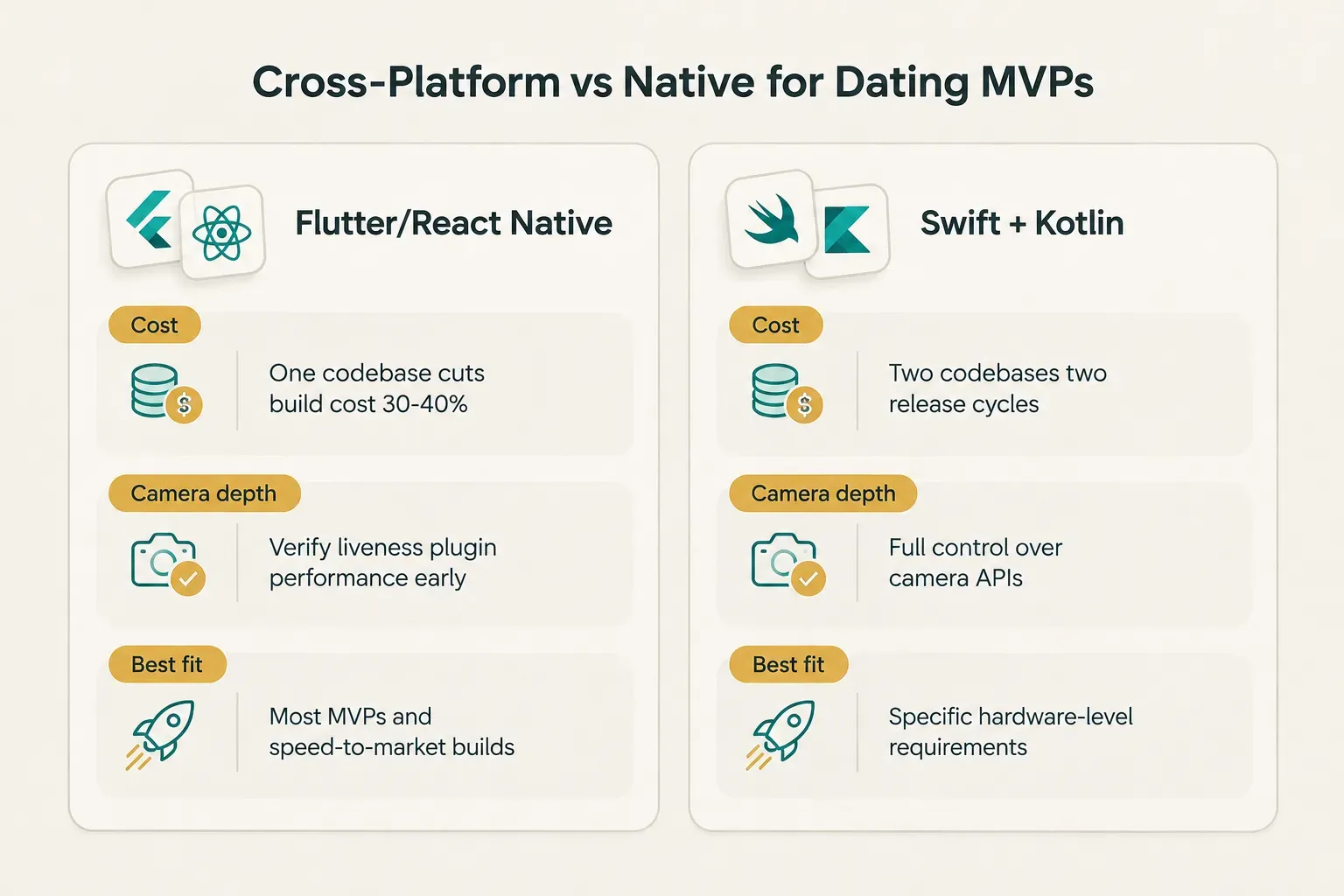
- Camera performance for verification selfies. If your identity verification flow depends on liveness detection or precise camera control, test the framework’s camera plugin performance early. This is the most common place cross-platform hits friction.
- Push notification reliability. Both native and cross-platform handle notifications well in 2026, but background message delivery and notification grouping behave differently. If notifications drive your retention loop, verify this in a prototype.
- Real-time messaging infrastructure. The heavy lifting happens server-side regardless of client framework. Your choice of messaging backend matters more than your choice of Flutter versus Swift.
- Hiring flexibility and maintenance cost. Two native codebases means two sets of bug fixes, two release cycles, and either two specialists or one generalist doing both jobs slowly.
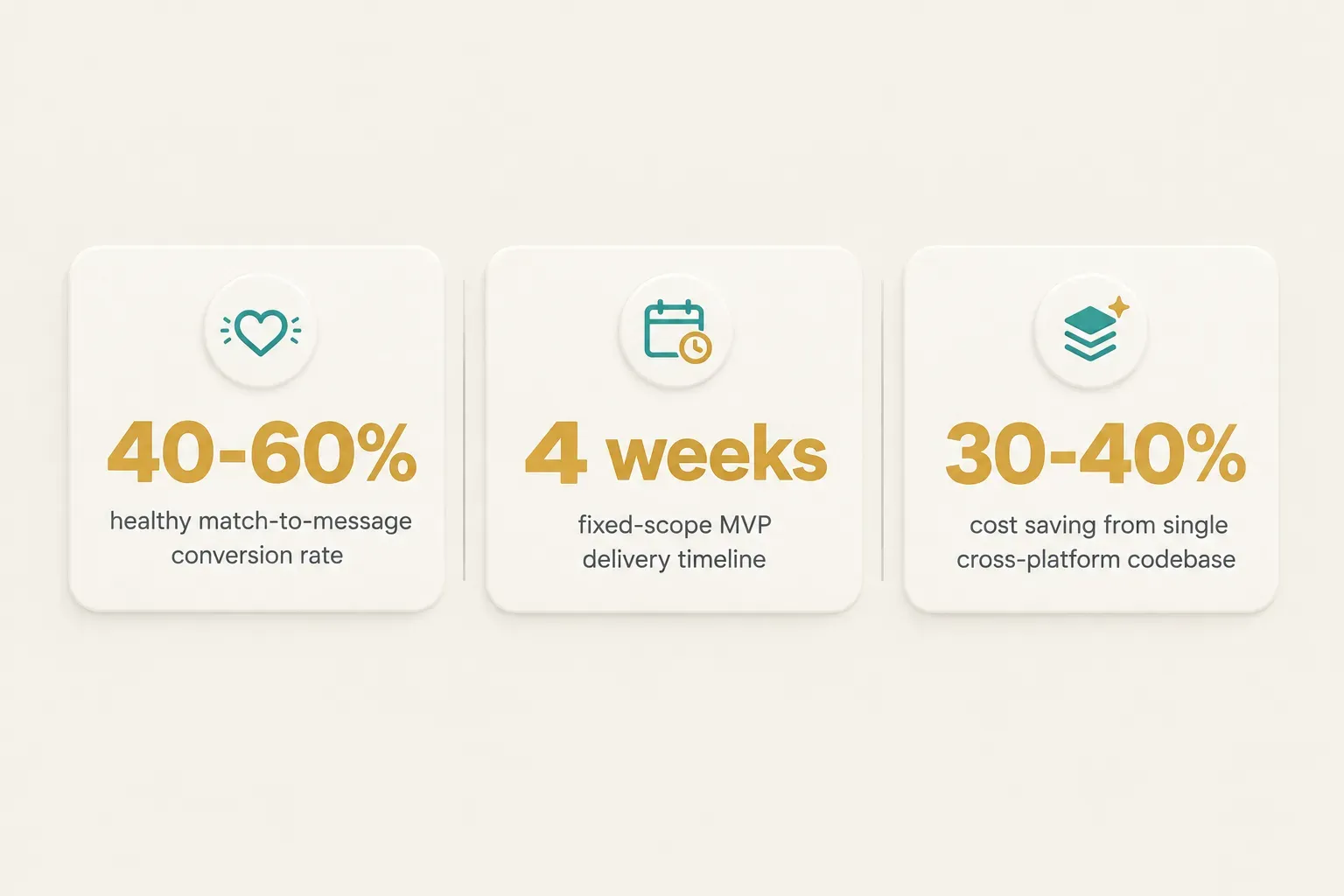
For most dating app MVPs, cross-platform app development wins on economics. A single Flutter codebase shipping to both the App Store and Google Play typically cuts build cost by 30 to 40% and shortens the timeline meaningfully versus maintaining separate iOS and Android codebases.
Go native when you have a specific, identified technical requirement that cross-platform genuinely can’t meet. Not because it feels more serious.
AI Matchmaking, Trust, Safety, and Compliance
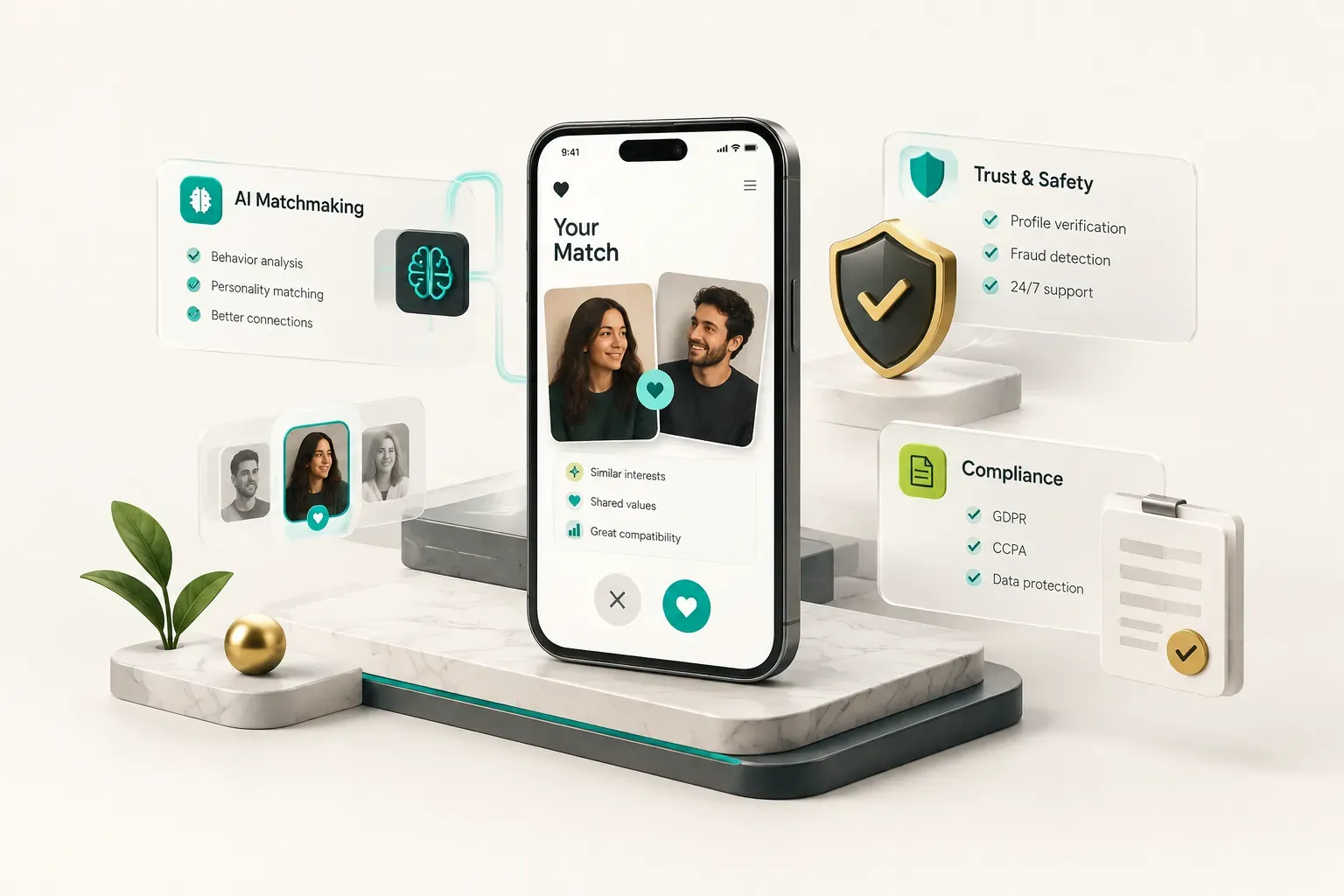
Here’s an uncomfortable truth about AI matchmaking: you cannot build a good recommendation engine before you have users, because recommendation engines learn from user behavior you don’t have yet.
AI Matchmaking That Actually Works
Start with transparent, rules-based filters. Location radius, age range, stated intent, deal-breaker preferences.
Boring, explainable, and correct on day one.
Then instrument the outcomes. Every swipe, every match, every message sent, every reply received, every conversation that lasts past three exchanges. That data is the fuel for any machine learning layer you add in month six.
A vendor who promises a proprietary AI matchmaking algorithm in an MVP quote is selling you something that cannot exist yet. There’s no training data. What they can legitimately build is the scaffolding: clean event tracking, a scoring function you can tune, and a feedback loop from swipe outcomes and message response rates.
The metric that proves your matching works is match-to-message conversion: of all matches created, what percentage produce at least one message, and what percentage produce a reply. If you improve your ranking and that number rises, the algorithm is working.
If it doesn’t move, you’ve built decoration.
Track it weekly by cohort. A healthy early-stage dating app sees 40 to 60% of matches generate a first message. Below 25% and your matches aren’t meaningful, no matter how many you’re producing.
Safety Architecture Essentials
Trust and safety is not a feature. It’s an architecture and an operational commitment, and it needs to exist in the MVP.
The minimum viable safety stack has four parts. A report and block flow that works from every surface where users encounter each other, with a human escalation tier for serious reports. Automated content screening on photo and message ingest, paired with human review for edge cases, because user-generated content moderation at any scale requires both.
Then scam and impersonation detection. Duplicate photo detection, behavioral signals like message velocity and copy-paste patterns, and flags on accounts that push conversations off-platform within the first few exchanges. Romance fraud is the single largest source of user harm in dating apps, and it follows recognizable patterns.
Finally, in-app safety communications and verification badges. Users behave more safely when the app tells them how, and verified profiles measurably reduce bad-actor volume.
Every safety feature you defer becomes a crisis you handle manually at 2am with no tooling. Build the moderation dashboard before you need it, because the day you need it, you need it immediately.
Privacy and App Store Compliance
Dating apps handle some of the most sensitive data categories that exist: sexual orientation, precise location, private messages, identity documents. Privacy-by-design isn’t a nice posture here, it’s a regulatory requirement under GDPR and a growing list of US state privacy laws.
Data minimization means collecting only what the product needs to function. If you don’t need exact coordinates, store an approximate location. Displaying “3 miles away” does not require retaining GPS precision to six decimal places, and doing so creates a stalking risk.
Your privacy scope should cover profile visibility controls, data retention periods with automated deletion, a working account deletion flow that actually removes data rather than soft-flagging it, and explicit consent for each distinct use of personal data.
On the store side, both platforms have tightened requirements for dating apps. As of 2026, expect review to check for four things: enforced age gating with real age verification, active moderation of user-generated content, functioning block and report tools accessible within the app, and a privacy policy that matches actual data practices.
The App Store review guidelines also carry a differentiation clause that catches a lot of founders off guard. Apple rejects dating apps that appear to be generic clones of existing products.
Your niche, your launch market, your distinct matching approach: these aren’t just business strategy, they’re your defense against a spam-app rejection.
Google Play policy compliance adds its own layer around sensitive permissions and background location access. Justify every permission you request in the store listing, and request them contextually rather than all at signup.
Evaluating and Contracting a Development Partner
Two vendors quote the same app. One says $45,000 and eight weeks. The other says $180,000 and seven months.
Both are being honest. They’re scoping different products.
Cost Drivers and Realistic Timelines
Screen count is a terrible proxy for cost. What actually drives the number is infrastructure complexity behind those screens.
| Component | Complexity Driver | MVP Scope | Full Marketplace Scope |
|---|---|---|---|
| Onboarding and verification | Liveness detection, ID document checks, third-party KYC integration | Phone auth plus selfie check | Document verification and fraud scoring |
| Real-time messaging | Presence, delivery states, media sharing, moderation hooks | Text chat with read receipts | Media, voice notes, in-app video dating |
| Matching and recommendations | Rules engine vs trained ranking model, feature store, retraining pipeline | Rules-based filters with scoring | ML recommendation engine with feedback loops |
| Trust and safety | Automated screening, human review queue, escalation workflows | Report/block plus basic review queue | Full moderation dashboard and fraud detection |
| Payments and monetization | Store billing, subscription tiers, entitlement logic, receipt validation | Single subscription tier | Tiers, boosts, in-app purchases, web billing |
| Admin and analytics | Internal tooling, event pipelines, dashboards, cohort reporting | Basic admin panel and event tracking | Full ops tooling and BI layer |
| Typical timeline | 4 to 12 weeks | 6 to 12 months |
A focused MVP, scoped tightly to the core loop plus baseline safety, lands in the four to twelve week range depending on verification complexity and team structure. A full two-sided marketplace with ML matching, video, and complete ops tooling is a six to twelve month program.
Compression is possible without cutting safety. CompletApp’s fixed-scope model ships a working dating app MVP in roughly four weeks by locking scope in writing before development starts, reusing proven architecture for authentication, messaging, and moderation, and refusing to add features mid-sprint.
The speed comes from decision discipline, not from skipping the moderation queue.
A Scorecard for Choosing a Company
Score every vendor on four criteria. Anything below a pass on all four is a risk you’re accepting knowingly.
| Criterion | What to Ask For | Green Flag | Red Flag |
|---|---|---|---|
| Portfolio verification | Live App Store and Play Store links to apps they built | You can download and use three shipped apps | Dribbble mockups and NDA excuses |
| Technical discovery | A paid or structured discovery phase with written output | They push back on your scope and document why | A fixed quote within 24 hours of first contact |
| Testing standards | Written QA process, test coverage policy, device matrix | Documented regression suite and staging environment | ”Our developers test their own work” |
| Deployment access | Handover of build pipeline and store credentials | You own the accounts from day one | Vendor publishes under their own developer account |
Contracts, Ownership, and Post-Launch Metrics
The ownership conversation is the one founders skip and later regret. Go through this list line by line before signing, and get the answers in the contract rather than in an email.
- Source code. Full repository ownership assigned to your entity, with access from the first commit rather than at final payment.
- Cloud accounts. AWS, GCP, Firebase, and any third-party service accounts registered to your email and your billing card.
- App store accounts. Your Apple Developer and Google Play accounts, with the vendor added as a user. Never the reverse.
- Database and analytics. Production database ownership and admin access on your analytics properties, including historical data export rights.
- Domains and design files. Domain registrar access and the editable source files, not just exported PNGs.
- Scope structure. Fixed-scope with a written feature list and change-order process, or open-ended hourly. Both can work. Only one gives you a predictable budget.
Once you launch, the metrics that guide your next iteration are narrower than you’d expect. Retention curves by cohort, particularly day 1, day 7, and day 30. Match-to-message conversion as your matching quality signal. Conversation quality, measured as the share of conversations reaching four or more exchanges.
Then run cohort tests on changes rather than shipping to everyone. Track moderation workload per thousand active users, because that number tells you when to hire.
And analyze churn by segment, because the reason a 24-year-old woman leaves is almost never the reason a 38-year-old man leaves.
Your Next Move Before You Hire Anyone
The decision is simpler than it looks, and it depends on one thing.
If you don’t have a written requirements document yet, stop. Spend a week on the pre-discovery checklist before you take a single sales call. Every vendor conversation you have without it costs you money, because you’ll be quoted on assumptions instead of requirements.
If you do have that document, your next step isn’t a feature quote. It’s a discovery conversation where someone technical pressure-tests your scope, challenges your launch market, and tells you which features to cut. The goal is finding the holes in your plan while they’re still cheap to fix.
That’s a one-hour conversation, not a contract. Book a free discovery call, bring your requirements document, and get your scope validated before you commit a dollar to development.