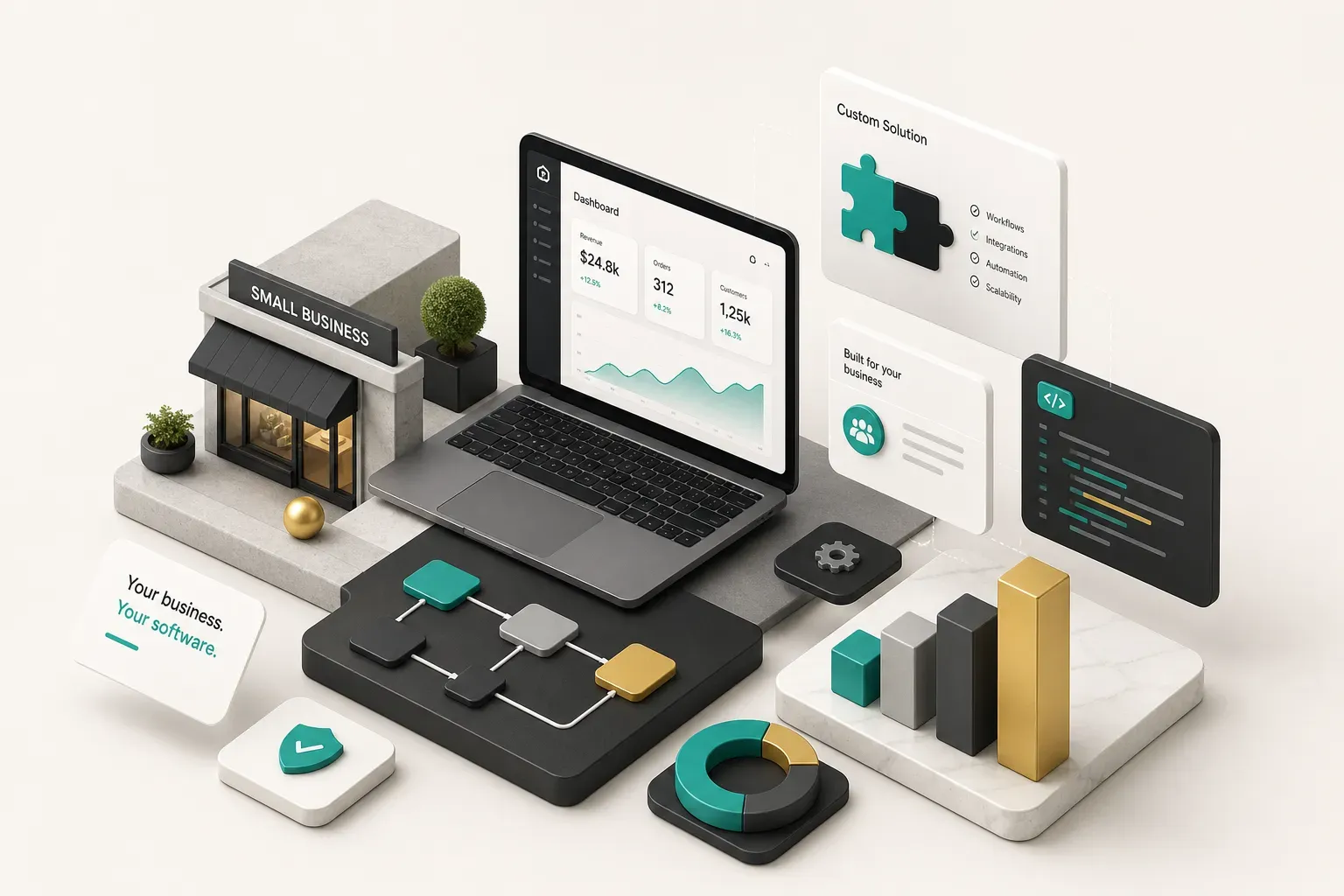
Why This Decision Matters
Most small businesses that regret building custom software didn’t regret the idea.
They regretted the scope.
Here’s the tension.
Off-the-shelf software is cheap, fast, and available this afternoon. It also forces your business to bend around someone else’s assumptions about how your work should flow. Custom software does the opposite: it fits your process precisely, and it can quietly cost three times what you were quoted if nobody defined what “done” means.
This guide takes a decision-first approach.
Not a technology-first one.
You’ll identify one workflow worth fixing, validate that it’s actually the bottleneck, scope a minimum viable product with a real finish line, run a proper build versus buy decision, and budget for the year after launch rather than just the launch itself.
And to be direct about it: custom development is the wrong answer more often than agencies admit.
If a $49-per-month SaaS tool covers 80% of your need, building your own version is an expensive way to feel in control. Part of this guide’s job is helping you spot that scenario before you spend anything.
The best custom software project is small, boring, and fixes something that happens fifty times a week.
This is written for nontechnical owners, operations managers, and founders. You won’t need to understand databases or deployment pipelines.
You will need to understand where your team wastes hours, what integrations you depend on, and what you’re willing to own long-term.
That’s the actual skill set this decision requires.
Custom Software vs Off-the-Shelf
What Counts as Custom Software
Custom software is a purpose-built application designed around one specific workflow in your business.
Not a configured template.
Not a spreadsheet with macros.
An application where the screens, logic, permissions, and data model were designed for how your team actually works.
That sits at one end of a spectrum. At the other end is off-the-shelf software: standard SaaS products like QuickBooks, Jobber, or HubSpot, where thousands of businesses share the same codebase and you adapt to it.
Between those two poles sit the options most owners skip past too quickly.
Software customization means extending a SaaS tool you already pay for using its API integrations, plugin marketplace, or automation platforms like Zapier and Make. If your CRM holds the data but can’t produce the quote format your industry demands, a small integration layer may solve it for a fraction of a full build.
No-code and low-code platforms (Airtable, Retool, Glide, Microsoft Power Apps) sit one step further. You get real workflow management, custom forms, and dashboards without a development team.
The tradeoff is per-user pricing that scales badly, limited control over authentication and authorization, and a ceiling you’ll hit if the tool becomes business-critical.
Build, Buy, or Customize
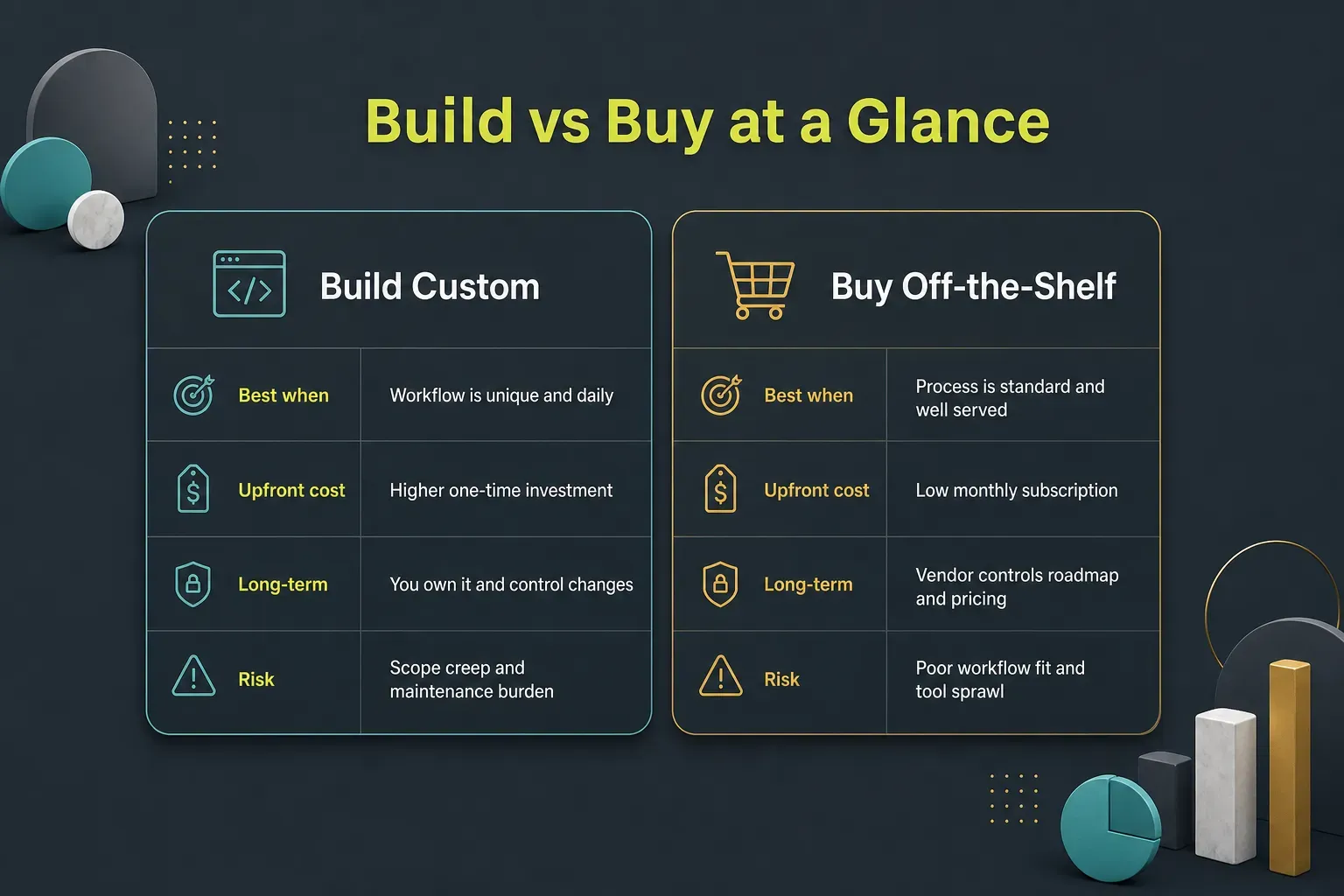
The framework is simpler than the sales pitches suggest. Build when a workflow meets three conditions at once: it’s unique to how you operate, high-frequency (daily or many times daily), and a competitive differentiator that affects how customers experience you.
Miss any one of those three and you should probably buy or configure instead.
Payroll is unique to nobody.
Accounting is standard.
Email marketing is thoroughly solved.
Buy those.
But the way a specialty fabrication shop prices a job from twelve variables, or how a home services company sequences four crews across a metro area?
That’s often genuinely unique, genuinely daily, and genuinely a reason customers choose you.
Concrete reasons not to build:
- The workflow isn’t documented yet. If you can’t draw it on one page, developers will build the version they imagine, not the version you need. Unclear process is the number one cause of blown budgets.
- Low usage frequency. A tool used twice a month rarely earns back a five-figure build. Manual work at low volume is cheaper than software.
- No capacity to maintain it. Software isn’t a purchase, it’s a commitment. If nobody owns bug fixes, hosting, and small changes, your tool decays into technical debt within eighteen months.
- An existing product covers 80%. Adapt your process to close the last 20%. That’s almost always the better trade.
Where Small Businesses Win Big
The most profitable custom software in small business is almost never customer-facing. It’s the unglamorous internal tool that removes ninety minutes of manual work from someone’s day, every day.
Customer-facing apps get the attention and the investor decks. Internal tools get the return on investment, because the savings are immediate, measurable, and don’t depend on convincing strangers to download anything.
Here are the projects that consistently pay off for businesses under 100 employees:
- Quoting and estimating systems. If your team builds quotes in spreadsheets with pricing rules living in someone’s head, this is usually the highest-ROI first project. It cuts quote turnaround from hours to minutes, kills pricing errors, and directly affects close rates.
- Scheduling and dispatch tools. Field service, trades, logistics, and clinics all suffer from the same problem: generic calendar tools don’t understand crew skills, drive time, equipment, or exception handling. A focused dispatch tool removes daily phone-tag.
- Client portals. A single place where customers check status, approve work, upload documents, and see invoices. It reduces inbound “where are we at?” calls dramatically and makes a small operation feel considerably larger.
- Approval workflows. Purchase orders, discounts, time off, change orders. Anywhere an email chain currently decides something, a light business process automation layer with an audit trail saves hours and prevents disputes.
- Operational dashboards replacing spreadsheets. The shared workbook that four people edit and everyone distrusts. Replacing it with a real web application plus role-based views eliminates version conflicts and gives you actual analytics and product metrics.
- Inventory and order tracking. Especially where physical goods, job stages, and customer promises intersect. Real-time visibility here prevents the most expensive mistakes: overselling and missed deadlines.
One rule matters more than the list: your first project should be a single-purpose internal tool, not an all-in-one platform.
Every owner who has attempted “the system that runs the whole business” as a first build has learned this expensively.
And understand what actually drives cost.
It isn’t screen count.
It’s workflow complexity, exception handling (“what if the customer changes the order mid-build?”), permission layers, and data migration from whatever you use now. A ten-screen app with clean logic can cost less than a three-screen app that has to reconcile fifteen years of messy historical records.
Scoping a Realistic MVP
Vague ideas produce vague quotes, and vague quotes produce projects that end in arbitration.
The fix takes about two hours of your time.
Write a Problem Brief
- Name the people affected. Write down exactly who touches this workflow: “three estimators, one office manager, and the owner for approvals over $10000.” Specific roles, specific counts. This becomes your user list and shapes your role-based access control later.
- Describe what breaks today. Not “our process is inefficient.” Instead: “estimators rebuild pricing in a new spreadsheet for every job, and we send out roughly two mispriced quotes a month.” Failures, with frequency.
- Attach numbers to the pain. How many hours per week? How many errors per month? How much revenue is affected by slow turnaround? Even rough estimates transform the conversation, because they set the budget ceiling honestly.
- Define what success looks like. One or two measurable outcomes. “Quote turnaround under 30 minutes” or “zero pricing errors from outdated rate tables.” If you can’t measure it, you can’t tell whether the project worked.
- List your non-negotiable integrations. What systems must this talk to on day one? Accounting, CRM, payment processor, email. Naming these upfront prevents the most common mid-project cost explosion.
Keep it to one page.
Genuinely one page.
A brief that runs to eight pages is a wish list, and wish lists get priced defensively.
Define Requirements and Acceptance Criteria
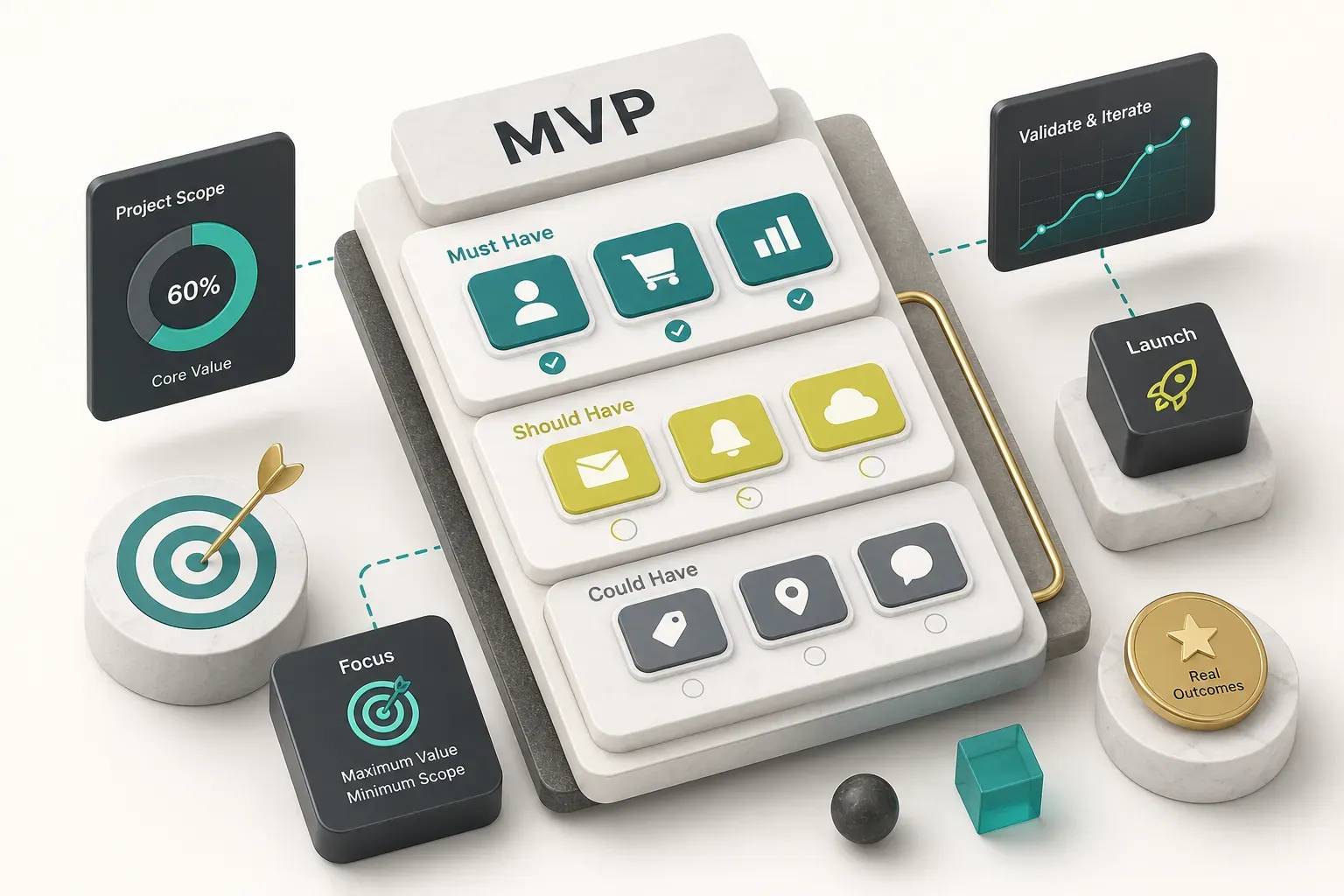
- Split everything into must-have and nice-to-have. Be ruthless. If the tool would still solve the core problem without a feature, it’s nice-to-have. Most first drafts have about 30% must-haves, and that 30% is your MVP.
- Write simple user stories. The format is boring and effective: “As an estimator, I need to select a job type and see the current rate table so I stop hunting for the latest pricing sheet.” Plain language, no technical guessing. This is requirements gathering done properly.
- Add acceptance criteria to each story. These are pass/fail statements. “Rate table pulls from the single source and displays the last-updated date.” “Quotes over $10000 cannot be sent without owner approval.” Testable, unambiguous, and the thing that gives your MVP a finish line.
- Map your exceptions explicitly. What happens when a customer cancels halfway, a price changes mid-quote, or two people edit at once? Exceptions are where budgets die. Decide upfront which ones the software handles and which stay manual for now.
- Freeze the scope, then park new ideas. Keep a visible “phase two” list. Ideas will keep arriving, and writing them down without building them is the single most valuable discipline in software projects.
Prototype, POC, MVP, or Production
Owners routinely compare a $6000 quote against a $70000 quote and assume one vendor is gouging them.
Usually they’re quoting entirely different things.
- Prototype. Clickable screens with no working logic, used to validate UX and UI design and get team buy-in. Days to two weeks. Cheap, and often worth doing first.
- Proof of concept. Tests one risky technical question, like whether a legacy system’s data can be extracted reliably. Deliberately ugly and disposable.
- MVP. A real, usable application covering only the must-have stories. Live users, real data, room to grow. This is what most small businesses should actually commission.
- Production application. A hardened MVP with full exception handling, monitoring, documentation, and support processes. Often the natural phase two, three to six months after the MVP proves itself.
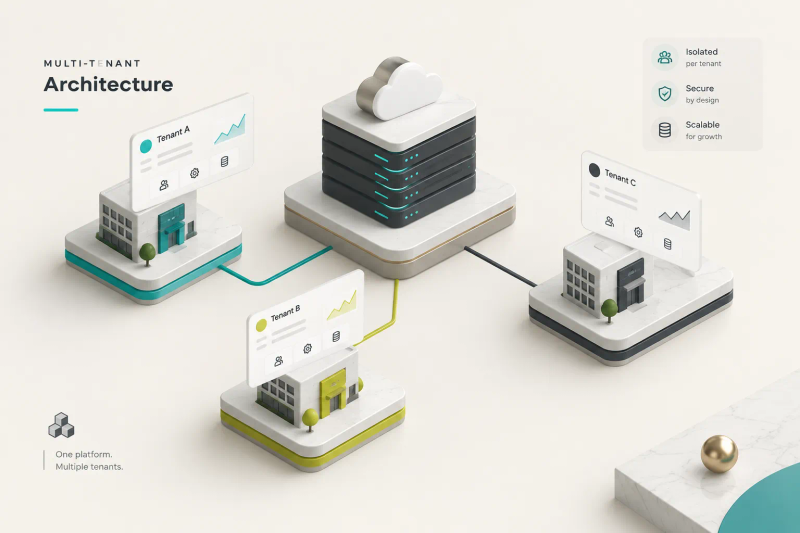
- Scalable SaaS product. Multi-tenant architecture built to sell to other companies. A different business entirely, with a different budget. Don’t accidentally buy this when you need an internal tool.
Staged, fixed-scope delivery reduces the risk substantially. Some providers structure around this deliberately: CompletApp, for example, runs roughly four-week MVP builds with weekly previews and a walk-away guarantee after the first milestone.
The mechanism matters more than the brand.
You want to see working software early and retain an exit before the largest payments land.
Cost, Timeline, and Ownership
What Drives Price and Timeline
A single lump-sum number tells you nothing useful. Phase-level ranges tell you where your money goes and which line items you can control.
| Phase | 2026 Typical Range | Timeline | What Drives It Up |
|---|---|---|---|
| Discovery phase and scoping | $1500 to $6000 | 3 days to 2 weeks | Undocumented workflows, many stakeholders, unclear decision owner |
| UX and UI design | $2000 to $10000 | 1 to 3 weeks | Multiple user roles, mobile plus desktop, custom branding needs |
| Core development (MVP) | $12000 to $45000 | 4 to 10 weeks | Complex business rules, exception handling, real-time features |
| API integrations | $1500 to $8000 each | 3 days to 2 weeks each | Poorly documented APIs, legacy systems, two-way sync requirements |
| Data migration | $2000 to $15000 | 1 to 4 weeks | Dirty historical data, multiple sources, no unique identifiers |
| Testing and QA | 10% to 20% of build | Runs in parallel | Regulated industries, payment handling, many device targets |
| Deployment and cloud hosting setup | $800 to $4000 setup | 2 to 5 days | Compliance requirements, staging environments, custom domains |
| Hosting and infrastructure (ongoing) | $30 to $500 per month | Continuous | User volume, file storage, database size, uptime requirements |
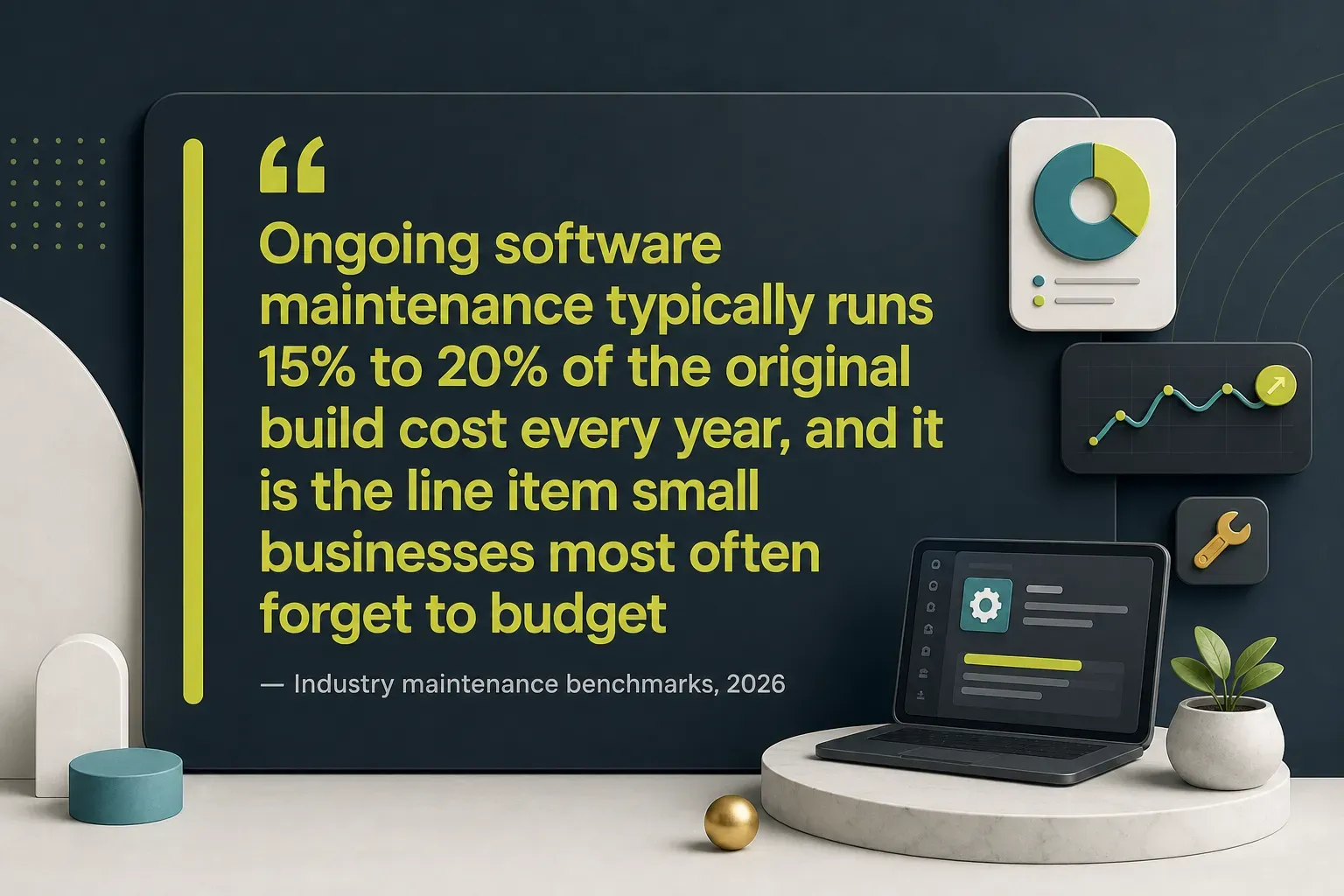
| Software maintenance (ongoing) | 15% to 20% of build per year | Continuous | Integration changes, dependency updates, small feature requests |
Platform choice shifts these numbers meaningfully.
Match it to behaviour, not preference.
| Project Type | 2026 MVP Range | Best Fit | Watch Out For |
|---|---|---|---|
| Web application | $12000 to $40000 | Office staff, desk work, dashboards, portals | Poor mobile experience if not designed responsively |
| Native mobile app (one platform) | $25000 to $60000 | Field teams needing camera, GPS, offline use | App store review cycles and ongoing OS updates |
| Cross-platform app development (single codebase) | $30000 to $70000 | iOS and Android from one build, Flutter-style | Edge cases where native features still need custom work |
| Automation and integration project | $4000 to $18000 | Connecting tools you already own | Fragile if vendor APIs change without notice |
The pattern worth internalising: integrations and data migration frequently cost more than new screens. Owners budget for what they can see.
The expensive work is invisible.
Ownership, Security, and Your Data
Ask about ownership before you talk about features. It’s the clause that determines whether you have an asset or a hostage situation.
Demand these in writing:
- Full source code access and a written transfer of intellectual property on final payment. Some providers offer 100% code ownership on final payment as standard, which is the benchmark to hold others against.
- Repository control in an account your business owns, with your team as admin. Not the developer’s personal GitHub.
- Cloud account ownership. The AWS, Google Cloud, or Azure account should be billed to you. This is the single most common lock-in trap.
- Documentation covering architecture, environment setup, and deployment steps. Enough that a new developer can run the project in a day.
- Third-party license terms listed explicitly, including any paid components with recurring fees.
- A clean exit path. Ask directly: “If we hire someone else next year, what do they receive?” The answer tells you a great deal.
On security, right-sizing matters.
A five-person internal tool doesn’t need bank-grade infrastructure, but secure software development has a non-negotiable baseline: proper authentication and authorization, role-based access control so bookkeepers can’t see payroll, encryption in transit and at rest, automated daily backups with a tested restore, activity logging, and a stated process for patching vulnerabilities.
Then plan the operating model.
Post-launch you need someone responsible for bug fixes, uptime monitoring, staff training, and a support channel with defined response times. Budget it as a line item from day one, not as a surprise in month four.
Calculating ROI and Vetting Partners
The maths is straightforward and most owners never do it.
Add up four things annually: labour hours saved (hours per week times 52 times loaded hourly cost), error reduction (average cost of a mistake times mistakes prevented), revenue gained from faster response times, and subscription costs you can cancel. Compare that total against build cost plus first-year maintenance.
A quoting tool that saves three estimators five hours a week at $45 loaded cost per hour returns roughly $35000 a year. Against a $28000 build, that’s payback inside eleven months.
Any project without a story like that deserves a hard second look.
Questions to ask every prospective partner:
- What are the milestones, and what specifically gets delivered at each one?
- How are change requests priced and approved, and what happens if we change our mind in week three?
- What does your testing process cover, and who signs off on acceptance criteria?
- What are your support terms after launch, including response times and hourly rates?
- Can I see and use working software before the halfway payment?
- Who owns the code, the repository, and the cloud account on completion?
Hesitation on the last two is your answer.
The Bottom Line
The decision compresses into two sentences.
If one workflow is painful, happens frequently, sits at the centre of how you make money, and no existing tool serves it well, scope a small MVP with measurable acceptance criteria and validate it with real users before spending on phase two.
If the pain is occasional, the process is standard, or a decent SaaS product covers most of it, don’t build.
Configure what you have and put the capital somewhere with a clearer return.
Most owners get this wrong in one of two directions. They either avoid custom software entirely and spend years absorbing thousands of wasted hours, or they commission an all-in-one platform that dies in month five.
The middle path, one focused tool, tightly scoped, owned outright, is where the actual returns live.
Your next step costs nothing and takes two hours: write the one-page problem brief this week, before you contact a single developer or agency. Who’s affected, what breaks, how often, what success looks like, which systems it must connect to.
Do that, and you’ll either discover the project is obviously worth it or discover it isn’t.
Either outcome is worth two hours.