What a Custom Website Development Service Really Means
Ask five agencies what a custom website development service includes and you’ll get five different answers. One means a bespoke WordPress theme. Another means a React application with authentication and a database.
The gap between those two is measured in months and tens of thousands of euros.
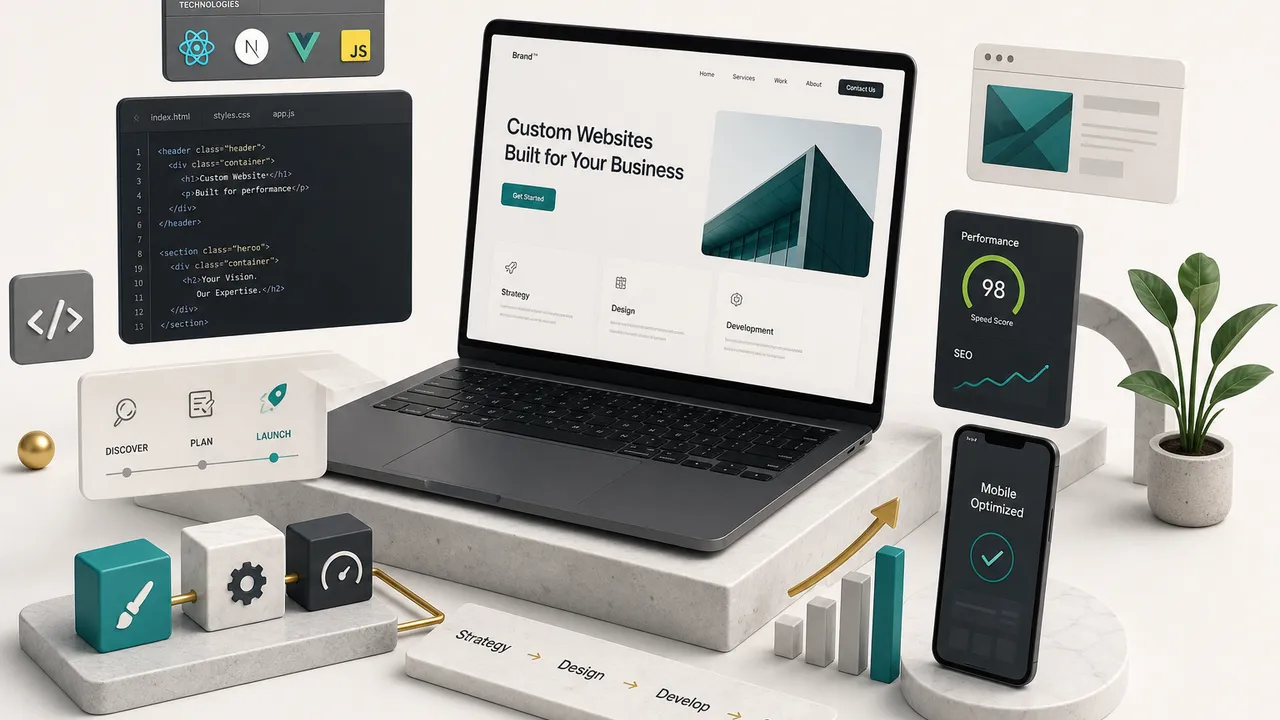
Custom website development is a business and product process, not a coding task. It runs through discovery, information architecture, user experience design, engineering, testing, launch, and ongoing maintenance.
Code is one stage out of seven.
The confusion is expensive.
Most published guides on this topic blur marketing sites, ecommerce platforms, and web applications into a single category, then quote a price range that spans an order of magnitude. Founders read that and either underestimate scope (expecting a customer portal for the price of a brochure site) or overestimate it (paying for a custom stack when a template would have served them fine for three years).
Going custom does not automatically make a site fast, secure, or scalable. Those are outcomes of specific decisions about architecture, hosting, image handling, dependency management, and monitoring. A badly built custom site is slower than a good template.
This guide is written for the person signing the invoice. It covers how to match architecture to a business goal, what real deliverables look like at each stage, where projects actually stall, what ownership you should demand at handover, and how to tell a competent development partner from a confident one.
We’ll also cover the trade-offs nobody puts in a sales deck: when WordPress beats a modern static architecture, when AI features add cost without value, and why a technically flawless launch can still fail commercially.
Get the Scope Right First
The single most expensive mistake in web projects happens before any code is written.
It’s misclassifying what you’re actually building.
A site that needs user accounts is not a website with a login bolted on. It’s an application with a marketing layer.
Treat it as the former and you’ll be rebuilding it inside a year.
Marketing Site, Ecommerce, Web App, or Portal?
These four project types share a browser and almost nothing else. Their requirements diverge from the first planning session onward.
- Marketing site. The priorities are crawlable rendering, fast page loads, clear information architecture, and a content management system your marketing team can operate without filing a ticket. Success is measured in organic sessions, qualified leads, and conversion rate. Typical scope: 10 to 60 pages across 6 to 12 unique templates.
- Ecommerce. Add catalog structure, variant logic, inventory sync, tax and shipping rules, payment processing, and order management. The checkout flow alone carries more edge cases than an entire brochure site. Compliance (PCI, consumer rights, returns policies) becomes a hard requirement rather than a nice-to-have.
- Web application. User accounts, permissions, business logic, persistent state, and a database schema that has to survive feature changes. Think dashboards, booking engines, SaaS tools, calculators with saved results. Here the frontend and backend development split becomes real, and testing burden multiplies because you’re validating behaviour, not just appearance.
- Customer or partner portal. Authentication, role-based access, and API integrations with internal systems: CRM, ERP, ticketing, billing. The hardest part is rarely the interface. It’s negotiating data access with whoever owns the internal system and handling the cases where that system is offline or returns stale data.
A single project can span two categories.
A SaaS company typically needs a marketing site and an application, and the correct answer is usually to build them as separate systems on separate stacks that share a design language and a domain.
When Custom Beats a Website Builder
Honest answer: a five-page brochure site for a local business with 800 monthly visitors does not need custom development. A well-chosen WordPress theme, Squarespace, or Wix will do the job for a fraction of the cost, and the money is better spent on photography and copy.
Custom becomes the right call when one of these is true:
- Performance is a competitive requirement. You need sub-second loads and consistent green Core Web Vitals on mid-range mobile devices, and your competitors are shipping 4MB pages. Builder platforms carry structural overhead you cannot remove.
- You need real integrations. Two-way sync with a CRM, a pricing engine that pulls live data, a booking system tied to internal availability. Plugin-based workarounds break at the worst possible time.
- Brand-specific interaction matters. Motion systems, configurators, interactive product tours, or anything where the interface is part of the value proposition rather than a container for text.
- Volume has outgrown the tool. Hundreds of programmatic landing pages, multi-language content, complex taxonomies, or an editorial team of eight people who keep breaking each other’s layouts.
- Compliance or accessibility is contractual. Public sector contracts, healthcare, finance. You need control over the markup to guarantee conformance.
If none of those apply, start with a builder and revisit in eighteen months.
Spending €25,000 to solve a problem you don’t have yet is not investment, it’s procrastination with a receipt.
Matching the Technology to the Job
Technology choice is usually presented as a religious argument.
It isn’t.
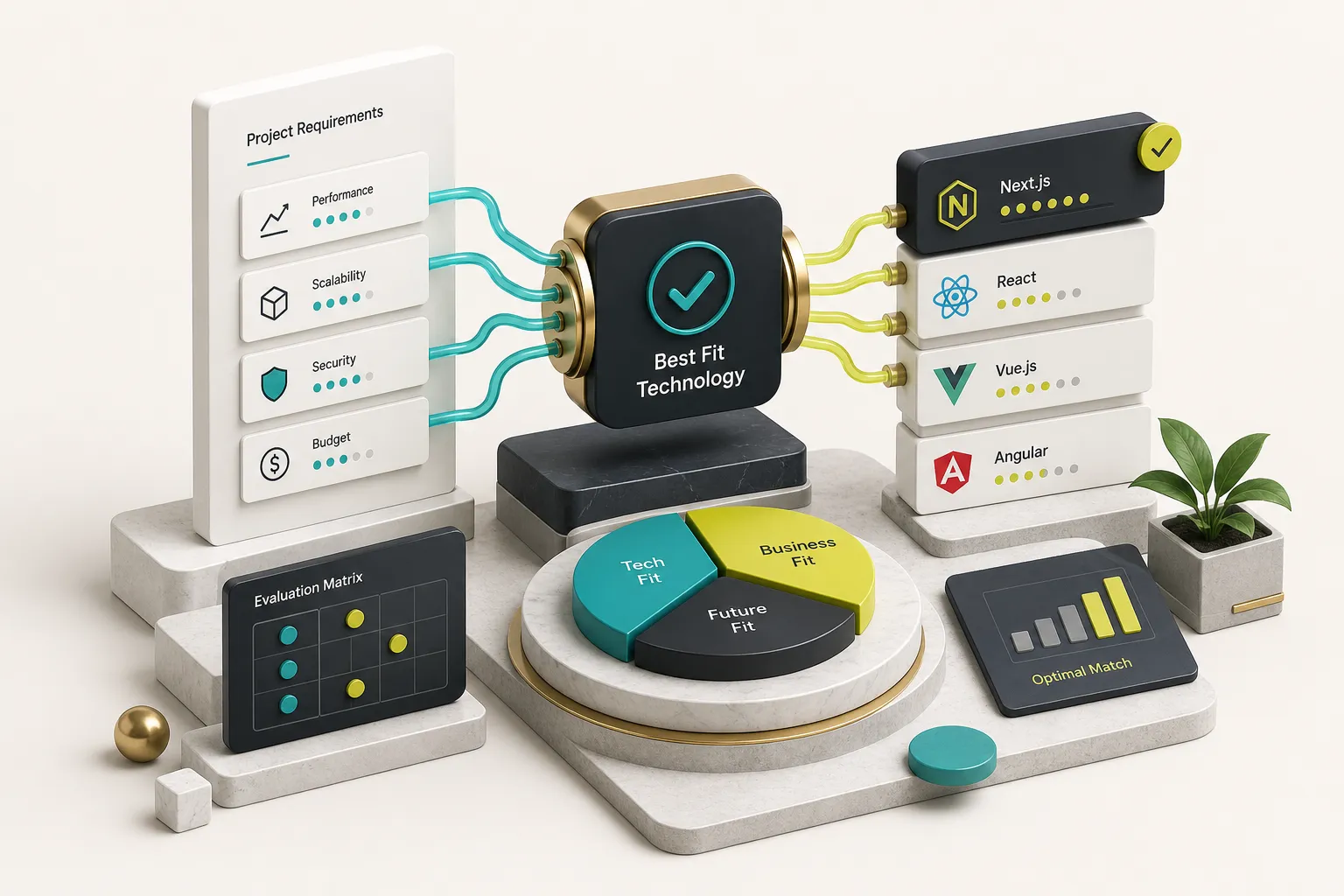
It’s a trade-off between how often content changes, how much interactivity the interface needs, how fast the pages must load, and who will maintain the thing in three years.
WordPress vs Astro vs Headless CMS vs Web App
Four architectures cover the overwhelming majority of business web projects. Here’s how they compare on the dimensions that actually affect your decision.
| Dimension | Custom WordPress | Astro Static Site | Headless CMS + Frontend | Full Web App (React/Next) |
|---|---|---|---|---|
| Best for | Content-heavy marketing sites edited daily by non-technical staff | High-performance marketing sites, docs, landing pages, blogs | Multi-channel content (web + app + kiosk), large editorial teams | Logins, dashboards, transactions, persistent user state |
| Editing experience | Excellent out of the box; block editor familiar to most marketers | Good with a connected CMS; weaker if content lives in Markdown files | Excellent, with structured content models and workflow approvals | Requires a purpose-built admin area, which adds cost |
| Realistic performance ceiling | LCP 1.2-2.0s with aggressive caching, image optimisation, minimal plugins | LCP 0.5-1.2s; near-zero JavaScript by default | LCP 0.8-1.5s depending on build strategy and hosting | LCP 1.5-3.0s; JS payload is inherent to the model |
| Interactivity support | Moderate; heavy interactivity fights the platform | Selective via islands architecture; ship JS only where needed | High; frontend framework is your choice | Very high; this is what it exists for |
| SEO and rendering control | Good; server-rendered HTML, though plugins can bloat output | Excellent; fully static HTML, precise control of markup and structured data markup | Excellent if statically generated; risky if client-rendered | Requires server-side rendering to be crawlable at all |
| Hosting cost (monthly) | €20-150 managed hosting | €0-25 CDN/edge hosting | €30-200 (CMS licence plus hosting) | €50-400+ (compute, database, storage) |
| Maintenance burden | Ongoing: core, theme, plugin updates; security patching monthly | Low: dependency updates quarterly, no server-side attack surface | Moderate: two systems to keep in sync | High: dependencies, database migrations, uptime monitoring |
| Typical build cost | €6,000-25,000 | €5,000-30,000 | €15,000-60,000 | €20,000-150,000+ |
Two things fall out of that table.
First, Astro static site architecture wins on performance and hosting economics but only if your content model is stable and editing frequency is moderate. Second, a full web app framework is the most expensive option in every column, which is exactly why you shouldn’t use it to render a services page.
A Practical Example
Consider a B2B software company with three audiences, a blog publishing twice a week, and a product that requires a logged-in dashboard.
The right answer is almost never one system.
At CompletApp, the split usually looks like this: the marketing site gets built in Astro because it needs to load instantly and rank, the blog and case studies connect to a CMS so marketing can publish without a developer, and the product dashboard is a separate React application with its own authentication and backend on Firebase or Supabase.
Where does custom WordPress development win instead? When the content team publishes daily, needs editorial workflows, wants to build new landing pages without a deploy, and performance targets are ambitious but not extreme.
A properly engineered WordPress build with disciplined plugin usage, edge caching, and modern image formats will hit good Core Web Vitals.
A WordPress site with 34 plugins and a page builder will not.
The technology question is really a staffing question. Choose the architecture that matches who will be touching the site every week, not the one that looks best in a technical proposal.
When AI Features Actually Help
AI on websites has a signal-to-noise problem.
A chatbot that hallucinates your refund policy is worse than no chatbot.
AI earns its place when it does one of three things:
- Answers real questions from real content. A support assistant grounded in your documentation and knowledge base, using retrieval rather than open generation, can deflect 20-40% of routine tickets when the source content is genuinely good.
- Personalises at a scale humans can’t. Recommending relevant case studies based on the visitor’s industry and browsing path, or dynamically ordering a long resource library.
- Automates internal workflow. Classifying and routing inbound enquiries, drafting first-pass responses for human review, summarising long form submissions for the sales team.
Every AI feature imports three obligations that most proposals skip:
- Data handling and privacy. Where do submitted prompts go, are they retained by the model provider, and does your privacy policy reflect that? Under GDPR this is a documented processing activity, not an implementation detail.
- Human review of outputs. Anything that touches pricing, legal terms, medical or financial information needs a review path. Decide who owns it before launch.
- A fallback experience. Model APIs go down and rate limits get hit. The interface must degrade to something useful: a search box, a contact form, a human handoff. Silent failure is the most common AI bug in production.
If you can’t name the specific user problem an AI feature solves in one sentence, defer it to phase two.
Inside the Build: Discovery to Launch
Most agency process pages list four phases with one-word labels and no deliverables.
That’s not a process, it’s a diagram.
Here’s what should actually change hands.
Concrete Deliverables at Each Stage
- Discovery (1-2 weeks). The website discovery phase should produce a written website requirements document: business goals with target metrics, primary user segments, competitor analysis, must-have integrations, content inventory, and constraints (brand guidelines, compliance, existing systems). If discovery ends with a verbal summary, it didn’t happen.
- Architecture and user flows (1 week). A sitemap showing every page and its template type, user flows for each conversion path, and a URL structure. This is where information architecture decisions get locked, and changing them later is the second most expensive category of rework.
- Wireframes and prototypes (1-2 weeks). Low-fidelity wireframes and prototypes for every unique template, showing content hierarchy and interaction patterns before anyone argues about colour. A clickable prototype for the primary user journey removes ambiguity that static mockups leave behind.
- Visual design and acceptance criteria (2-3 weeks). High-fidelity designs for each template at minimum three breakpoints, a component library, and written acceptance criteria per template: what states exist, what happens on error, what the empty state looks like. Acceptance criteria are what turn “it doesn’t look right” into a resolvable ticket.
- Build on a staging environment (3-8 weeks). A password-protected staging URL from week one, updated continuously so stakeholders review working software rather than screenshots. Responsive web design gets validated on real devices, not just browser resizing.
- QA and pre-launch (1 week). A written QA checklist covering cross-browser testing, form submissions to real destinations, 404 handling, print styles if relevant, and load testing if traffic spikes are expected.
- Launch (1-2 days). A complete redirect map from old URLs to new, DNS cutover plan with rollback, sitemap submission, analytics verification, and monitoring switched on before the announcement email goes out.
- Handover and documentation. CMS editing guide, deployment instructions, credential transfer, architecture notes, and a named contact for the support period. This deliverable is skipped more often than any other and causes the most pain twelve months later.
Performance, SEO, Accessibility, and Security From Day One
Each of these degrades irreversibly if treated as a launch-week task. You cannot retrofit semantic HTML into a div soup, and you cannot bolt fast loading onto a page that ships 900KB of JavaScript.
Core Web Vitals are a compound outcome, not a setting.
Largest Contentful Paint depends on hosting response time, whether the hero image uses AVIF or WebP with correct srcset values, whether fonts are preloaded and use font-display: swap, and how many third-party scripts block the main thread. Interaction to Next Paint depends on JavaScript payload and how much work runs on the main thread during hydration. Cumulative Layout Shift depends on explicit dimensions on images and reserved space for ads and embeds.
A common pattern: a site scores 96 in Lighthouse on the developer’s machine and 41 in field data because the marketing team added a chat widget, a heatmap tool, and three tracking pixels after launch.
Budget for third-party scripts explicitly and measure the cost of each one.
Technical SEO belongs in the planning stage.
The decisions that matter are made before design: crawlable server-rendered or static HTML rather than client-only rendering, a flat and readable URL structure, one H1 per page with a logical heading hierarchy, and an internal linking model that reflects topic clusters. Add automated XML sitemap generation, canonical tags, and structured data markup for Organization, Article, Product, FAQ, and Breadcrumb as appropriate. Verify Search Console and analytics before launch day, not after.
Accessibility is engineering, not a badge.
The practical checklist: semantic HTML elements instead of clickable divs, full keyboard navigation with a visible focus indicator, colour contrast of at least 4.5:1 for body text, every form input paired with a real label, error messages that are announced to screen readers and describe how to fix the problem, respect for prefers-reduced-motion, captions on video, and actual testing with NVDA or VoiceOver.
Automated tools catch roughly 30-40% of WCAG issues.
The rest requires a human with a keyboard.
Security baseline extends well beyond SSL, which is table stakes in 2026. Expect a threat model appropriate to the project, protection against the OWASP Top 10 (injection, broken access control, misconfiguration), a dependency update policy with automated vulnerability scanning, least-privilege CMS roles, rate limiting and spam protection on forms, secrets stored in environment variables rather than in the repository, automated off-site backups with a tested restore procedure, and uptime and error monitoring.
Content, Approvals, and Where Projects Stall
Ask any developer why the last project ran late.
The answer is almost never “the code was hard.”
It’s content.
Copy arrives in week nine for a design signed off in week four, at which point the headline that fit in 40 characters is now 90, the three-column feature grid needs to be five columns, and the case study template has no field for the client logo.
Decide these before the build starts:
- Who writes the copy, by what date, and against which page-by-page brief. Real content in wireframes prevents the design-to-content mismatch entirely.
- Who supplies imagery and at what resolution. Stock placeholders that never get replaced are a recognisable failure mode.
- How content is structured in the CMS. Structured fields (headline, subhead, image, CTA) rather than one freeform rich-text blob. This determines whether your team can build new pages later without breaking layouts.
- Migration scope. How many legacy pages move, which get consolidated, which get retired, and who writes the redirect map. Migrating 400 blog posts is a project, not a task.
- Approval gates. One named decision-maker per stage, a fixed review window (48-72 hours works), and written sign-off. Committee feedback with no owner is the leading cause of scope drift.
Late content changes are not free.
A copy revision during design costs minutes. The same revision after templates are built and populated can cost a day.
Cost, Ownership, and Measuring Success
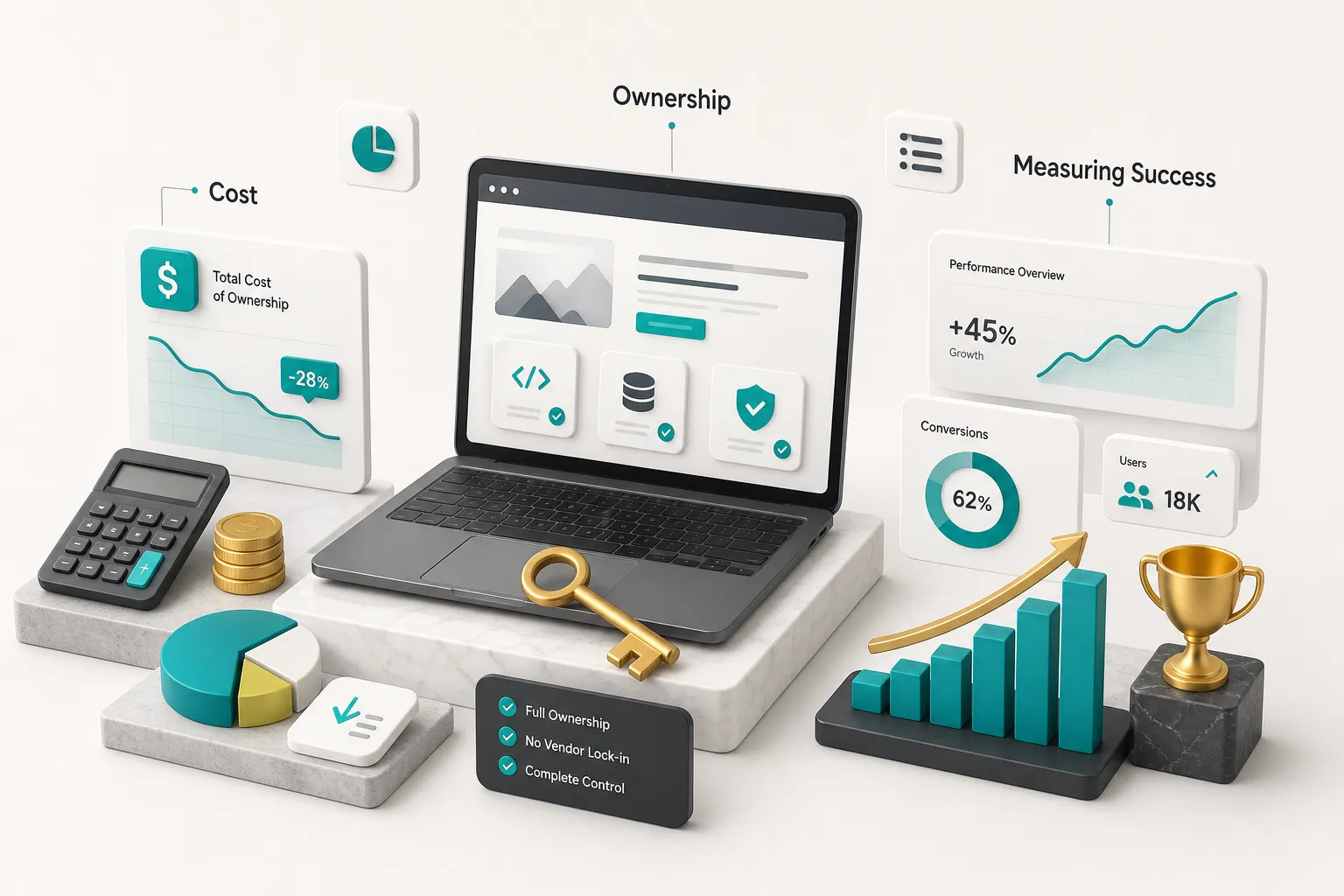
Website pricing feels arbitrary because vendors quote a total without exposing the variables. Once you know the variables, quotes become comparable.
What Actually Drives Cost and Timeline
Page count matters far less than most buyers assume.
A 60-page site built from 8 templates costs barely more than a 25-page site built from the same 8. Here’s what actually moves the number:
- Unique templates. Each one needs design, responsive behaviour across breakpoints, CMS field mapping, and QA. Budget roughly €800-3,000 per unique template depending on complexity.
- Integrations. A contact form to email is trivial. Two-way CRM sync with field mapping, error handling, and retry logic is a multi-week engagement. Every integration inherits the other system’s quirks and downtime.
- Content migration. Under 50 pages is usually manual and quick. Over 300 pages requires scripted migration, data cleanup, and a redirect map, which can add €3,000-10,000.
- Custom functionality. Calculators, configurators, search with filtering, gated content, member areas. Each is effectively a small application.
- Compliance requirements. WCAG 2.2 AA conformance with documented testing, GDPR consent management, or sector-specific rules add 10-20% to both cost and timeline.
- Localization. Multi-language support affects URL structure, hreflang tags, CMS modelling, and QA. It roughly multiplies content work by the number of languages, not adds to it.
- Stakeholder review cycles. The most underestimated driver. Three approvers with 48-hour turnaround is fast. Eleven stakeholders across two continents with no named decision-maker can add six weeks to an eight-week project.
Who Owns What After Launch
Vendor lock-in rarely looks like lock-in at the time.
It looks like convenience.
Before you sign anything, confirm in writing that you will receive:
- Domain registration in your company’s name, with registrar access. Not the agency’s account.
- Hosting account credentials, or at minimum an account you own with the vendor granted access, so you can revoke it.
- Source code and the Git repository, with full history, transferred to an organisation you control. “We’ll send you a zip file” is not repository access.
- Design files in an editable format (Figma project ownership, not view-only links).
- Analytics and Search Console properties owned by your account with the vendor as a granted user.
- CMS administrator role, plus documented roles for your team.
- Licences for any commercial plugins, fonts, or stock assets, registered to you and with renewal dates listed.
- Documentation: how to deploy, how to edit, where things live, what breaks if you change X.
- An exit procedure. What happens to your site if the relationship ends, including notice period and transfer support.
CompletApp transfers 100% code ownership on full payment as a standard contract term, which is the model to look for.
Any vendor who hesitates on this question has answered it.
A Technically Complete Launch Isn’t a Successful One
A site can pass every QA check, load in 700 milliseconds, and generate fewer leads than the one it replaced.
This happens more often than agencies admit.
Technical completion means no broken links, no console errors, forms submitting correctly, and green Core Web Vitals. Commercial success means the site does the job you paid for.
The gap between them is closed after launch, not before.
Plan a structured 90-day review:
- Weeks 1-2: Verify indexing in Search Console, confirm all redirects resolve with 301 status, check that analytics events fire on every conversion action, and watch for crawl errors from the migration.
- Weeks 3-6: Review real user Core Web Vitals field data (lab scores lie), identify pages with high exit rates, and check whether organic rankings held through the migration. A 10-20% temporary dip is normal; a sustained drop needs investigation.
- Weeks 7-12: Run the first conversion tests on primary CTAs, forms, and pricing pages. Compare against baseline.
Tie the project to metrics you can defend in a board meeting: qualified leads per month, form completion rate (not just form views), conversion rate by traffic source, growth in organic landing pages generating sessions, revenue attributed to organic and direct, and reduced support ticket volume where self-service content replaced human answers.
If nobody agreed a baseline before launch, you cannot prove the project worked.
Capture current numbers during discovery.
Frequently Asked Questions
How much does custom website development cost?
A custom website typically costs between €5,000 and €60,000 in 2026, with most business marketing sites landing in the €10,000 to €30,000 range. The spread comes from unique template count, integrations, content migration volume, and compliance requirements rather than page count.
A 10-template Astro or WordPress marketing site with a CRM integration and 40 pages of new content sits around €15,000-25,000. Add a customer portal with authentication and you’re into web application pricing, which starts near €20,000 and climbs with business logic complexity.
Anyone quoting a fixed number before seeing your requirements is guessing.
How long does it take to build a custom website?
Most custom marketing sites take 8 to 16 weeks from kickoff to launch. Discovery and architecture take 2-3 weeks, design 3-4 weeks, build 4-6 weeks, and QA plus launch 1-2 weeks.
The timeline shortens dramatically when content is ready before design starts, one person holds decision authority, and the scope is fixed in writing. It lengthens when copy arrives late, stakeholders review in serial rather than parallel, or integrations depend on a third party’s engineering calendar.
Focused MVP-style builds with a fixed scope can ship in around four weeks; sprawling enterprise projects with legal review can run six months.
What is the difference between web design and web development?
Design decides what the site looks like and how it behaves; development builds it so it actually works.
Design covers user experience design, information architecture, wireframes, visual systems, and interaction patterns. Development covers markup, styling, CMS implementation, backend logic, integrations, performance optimisation, and deployment. They are separate disciplines that overlap heavily, and a project needs both.
Buying design alone leaves you with attractive files and no website. Buying development alone usually produces something functional that converts poorly.
Is custom website development better than WordPress?
This is a false comparison, because WordPress can absolutely be a custom build.
The real distinction is between a templated theme (a purchased design applied to your content) and a custom-engineered site (architecture, templates, and CMS structure built for your specific requirements). Custom WordPress development means bespoke theme code, purpose-built content models, and no page-builder bloat.
The genuine trade-off is between WordPress and alternatives like Astro or a headless CMS, and that choice depends on editing frequency, performance targets, and interactivity needs, not on which one sounds more advanced.
What should I look for in a custom web development company?
Look for demonstrated work in your specific project type, because building marketing sites and building web applications are different skill sets.
Beyond the portfolio, evaluate five things: a documented process with named deliverables at each stage, written code ownership terms that transfer everything to you, response time during the sales conversation (it will not improve after you sign), a clear answer on who does the work and whether it’s subcontracted, and defined post-launch support with hours and response times specified.
Ask to see a staging environment from a past project and a handover document.
Vendors who work to a fixed scope and fixed price, and who offer a milestone-based exit, are structurally more aligned with your interests than those billing open-ended hours.
What are the benefits of a custom-built website?
The concrete benefits are performance control, integration flexibility, content modelling that matches your business, and no platform ceiling as you grow.
A custom build lets you ship only the code the page needs, which is why well-built Astro sites routinely hit sub-second load times that template platforms cannot reach. You also get exactly the CMS fields your team needs, direct integration with internal systems, full control over markup for SEO and accessibility, and ownership of the codebase.
What you don’t automatically get is speed, security, or scalability.
Those come from the specific engineering decisions made during the build, and a poorly executed custom site underperforms a good template every time.
Deciding What Comes Next
Strip away the technology debate and the decision is fairly simple.
If you need a fast, editable, search-visible marketing presence, Astro or a properly engineered custom WordPress build will serve you well, with the choice hinging on how often non-technical staff publish.
If you need logins, dashboards, saved user state, or transactional logic, you need a web application framework and a real backend, and you should scope it as a product rather than a website.
If your content team is large and publishes across multiple channels, a headless CMS with a static frontend is worth the added coordination cost.
Before you contact a single vendor, write a discovery brief.
Two pages is enough: business goals with current baseline numbers, the three user actions that matter most, must-have integrations and who controls them, your content situation (what exists, who writes what’s missing, by when), and your realistic budget range.
That document will get you better proposals, faster, and it makes vendors comparable.
The word “custom” guarantees nothing. Architecture matched to the actual job, content that’s ready before design starts, and a maintenance plan that survives the first year determine whether the site earns its cost.
Choose the partner who asks harder questions than you expected during the first call.
That’s the signal.