What Are Mobile App Development Apps, Really?
Search “mobile app development apps” and you’ll get a list of 25 tools that have almost nothing in common with each other.
Xcode sits next to Adalo. Firebase sits next to Figma.
It reads like a hardware store listing hammers and houses on the same shelf.
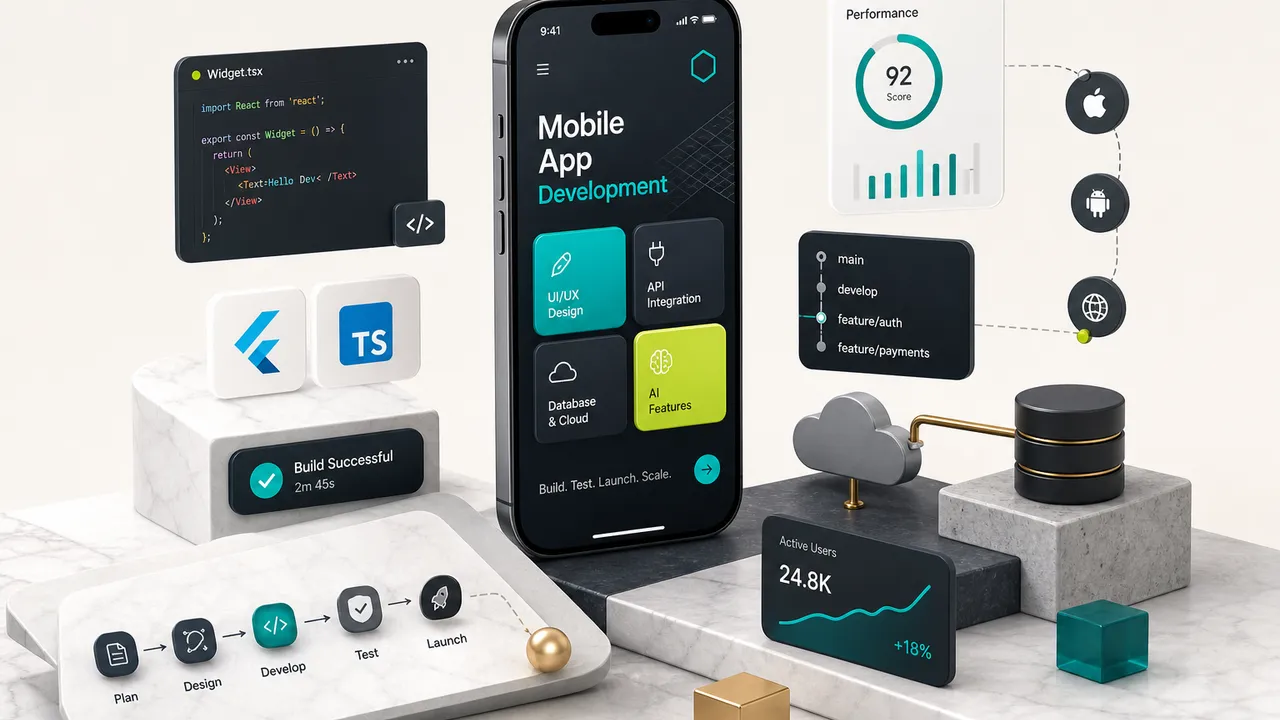
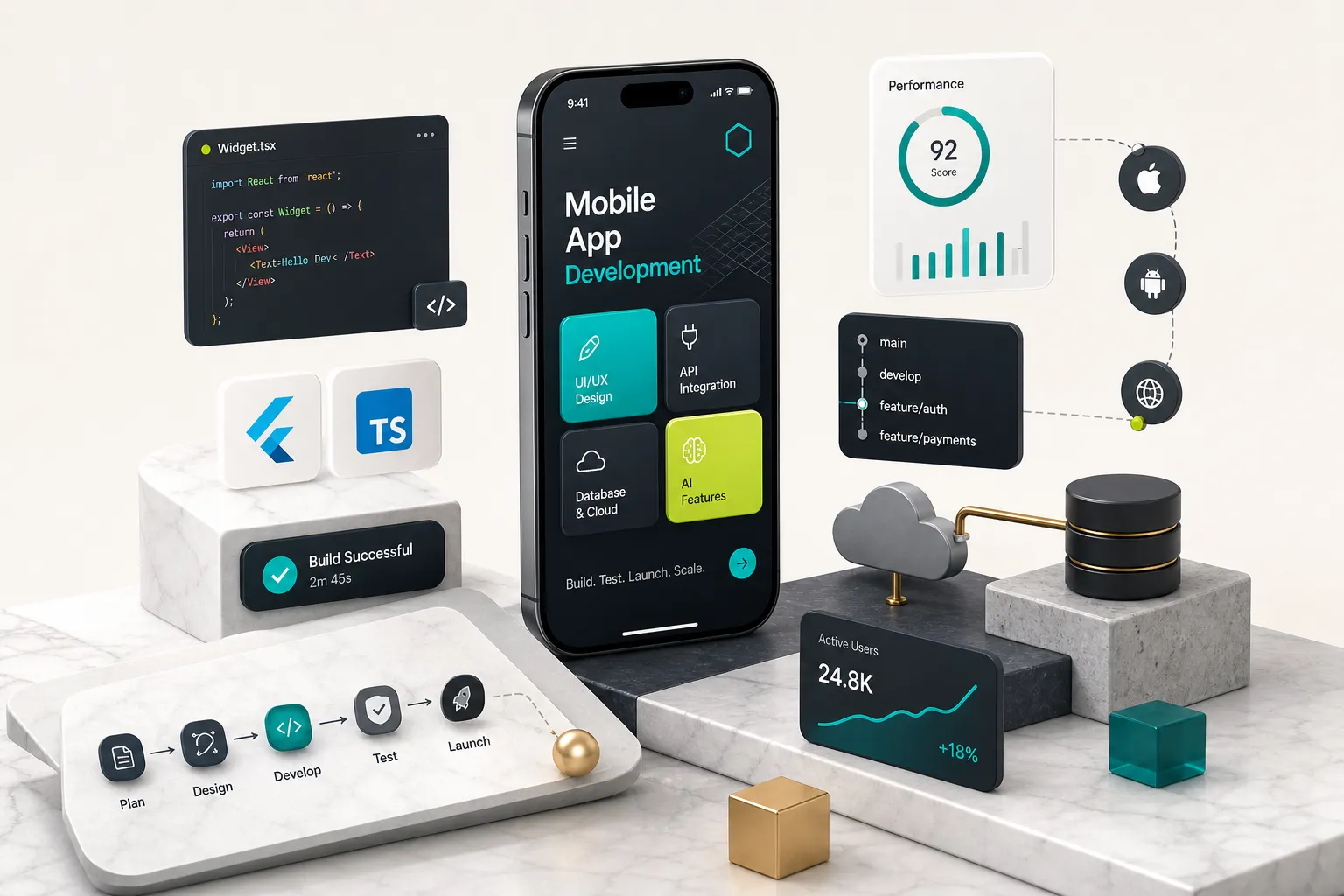
Mobile app development apps are the software programs used to design, build, test, publish, and monitor mobile applications.
That’s a category, not a product.
A single real project usually touches four or five of them at once, and they serve completely different jobs.
The confusion costs founders real money.
Someone reads a listicle, picks a no-code app builder because it topped the list, spends three months building, then discovers it can’t handle offline sync or biometric authentication.
The rebuild costs more than the original build.
The right question isn’t “which app development tool is best?” It’s “which combination of tools can support the app I actually need, at the skill level I actually have, for as long as I plan to own it?”
This guide treats tool selection as a decision problem. You’ll learn what each category of software does, how the categories connect across the mobile application development lifecycle, and how to pick a path based on your users, integrations, budget, and ownership requirements.
It’s written for people who are not yet deep in this world: first-time founders, marketers who need an internal tool, students learning native app development, small business owners who’ve been quoted wildly different prices by three agencies. If you already know the difference between an SDK and a framework, skip to section four.
The Seven Categories of Development Tools
Every tool you’ll encounter falls into one of seven buckets.
Learn the buckets and the 25-item listicles suddenly make sense.
| Category | What It Actually Does | Real Examples | Lifecycle Stage | Skill Level Needed |
|---|---|---|---|---|
| Design & prototyping | Creates screens, user flows, and clickable mockups before any code exists | Figma, Penpot, Adobe XD | Idea and design | Beginner friendly |
| IDE (integrated development environment) | The workspace where you write, compile, debug, and run code | Xcode, Android Studio, VS Code | Coding | Intermediate to advanced |
| SDK (software development kit) | Bundled libraries, compilers, and APIs that let your code talk to a platform or service | iOS SDK, Android SDK, Stripe SDK, OneSignal SDK | Coding | Intermediate |
| Framework | A pre-built code structure with UI components and patterns so you don’t start from zero | Flutter (Dart), React Native (JavaScript), SwiftUI, Jetpack Compose | Coding | Intermediate to advanced |
| App builder (low-code / no-code) | Visual drag-and-drop interface that generates an app without hand-written code | FlutterFlow, Adalo, Bubble, Glide | Coding (visual) | Beginner |
| Backend as a service | Hosted database, authentication, storage, and server logic you don’t have to build | Firebase, Supabase, AWS Amplify | Backend and data | Beginner to advanced |
| Testing, CI/CD & monitoring | Runs automated tests, builds releases, ships to stores, tracks crashes after launch | Firebase Test Lab, Codemagic, Fastlane, Sentry, TestFlight | Testing, deployment, post-launch | Intermediate |
IDEs, SDKs, and Frameworks Explained
These three get conflated constantly, so here’s the plain version.
An integrated development environment is your workshop.
Xcode is Apple’s IDE, it runs only on macOS, and it’s the only way to compile and sign an iOS app. Android Studio is Google’s IDE, runs on Mac, Windows, and Linux, and handles Android builds.
They are not competitors.
They target different operating systems.
A software development kit is a toolbox you install into that workshop. The Android SDK gives your code access to the camera, GPS, and notification system. Stripe’s SDK gives it access to payment processing.
Every third-party service you integrate ships an SDK.
A framework is the pre-fabricated frame of the house.
Flutter, built by Google and written in Dart, renders its own UI and compiles to native machine code for both iOS and Android from one codebase. React Native uses JavaScript and bridges to native platform components.
For single-platform work, SwiftUI (iOS, written in Swift) and Jetpack Compose (Android, written in Kotlin) are the modern native choices.
Builders, Backends, and Testing Tools
App builders sit in a different universe.
FlutterFlow generates real Flutter code from a visual editor, which makes it the most exportable of the bunch. Bubble and Adalo keep your app inside their platform, which is faster to start and much harder to leave.
Backend as a service tools solve the problem nobody sees.
Your app needs a cloud database, user authentication, file storage, and server-side logic. Firebase and Supabase provide all four out of the box, which is why a two-person team can now ship what used to require a backend engineer.
The last category is the one beginners skip and regret.
Automated testing catches regressions before users do. Continuous integration and delivery pipelines build and ship your app on every commit. App performance monitoring tools like Sentry or Firebase Crashlytics tell you why 4% of your Android users are crashing on launch.
Typical real-world stack for a small production app: Figma for design, VS Code plus the Flutter framework for code, Supabase for backend, Codemagic for CI/CD, Sentry for monitoring.
Five tools, five categories, one app.
Define Your App Before Picking a Tool
Here’s an uncomfortable pattern: most MVPs that get rebuilt within twelve months were not rebuilt because the team picked a bad tool.
They were rebuilt because nobody defined the app well enough for the tool choice to matter.
Requirements determine which stacks even qualify. If your app needs real-time location tracking with background updates, entire categories of no-code builder are eliminated before you compare pricing. If it’s an internal form-filling tool for 30 employees, hiring a Flutter developer is overkill.
Know Your Users and Core Value Loop
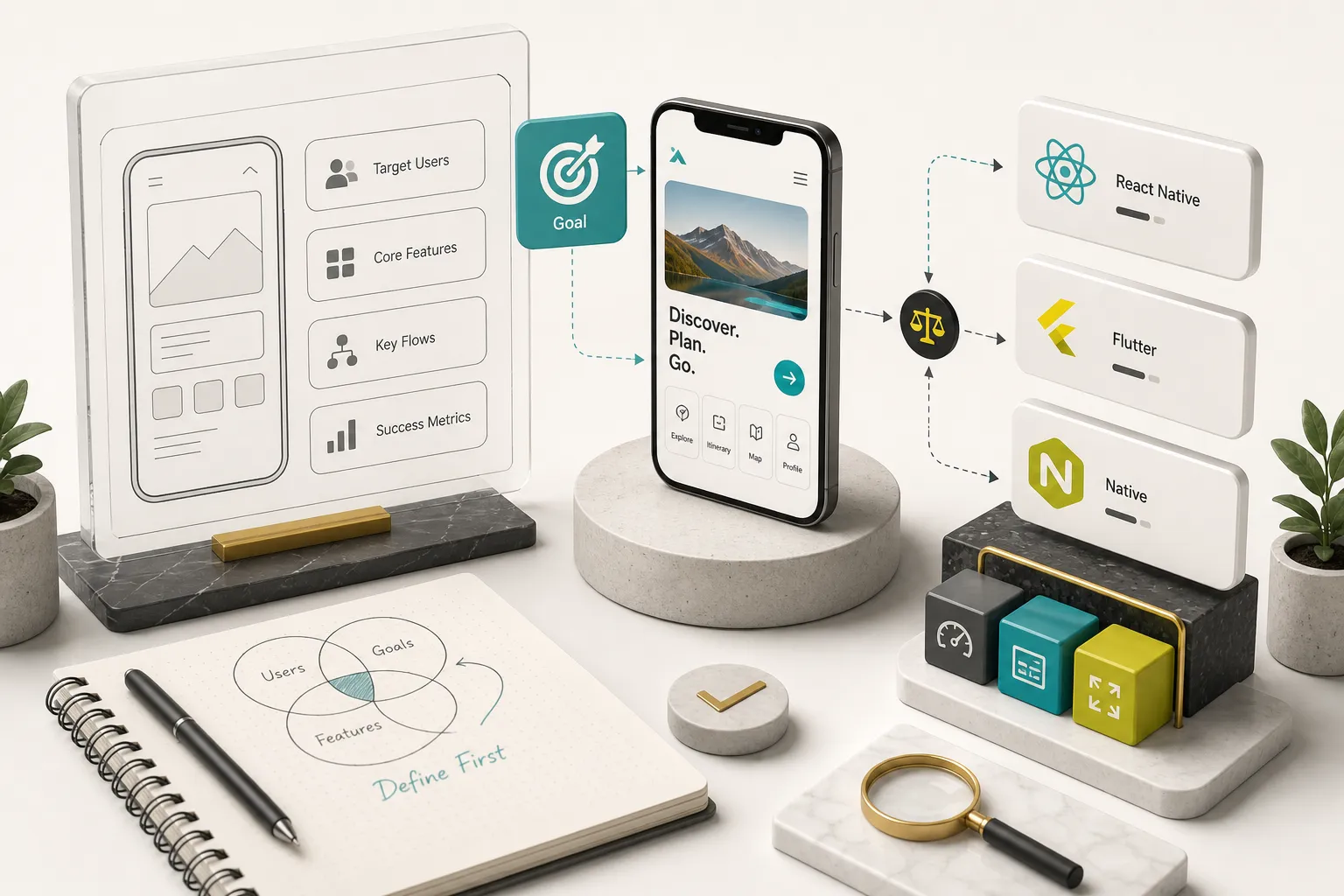
Answer three questions in writing before you open a single tool.
Who opens this app on a Tuesday afternoon, and why? Not “everyone who likes fitness.” A specific person with a specific trigger.
Vague users produce vague feature lists, and vague feature lists produce bloated builds.
Second: what single action creates the value? This is your core value loop.
For a delivery app it’s place order, track, receive. For a habit tracker it’s log entry, see streak, feel motivated to return.
Everything outside that loop is version two.
Third: what does failure look like? If the app loses connection mid-action, does the user lose data?
Apps where the answer is yes need offline-first architecture, which drastically narrows your options.
Good user experience design starts here, not in Figma. You should be able to sketch the core loop as a five-screen wireframe and prototype on paper before touching software.
List Required Integrations and Target Devices
Integrations are the hidden constraint.
Write down every external service the app touches on day one.
- Payments and subscriptions: Stripe for web checkout, RevenueCat or native in-app purchase for mobile subscriptions. Apple and Google take 15 to 30% of in-app digital sales, and their rules on what must go through their systems are strict.
- Authentication: email and password, magic links, Apple Sign In (mandatory if you offer any other social login on iOS), Google, or enterprise SSO.
- Push notifications: Firebase Cloud Messaging, OneSignal, or a platform-native setup. This requires certificate and key management on the Apple side.
- AI features: OpenAI or Claude API integration means you need a server layer. Never ship API keys inside a mobile binary, because they can be extracted in minutes.
- Analytics: Firebase Analytics, Mixpanel, or PostHog, plus consent handling for GDPR and Apple’s App Tracking Transparency prompt.
Then define the device floor.
Which iOS and Android versions do you support? Tablets? Foldables?
A B2B app for hospital staff on five-year-old Android tablets is a completely different technical brief than a consumer app for iPhone 15 users.
Native, Cross-Platform, No-Code, or Expert-Assisted?
Four viable paths exist.
The wrong one costs you six months, not six days. Five variables decide it: budget, timeline, your coding ability, technical complexity, and whether you need to own the code long-term.
A Decision Tree for Your Skill Level
Run through these in order and stop at the first match.
- You’re validating an idea, alone, with no budget and no coding skill. Use a no-code app builder like Glide or Adalo, or build a clickable Figma prototype. Goal is learning, not shipping. Budget: under $100/month. Timeline: days.
- You have an internal tool need with fewer than 200 users and no complex device features. Low-code development platforms work well here. Bubble or FlutterFlow will carry an internal CRM, booking system, or inspection app for years. Timeline: two to six weeks.
- You can code and you’re targeting one platform deeply. Learn native. Swift and SwiftUI in Xcode for iOS, Kotlin and Jetpack Compose in Android Studio for Android. Best performance, deepest platform access, and the strongest long-term skill investment.
- You can code and need both platforms without doubling the work. Cross-platform app development with Flutter or React Native. One codebase, two stores. Flutter tends to win on UI consistency and performance; React Native wins if your team already lives in JavaScript.
- You have a real business case, real users, payments, or investor deadlines, and you don’t want to manage engineers. Expert-assisted development. You get production-grade output without hiring, and the risk shifts to the builder.
That fifth path is where studios like CompletApp operate.
Their model is Flutter-based cross-platform builds with a production-ready MVP in roughly four weeks, fixed scope and fixed price agreed in writing, weekly clickable previews, and code ownership transferred to the client in full on final payment. Backend on Firebase or Supabase, payments via Stripe and RevenueCat, push via OneSignal.
It’s the no-code speed promise with none of the no-code ceiling, and there’s a walk-away guarantee after the first milestone if the fit is wrong.
What No-Code and AI Builders Don’t Tell You
No-code is genuinely excellent for validation.
The marketing rarely mentions what happens at month nine.
- Vendor lock-in is structural, not incidental. Most platforms keep your app logic in their proprietary format. Leaving means rebuilding from scratch, not exporting. FlutterFlow is the notable exception, since it generates real Dart code you can export.
- Data architecture is shallow by design. Complex relational queries, multi-tenant permissions, and row-level security are hard or impossible on many builders. You discover this after your data model grows.
- Performance has a hard ceiling. Lists of 5,000 items, heavy animation, real-time sync, and large media handling are common failure points. Users notice lag long before you do.
- Custom native functionality is often out of reach. Bluetooth peripherals, background location, HealthKit, ARKit, custom camera pipelines, widgets, and watch apps typically need real native code.
- AI-assisted coding tools generate code you still have to own. Claude, Copilot, and Cursor accelerate experienced developers dramatically. They also produce plausible-looking code with subtle security holes when the operator can’t review it. AI is a force multiplier on skill, not a substitute for it.
- Migration risk compounds monthly. Every feature you add to a locked platform increases the cost of leaving it. Decide early whether this app is a test or a business.
When Native Code Is Still Required
Cross-platform frameworks cover roughly 90% of typical app requirements. The remaining 10% still needs platform-specific work, and knowing which bucket you’re in matters before you commit.
- Advanced camera, AR, and computer vision. ARKit and ARCore, custom video pipelines, and real-time image processing generally need native modules bridged into your Flutter or React Native project.
- Biometric authentication and secure enclave storage. Face ID, Touch Id, and hardware-backed keystores are wrapped by good plugins, but banking-grade implementations usually require native review.
- Complex offline sync with conflict resolution. Field service and healthcare apps that must work for hours without connectivity need carefully designed local databases and merge logic.
- Deep accessibility compliance. If you’re bound by WCAG, EN 301 549, or Section 508, you’ll be testing against VoiceOver and TalkBack directly and sometimes patching platform-level behaviour.
- Widgets, watch apps, CarPlay, and Android Auto. These live outside your main app process and are written natively regardless of your primary framework.
- Regulated industries. HIPAA, PSD2, and similar frameworks often carry technical requirements that need native-level control over storage, certificates, and logging.
The good news: a Flutter or React Native app can include native modules. It’s not a binary choice, and a competent team writes 95% shared code and drops to Swift or Kotlin only where it’s genuinely needed.
From Prototype to Production
Most people who say “I built an app” built a prototype.
The gap between a working demo and something safe to put in front of 10,000 strangers is where the majority of the actual effort lives.
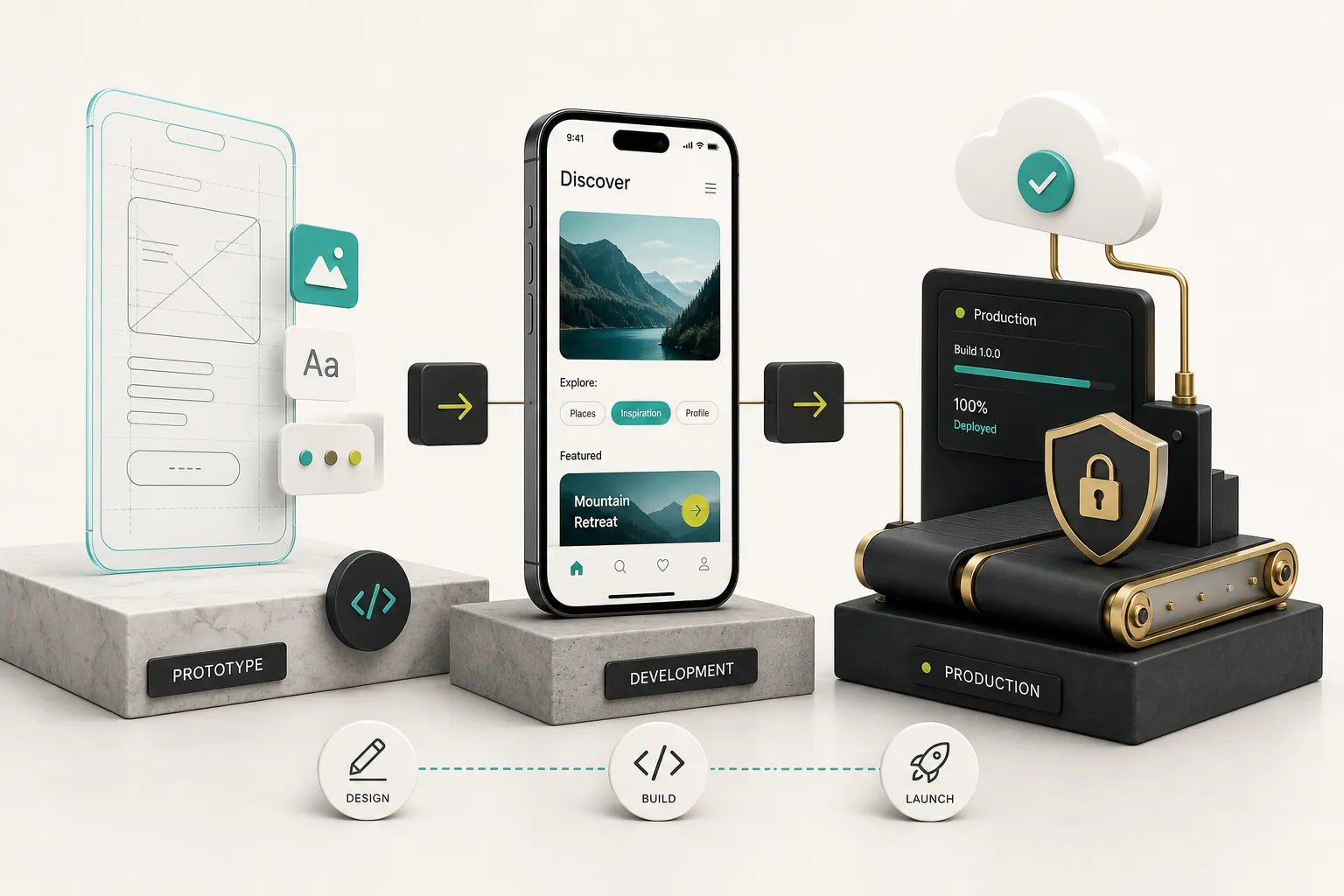
Prototype, MVP, Beta, and Production Defined
Four distinct artifacts, four different amounts of work.
A clickable design prototype is screens linked together in Figma. No database, no logic, no real data.
It exists to test flows with users and pitch to stakeholders.
You can build one in two days, and you should, because changing a rectangle is free and changing a shipped feature is not.
A functional MVP has a real backend, real authentication, and a working core value loop. It stores actual data.
It’s incomplete on purpose: one loop done properly, everything else deferred.
Typical build time is four to eight weeks with an experienced team.
A beta puts that MVP in front of real users through TestFlight on iOS or Google Play’s internal and closed testing tracks. Real data, real edge cases, real feedback.
Plan for 20 to 100 testers and at least two weeks.
Betas surface the bugs your simulator never will.
Production means it’s public, monitored, compliant, and maintained.
Crash reporting is live. Analytics answer product questions.
Someone is on the hook when Apple changes a policy or Android 17 breaks a dependency.
Founders who confuse the MVP stage with production skip monitoring, security review, and store compliance. That’s the version that gets rejected by App Review or leaks user data in week three.
Testing, Security, and Accessibility
Simulators lie.
They have infinite battery, perfect network, and no incoming phone calls.
Real testing happens on real hardware.
Test across at least one low-end Android device, one current iPhone, and one tablet. Cover the last two or three OS versions, since roughly 15 to 20% of Android users lag two versions behind.
Then break things deliberately: enable airplane mode mid-transaction, receive a call during upload, background the app for an hour, run it on 5% battery, throttle to 3G, rotate the screen, unfold a foldable.
Check battery and memory profiles too. An app that drains 12% of battery per hour gets uninstalled, and iOS will report you to the user in Settings.
Mobile app security deserves more than a bullet list, so here’s what actually matters:
- Authentication: use a proven provider (Firebase Auth, Supabase Auth, Auth0) rather than rolling your own. Enforce token expiry and refresh, and never store passwords client-side.
- Secure local storage: tokens and sensitive data belong in iOS Keychain or Android Keystore, not SharedPreferences or plain files.
- Network communication: HTTPS everywhere, TLS 1.2 minimum, and certificate pinning for high-value apps.
- Permission scoping: request the camera when the user taps the camera, not on first launch. Both stores now reject apps requesting permissions they don’t visibly use.
- Secrets management: API keys inside a mobile app binary are public. Proxy third-party calls, especially AI APIs, through your own backend with rate limits.
- API abuse protection: rate limiting, server-side validation of every input, and row-level security on your database. Assume the client is hostile.
- Third-party SDK risk: every SDK you add can read your app’s data and inflate your binary. Audit what each one collects, since you must declare it in store privacy labels.
Accessibility testing is not optional in 2026, and the European Accessibility Act made that concrete for anyone selling into the EU. The baseline: semantic labels on every interactive element so screen readers announce them, contrast ratio of at least 4.5:1 for body text, layouts that survive dynamic text scaling to 200%, touch targets of at least 44x44pt on iOS and 48x48dp on Android, and logical focus order for keyboard and switch control users.
Test with VoiceOver on and your eyes closed. It takes twenty minutes and it’s the fastest accessibility audit available.
Submitting and Maintaining Your App
App Store submission and Google Play publishing follow different rhythms.
Apple’s review is human and typically takes 24 to 48 hours, with rejections common on first submission. Google’s is largely automated but new developer accounts face a mandatory closed testing period with real testers before production access.
Preparation checklist, roughly in order:
- Developer accounts: Apple Developer Program at $99/year, Google Play Console at a one-time $25. Register these under the company, not a personal email you’ll lose.
- Signing credentials: certificates, provisioning profiles, and the Android upload keystore. Lose the keystore and you cannot update your own app. Back it up in two places.
- Privacy disclosures: Apple’s nutrition labels and Google’s Data Safety form must accurately describe every piece of data collected, including by third-party SDKs.
- Store assets: screenshots per device size, icon, description, keywords, support URL, and a live privacy policy page.
- Review preparation: demo credentials for reviewers, a note explaining any unusual permissions, and confirmation that all digital purchases route through the platform’s payment system.
Launch day is the start, not the finish.
Wire up crash monitoring before release so your first bad build is visible within minutes.
Watch crash-free session rate: below 99% means users are hitting real problems.
Track activation and retention against your core value loop, not vanity downloads.
Then there’s the maintenance floor nobody quotes for.
Apple and Google each ship a major OS release annually with new SDK requirements.
Dependencies deprecate.
Certificates expire, and an expired push certificate silently kills notifications.
Budget 15 to 20% of the original build cost per year just to keep the app functioning.
Finally, ownership.
Before any handover, confirm in writing that you control the Git repository, the Apple and Google developer accounts, the Firebase or Supabase project, the signing keys, the domain, and the source code license.
This is exactly why a full code ownership clause matters: without it, your app is a rental.
CompletApp transfers 100% of source code rights on final payment for this reason, and any serious builder should offer the same.
Your Next Step, Not Your Next App
The shift worth internalizing: you’re not choosing a tool, you’re choosing a path. That path is set by who your users are, what integrations you need, and whether you intend to own this thing in two years.
A simple rule covers most situations.
If you’re alone and testing whether anyone wants this, prototype fast with no-code or a clickable Figma flow and spend nothing you can’t walk away from.
The moment real users, real payments, or real scale enter the picture, move to cross-platform development or bring in expert-assisted help, because the cost of migrating off a locked platform only grows.
Write down your core value loop, your integration list, and your device floor before you open a single app. Those three documents will eliminate 80% of the tools you were considering, which is exactly the point.
And apply one final filter to whatever you pick.
The right development app isn’t the fastest to demo or the loudest in the listicle.
It’s the one whose output you can still debug, secure, update, and legally own after two OS releases and one pivot.